Inspired Ergonomic Desk Setup: From Aesthetic to Truly Productive
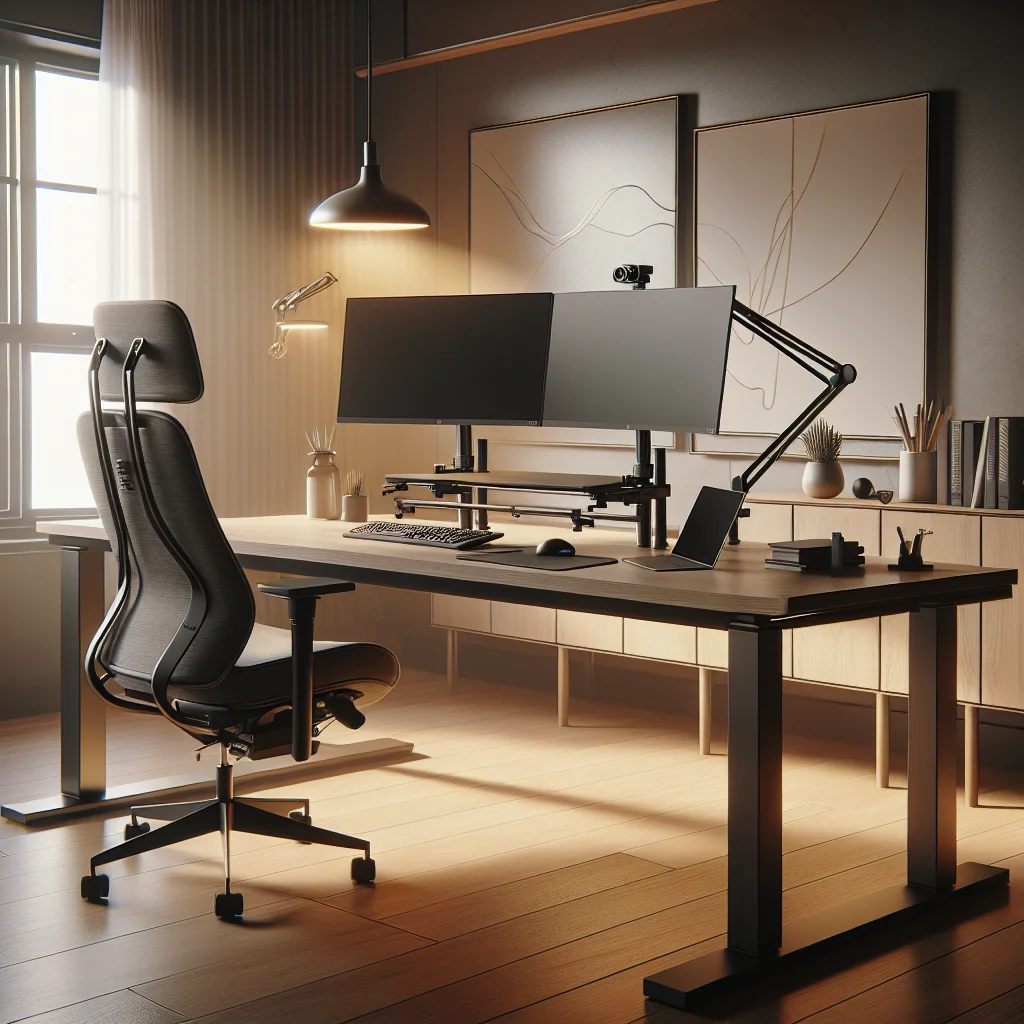
An inspired ergonomic desk setup should feel calm, look good, and support your body. It is more than a pretty picture; it is a system that helps you focus, work longer without pain, and enjoy your space. This guide walks through how to set up a desk that is both aesthetic and ergonomic, even in a small home office.
Clarify Your Vision: What “Inspired” Really Means
Before buying gear, decide what you want from your workspace. An inspired desk setup blends ergonomics, productivity tools, and visual style that matches your taste. That might be a minimalist desk with a single monitor, or a stacked monitor setup with a mechanical keyboard and a simple flow timer.
Define Your Core Tasks First
Think about your main tasks: writing, coding, design, gaming, or meetings. Your computer desk setup should support those tasks first, then add style. This mindset keeps you from filling a small desk with clutter that looks nice but slows you down and distracts your focus.
Choose a Style That Supports Calm
Decide which style makes you feel relaxed and clear: minimalist, cozy, or tech-heavy. Use that style as a filter for every item you add. If something does not help your work or your sense of calm, leave it out of your inspired ergonomic desk setup.
Minimalist and Small Desk Setup: Making Space Work Harder
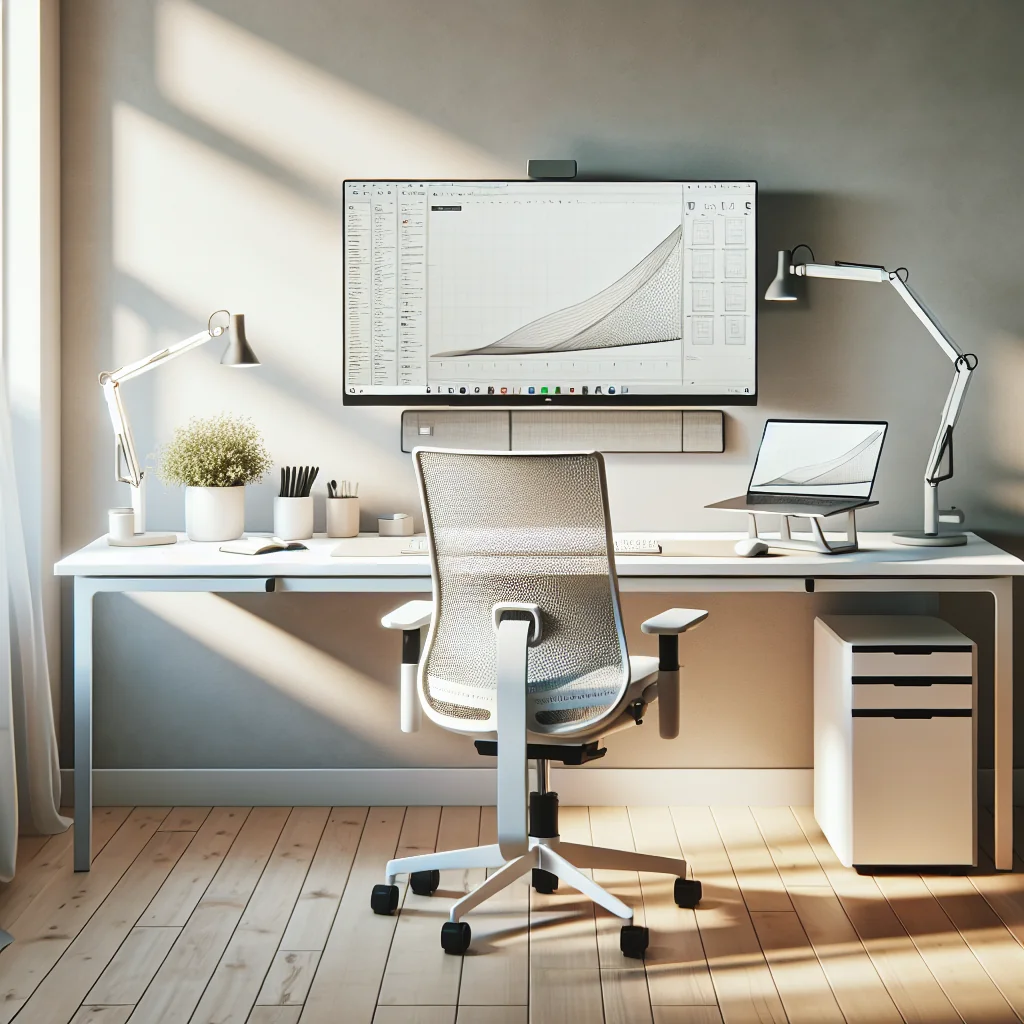
A minimalist desk is not empty; it is intentional. Every item has a clear job. This is especially important for a small desk setup or a compact home desk where space is limited and distractions pile up fast.
Pick the Right Desk Size and Shape
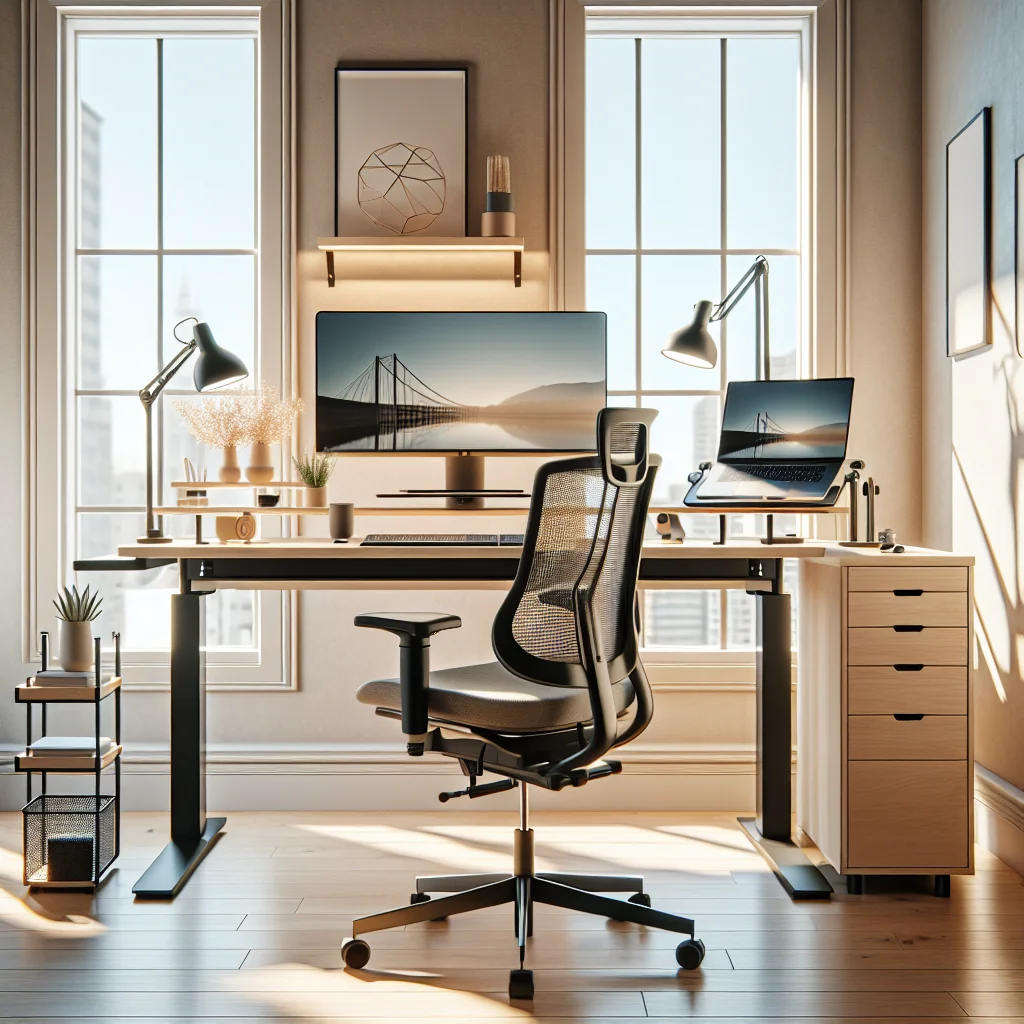
Choose a desk that fits your room and your body. Many people like a simple modular desk because it is affordable and easy to adjust. You can pair a basic tabletop with adjustable legs or drawers and still keep a clean, simple desk setup. Leave enough depth so your monitor is at least an arm’s length away.
Use Vertical Space, Not Just Surface Area
Use vertical space instead of spreading out. A narrow shelf above the monitor, a slim drawer unit, or a pegboard can hold items you do not need every minute. Keeping the desktop clear reduces visual noise and helps you drop into focus faster, even on a very small desk.
Ergonomic Desk Blueprint: Core Positions That Protect Your Body
Good ergonomics protect your neck, shoulders, eyes, and wrists. You do not need expensive gear, but you do need correct positions that match your height and chair.
Step-by-Step Ergonomic Setup
Use the following steps as a simple blueprint for your inspired ergonomic desk setup. Adjust slowly and test each change for at least a day.
- Set desk and chair height so your elbows are at about 90 degrees and your shoulders stay relaxed.
- Place the monitor so the top of the screen is at or slightly below eye level and about an arm’s length away.
- Keep the keyboard and mouse on the same level, close to your body, so your wrists stay straight.
- Place your feet flat on the floor or on a footrest, with knees roughly level with your hips.
- Angle the monitor to reduce glare, and keep the center of the screen straight in front of you.
The goal is a neutral posture where you can sit or stand without strain during long sessions at your home office. Once the basics feel right, you can fine-tune small angles and distances to match your body.
Quick Reference: Ergonomic Setup Comparison
The table below compares common desk setup mistakes with better ergonomic options so you can spot problems quickly.
| Area | Common Problem Setup | Ergonomic Inspired Setup |
|---|---|---|
| Chair and Desk Height | Chair too low, wrists bent up, shoulders hunched | Elbows at 90 degrees, shoulders relaxed, wrists straight |
| Monitor Placement | Monitor too close and too high, neck tilted back | Top of screen at eye level, about an arm’s length away |
| Keyboard and Mouse | Keyboard far away, mouse wide to the side | Both close to the body, on same level, minimal reach |
| Feet and Legs | Feet dangling or tucked under chair, knees cramped | Feet flat or on footrest, knees level with or slightly below hips |
| Lighting | Strong overhead glare on screen, harsh contrast | Soft, even light with minimal glare and clear view of screen |
Use this table as a quick check each time you tweak your setup. Small posture changes add up over weeks and can prevent tension before it starts.
Keyboards and Keycaps: Comfort That Matches Your Style
Many people ask what a mechanical keyboard is and whether it matters for ergonomics. A mechanical keyboard uses individual switches under each key. These switches give clearer feedback and can be easier on your fingers if you type a lot.
Mechanical Keyboard Benefits for Ergonomics
A well-chosen mechanical keyboard can reduce finger fatigue and improve accuracy. You can pick key switches that feel light or firm, loud or quiet, based on your preference. Look for a keyboard with adjustable feet, a slight negative tilt, or a wrist rest so your wrists stay neutral.
Using Color and Layout for an Inspired Look
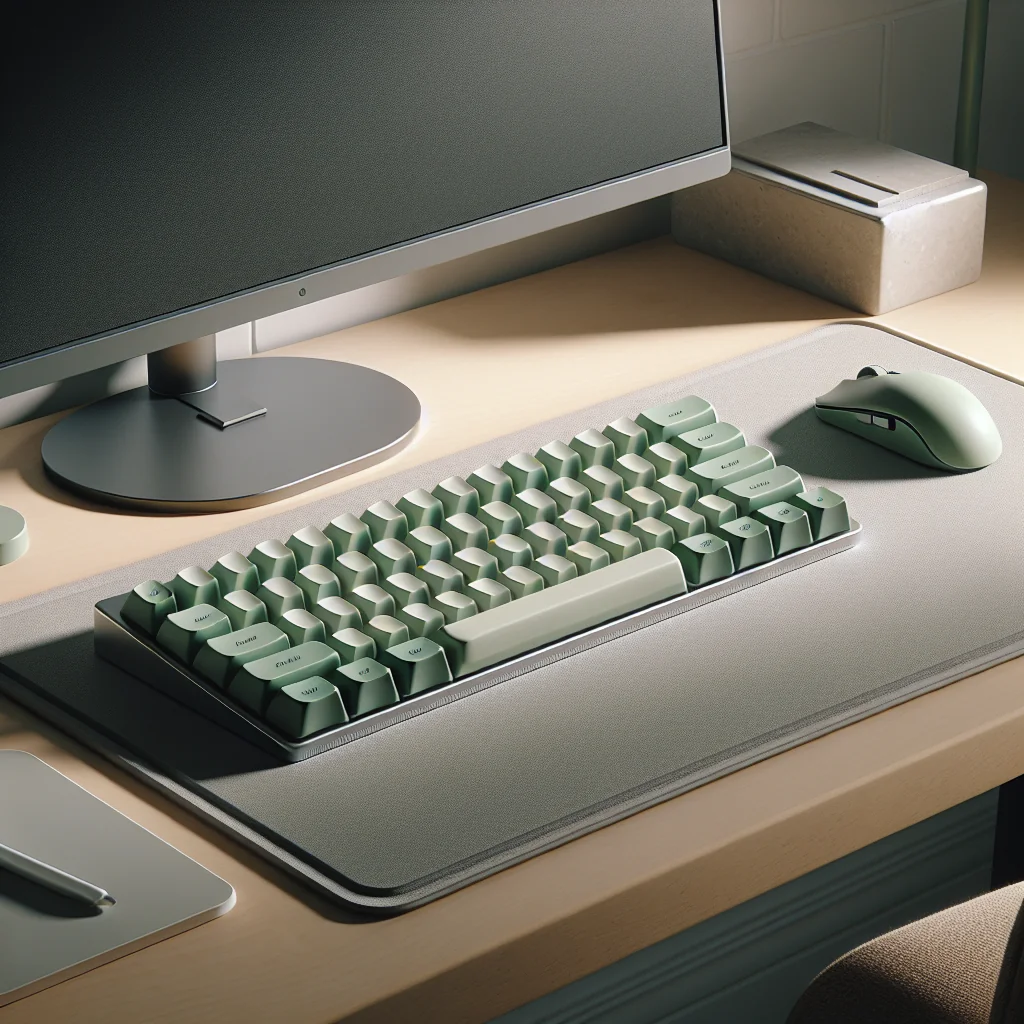
A mechanical keyboard can also be part of an aesthetic desk setup. Swapping to sage green keycaps, for example, adds a soft, natural tone that pairs well with wood desks and plants. Just make sure the layout still supports a relaxed shoulder width and a straight wrist angle, so style never harms comfort.
Choosing a Mouse: Ergonomics in the Hand
Your mouse matters as much as your keyboard. An ergonomic mouse should fit your hand size, reduce gripping force, and allow natural wrist movement. Many users choose sculpted designs that support the hand and reduce strain over long days.
What to Look For in an Ergonomic Mouse
Pick a mouse that fills your hand without forcing your fingers to stretch. Side buttons should be easy to reach without twisting your thumb. Scroll wheels that move smoothly help with long documents and timelines, which can ease strain on your fingers.
Mouse Placement in a Small Desk Setup
Place the mouse close to the keyboard so your arm does not reach out to the side. If your small desk setup is tight, consider a compact keyboard to bring the mouse closer to your body and reduce shoulder tension. A simple desk mat can mark the ideal zone for both devices.
Monitor Layout and Light Bars: Seeing Clearly Without Strain
Monitor placement has a big effect on neck and eye comfort. Some people use a single large monitor, while others prefer a stacked monitor setup with one screen above another. Stacking can save horizontal space on a narrow desk and keep key windows in view.
Single vs Stacked Monitor Setup
If you use two monitors, keep the main one directly in front of you. The secondary screen can sit above or to the side, but try not to twist your neck for long periods. A monitor arm helps you fine-tune height and distance on any computer desk layout and makes adjustments easier.
Choosing and Positioning a Monitor Light Bar
A monitor light bar that clips to the top of the screen can light the desk surface without glare. A good light bar lets you adjust brightness and color temperature. Warmer light in the evening and cooler light in the morning can reduce eye strain and support focus during different parts of the day.
Lighting Your Office for Focus and Comfort
Many people overlook lighting in a home office. Poor light leads to headaches, low energy, and washed-out screens. A balanced plan uses three types of light: natural, ambient, and task.
Natural and Ambient Light Basics
Place the desk so windows sit to the side of your monitor, not directly behind or in front. This reduces glare and harsh contrast. Use a ceiling light or floor lamp for general brightness, then add a desk lamp or light bar as task lighting across your work area.
Tuning Light Color and Brightness
Choose bulbs with a neutral white tone for daytime work. Very cool light can feel harsh, while very warm light can make you sleepy. Dimmable lights let you tune the space for different tasks, from deep focus to relaxed reading or evening planning sessions.
Timers, Flow, and Productivity Tools That Support Ergonomics
Ergonomics help your body, but you also need systems that help your mind. A pomodoro timer or flow timer can structure your work into short, focused sprints with planned breaks. This reduces burnout and keeps you from sitting too long without moving.
Using Timers to Protect Your Body
Place a physical timer on the desk or use a simple app. Classic pomodoro timing uses 25 minutes of work and a 5-minute break, but you can adjust to your task type. Use breaks to stand, stretch, and rest your eyes so your ergonomic desk setup supports you across the whole day.
Building Simple Routines Around Your Desk
Create small rituals at the start and end of each work block. At the start, clear the desk, fill a water glass, and set your timer. At the end, close open tabs, jot down the next action, and reset the desk. These routines keep the space tidy and help your brain link the desk with focused, calm work.
Desk Setup Essentials Checklist for an Inspired Workspace
To keep things clear, here are key desk setup essentials that support an inspired ergonomic desk setup and a calm aesthetic. Use this as a checklist to review what you have and what you might adjust.
- Desk and chair at suitable height for neutral posture and relaxed shoulders
- Monitor or stacked monitor setup at eye level and arm’s length
- Mechanical keyboard (if you like) with comfortable layout and stable keycaps
- Ergonomic mouse placed close to the keyboard within a natural reach zone
- Monitor light bar or desk lamp for even, glare-free task lighting
- Simple cable management: clips, ties, or a cable tray to clear visual clutter
- Pomodoro timer or flow timer for structured work and break cycles
- Footrest or box if your feet do not reach the floor comfortably
- Minimal accessories: notebook, pen, coaster, and one or two personal items
- Visual accents, such as sage green keycaps, a plant, or a framed print
Start with what you already own and adjust one area at a time. Often a small change, like raising the monitor or adding a footrest, makes a bigger difference than buying a full set of new gear.
Bringing It All Together Into One Inspired Ergonomic Desk Setup
An inspired ergonomic desk setup blends form and function. The minimalist desk keeps clutter low, the lighting keeps your eyes relaxed, and the keyboard and mouse match both your hands and your style. Timers and routines help you enter flow without overworking your body.
Iterate Slowly and Listen to Your Body
Begin with basic ergonomics, then layer in aesthetics like soft colors or clean lines. As you work, notice what feels off: tight shoulders, dry eyes, messy cables, or mental fatigue. Adjust one piece at a time until your space feels both calm and productive, and give each change a few days before judging it.
Let Your Workspace Evolve With Your Work
Over time, this approach turns any small desk or full home office into a supportive, inspired space. As your tasks change, revisit your setup and refine it again. Treat your desk as a living system that grows with you, keeping comfort, clarity, and focus at the center of every choice.