Ergonomic Minimalist Desk Setup: A Practical Guide to a Calm, Productive Workspace
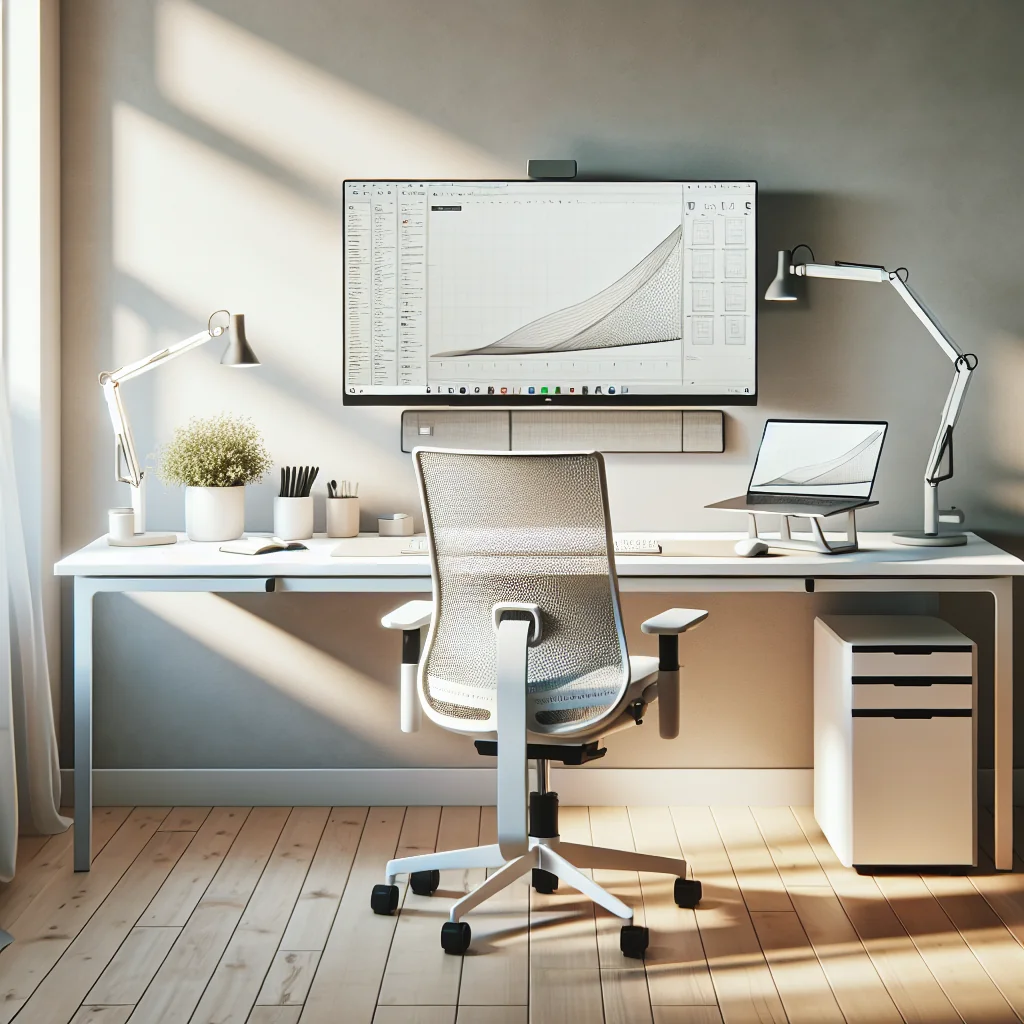
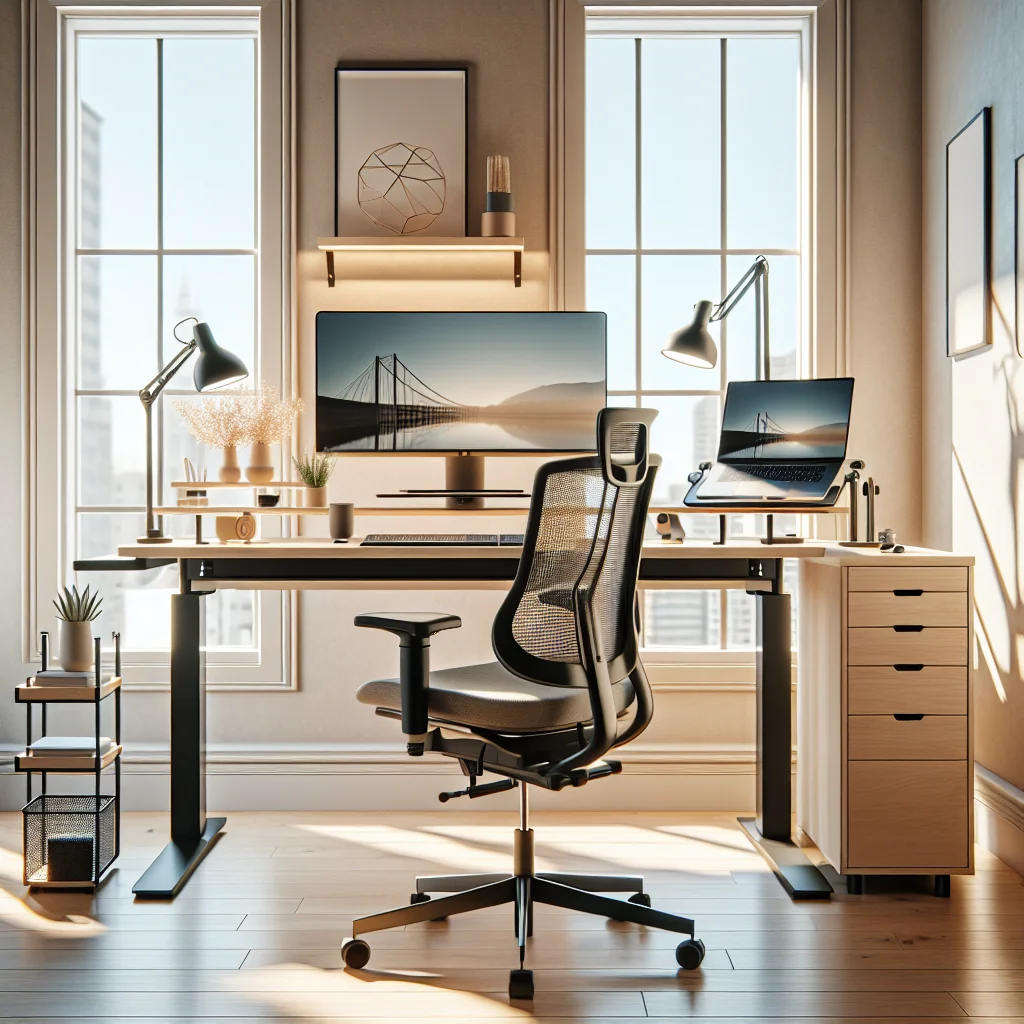
An ergonomic minimalist desk setup is about more than a clean photo. The goal is a small, simple desk that supports your body, reduces visual noise, and keeps only the tools that help you work. With the right layout, lighting, and a few smart accessories, your home desk setup can improve focus and comfort every day.
This guide walks through how to set up a desk step by step, using ideas from productivity setups, aesthetic desk setups, and ergonomic best practices. You will see how items like a focus timer, a mechanical keyboard, a monitor light bar, or even sage green keycaps can fit into a calm, functional workspace.
Start With the Desk: Simple, Small, and Stable
The desk itself shapes everything around your ergonomic minimalist desk setup. A small desk setup forces you to choose essentials and avoid clutter. That is a key part of both minimalism and good ergonomics, because less clutter means fewer distractions and more room for healthy posture.
Many people like a modular desk because it is flexible, affordable, and easy to keep visually simple. A plain rectangular top with straight legs or adjustable legs is usually enough. Focus on depth: 60–75 cm (about 24–30 inches) gives space for a monitor at a healthy distance and a keyboard with wrist room.
For a home office setup in a tight space, place the desk along a wall with the front edge clear. Avoid built-in shelves right in front of your knees, which can limit leg movement. Stability matters more than extra features; a wobble-free desk helps a stacked monitor setup or a single monitor stay comfortable and safe.
Ergonomic Layout: How to Set Up a Desk for Your Body
Ergonomics is about fitting the desk to you, not the other way around. A simple desk setup should still follow basic posture rules so your neck, back, and wrists stay healthy during long work sessions.
Start with chair height. Sit so your feet rest flat on the floor and your knees are roughly level with your hips. Then adjust desk height or chair height so your forearms rest parallel to the desk surface when you type. Your shoulders should feel relaxed, not raised.
For a computer desk setup, place the monitor so the top of the screen is near eye level. The screen should sit at about an arm’s length away. If you use a laptop, a stand plus an external keyboard and mouse is much better for your neck than working directly on the laptop keyboard.
Minimalist Monitor Choices, Including Stacked Monitor Setups
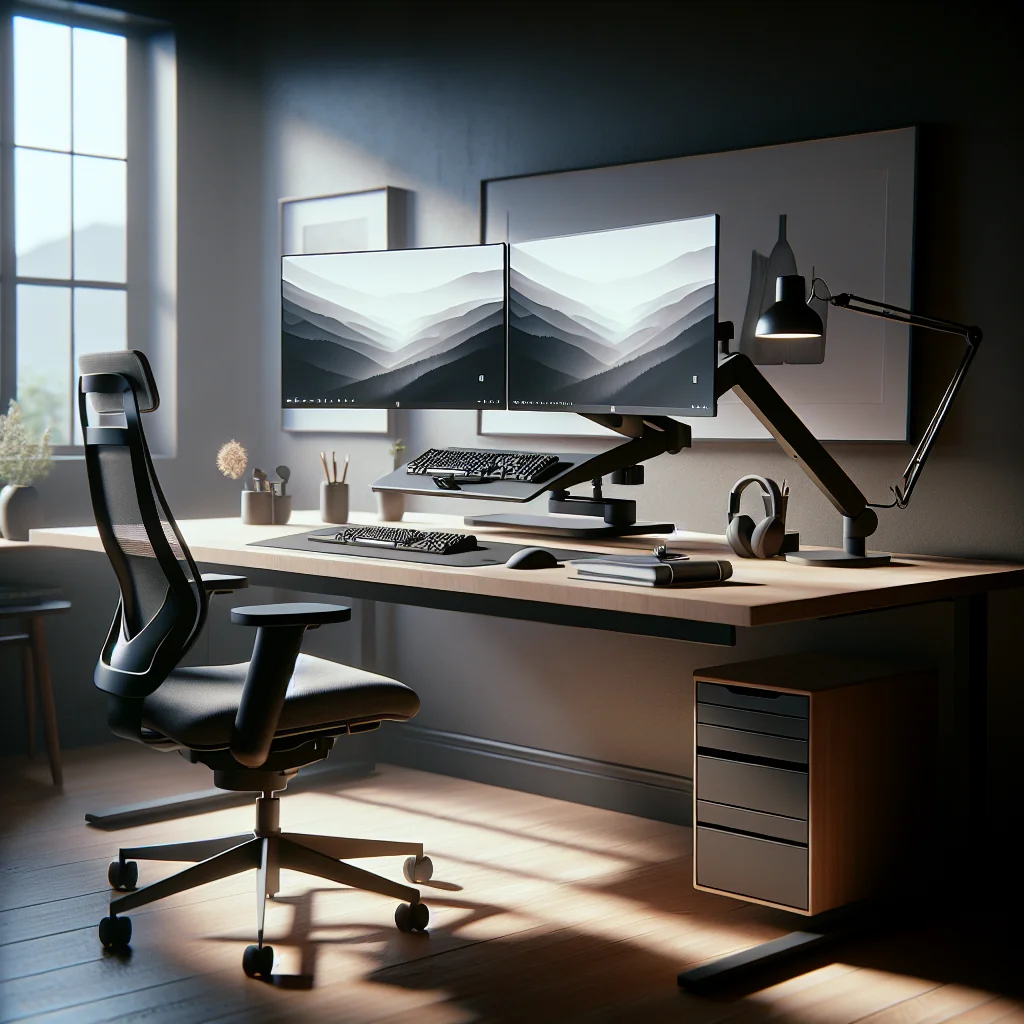
Many people assume more screens always mean more productivity, but that is not always true. A minimalist desk can work well with a single large monitor or a carefully planned stacked monitor setup. The key is to avoid visual overload and neck strain.
A stacked monitor setup places one screen above another. If you choose this layout, use the lower monitor as your main display. Keep the upper screen for secondary content, such as reference material or communication apps. Make sure you do not tilt your head up for long periods; glance up with your eyes instead.
Keep cables hidden with simple clips or a cable tray under the desk. Fewer visible cables support a clean, aesthetic desk setup and make the workspace feel calmer, which can help you get into a flow state faster.
Lighting for Focus: Desk Light Bar and Office Lighting Basics
Good lighting is central to an ergonomic minimalist desk setup. Harsh glare or deep shadows can cause eye strain and headaches. A monitor light bar is a compact way to light your desk without taking up surface space.
The best monitor light bar for your needs will sit on top of the monitor and shine down on the desk, not into your eyes. Look for features like adjustable brightness and color temperature. Cooler light can help you feel alert during the day, while warmer light feels gentler in the evening.
Learning how to light an office is simple: mix ambient light with task light. Use a ceiling light or floor lamp for overall brightness, and a light bar or small desk lamp for your work area. Avoid strong light directly behind your monitor, which can cause glare on the screen.
Keyboard and Mouse: Mechanical Comfort and Subtle Aesthetics
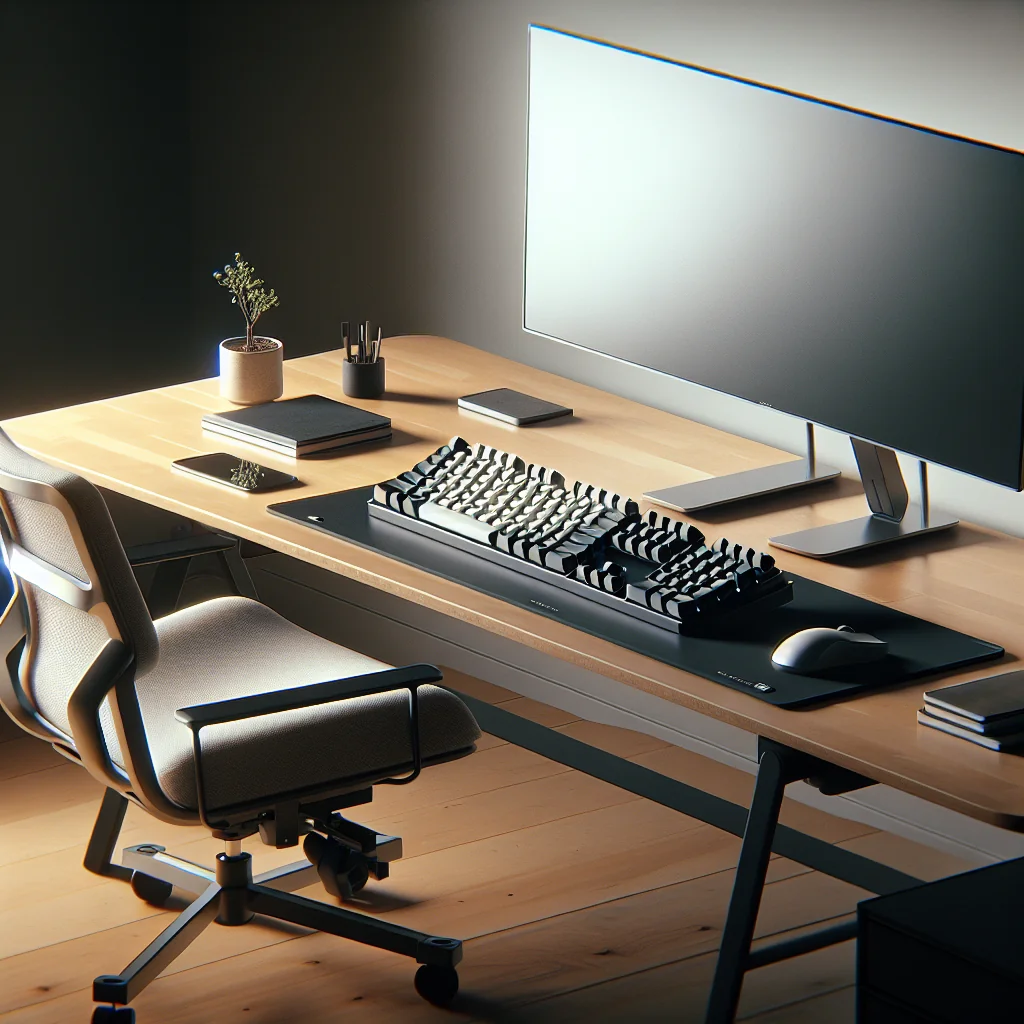
The input devices you touch all day have a huge impact on comfort. Many people ask what a mechanical keyboard is and whether it helps ergonomics. A mechanical keyboard uses individual mechanical switches under each key, which gives clear feedback and often better durability than typical membrane keyboards.
For an ergonomic minimalist desk setup, a compact mechanical keyboard can save space and keep your posture centered. Choose a layout that lets your elbows rest close to your sides, not flared out. If you enjoy a bit of color, sage green keycaps can add a soft, calm accent without breaking the minimalist feel.
The mouse also matters. A sculpted mouse with a thumb rest can support the hand and reduce strain. Extra buttons and a horizontal scroll wheel can speed up work in spreadsheets, timelines, or design apps. For many people, the comfort and precision justify a slightly larger shape, though very small hands may prefer a slimmer mouse.
Desk Setup Essentials for a Clean, Productive Layout
Minimalist does not mean bare. A strong productivity setup includes a small set of desk setup essentials. These items support your work, protect your body, and help you stay focused without adding clutter.
- Comfortable chair with lumbar support or a simple lumbar cushion
- Monitor or laptop stand for eye-level viewing
- Mechanical or low-profile keyboard and ergonomic mouse
- Monitor light bar or compact desk lamp
- Mouse pad or desk mat for wrist comfort and visual structure
- Pencil cup or small tray for daily tools such as pen and notebook
- Single charging hub or power strip to reduce cable mess
- Focus timer for work and rest cycles
- Small plant or framed print for a bit of personality
Use your desk surface as a filter: if an item is not on this essentials list and you do not use it daily, store it in a drawer or on a shelf. This habit keeps your simple desk setup clear and helps you sit down to a ready-to-work space each day.
Timers and Flow: Using Time Blocks in a Minimalist Setup
Time management tools fit naturally into a minimalist and ergonomic workspace. A simple timer breaks your work into short, focused blocks with rest breaks between them. Many people use 25 minutes of work followed by a 5-minute break, but you can adjust the length to match your task.
A longer focus timer works well for deep-work sessions such as 45–90 minutes with a longer break after. The idea is to protect a block of time where you avoid distractions and keep your attention on one task. A small physical timer or a compact digital display on your desk can remind you to stand, stretch, and rest your eyes.
Integrating a timer into your productivity setup is easy. Place the timer where you can see it without turning your head. Use breaks to reset posture, walk briefly, or stretch your hands and shoulders. This routine supports both mental focus and physical health.
Building an Inspired, Aesthetic Desk Setup Without Losing Ergonomics
An inspired desk setup should feel calm, personal, and easy to maintain. The risk is over-decorating and losing the minimalist aspect. The solution is to choose a clear color palette and limit decor to a few items that genuinely make you feel good.
Sage green keycaps, a neutral desk mat, and a single plant can create a soft, cohesive aesthetic desk setup. You can match your wallpaper, notebook, or chair cushion to this palette. Keep decorations above eye level, on the wall, or in a corner of the desk, so your main working area stays clear.
An ergonomic minimalist desk setup can still be an inspired desk setup if you treat aesthetics as a support for focus, not a distraction. Ask yourself whether each decorative item earns its place by lifting your mood or helping you feel calmer while you work.
Home Desk Setup: Step-by-Step Guide to a Clean, Ergonomic Layout
Here is a simple process for how to set up a desk at home so that ergonomics and minimalism work together.
- Clear the space: Empty the desk, wipe it down, and remove unused gear.
- Place the desk: Position it near an outlet, with natural light from the side if possible.
- Set up the chair: Adjust height so feet are flat and knees are level with hips.
- Position the monitor: Place it at arm’s length, with the top near eye level.
- Add keyboard and mouse: Center them in front of you, with elbows close to your body.
- Arrange lighting: Use a ceiling or floor light plus a monitor light bar or lamp.
- Connect essentials: Add only the devices you use daily, then manage cables.
- Introduce a timer: Place a focus timer within your line of sight.
- Layer in aesthetics: Add one or two items, such as sage green keycaps or a plant.
- Test and adjust: Work for a few days, then fine-tune heights, distances, and decor.
This process works for a compact desk, a larger home office setup, or a small corner computer desk setup. The key is to test the layout with real work and adjust based on how your body and mind feel after a full day.
Quick Reference: Ergonomic Minimalist Desk Setup Checklist
The table below summarizes key ergonomic targets and minimalist actions for each part of your desk setup.
| Area | Ergonomic Target | Minimalist Action |
|---|---|---|
| Desk | Stable surface with enough depth for screen distance | Choose a plain top and keep the surface mostly clear |
| Chair | Feet flat, knees level with hips, supported lower back | Use one cushion if needed and avoid extra pillows |
| Monitor | Top of screen near eye level at arm’s length | Use a simple stand and hide cables behind the screen |
| Keyboard and mouse | Forearms level, wrists straight, elbows close to body | Pick one compact keyboard and one mouse you use daily |
| Lighting | Even light without glare or harsh shadows | Use one main light and one task light, no extra lamps |
| Accessories | Easy reach without stretching or twisting | Limit tools on the desk to what you use every day |
| Decor | No items blocking view of screen or keyboard | Choose a small number of pieces that match one color theme |
You can use this table as a quick review after you set up your workspace. Run through each area once a month and make small changes so your ergonomic minimalist desk setup stays comfortable and clutter-free.
Bringing It All Together for a Sustainable Productivity Setup
An ergonomic minimalist desk setup is a living system, not a one-time project. As your tasks change, you may adjust your monitor height, swap keyboards, or refine your lighting. The core idea stays the same: keep only what helps you work well and feel well.
By pairing smart ergonomics with a simple, aesthetic desk setup, you create a space that supports long, focused work sessions without draining your energy. Over time, these small choices in your home desk setup can add up to better posture, clearer thinking, and a more enjoyable workday.