Home Office Ergonomic Setup: From Desk Layout to Timers and Tools
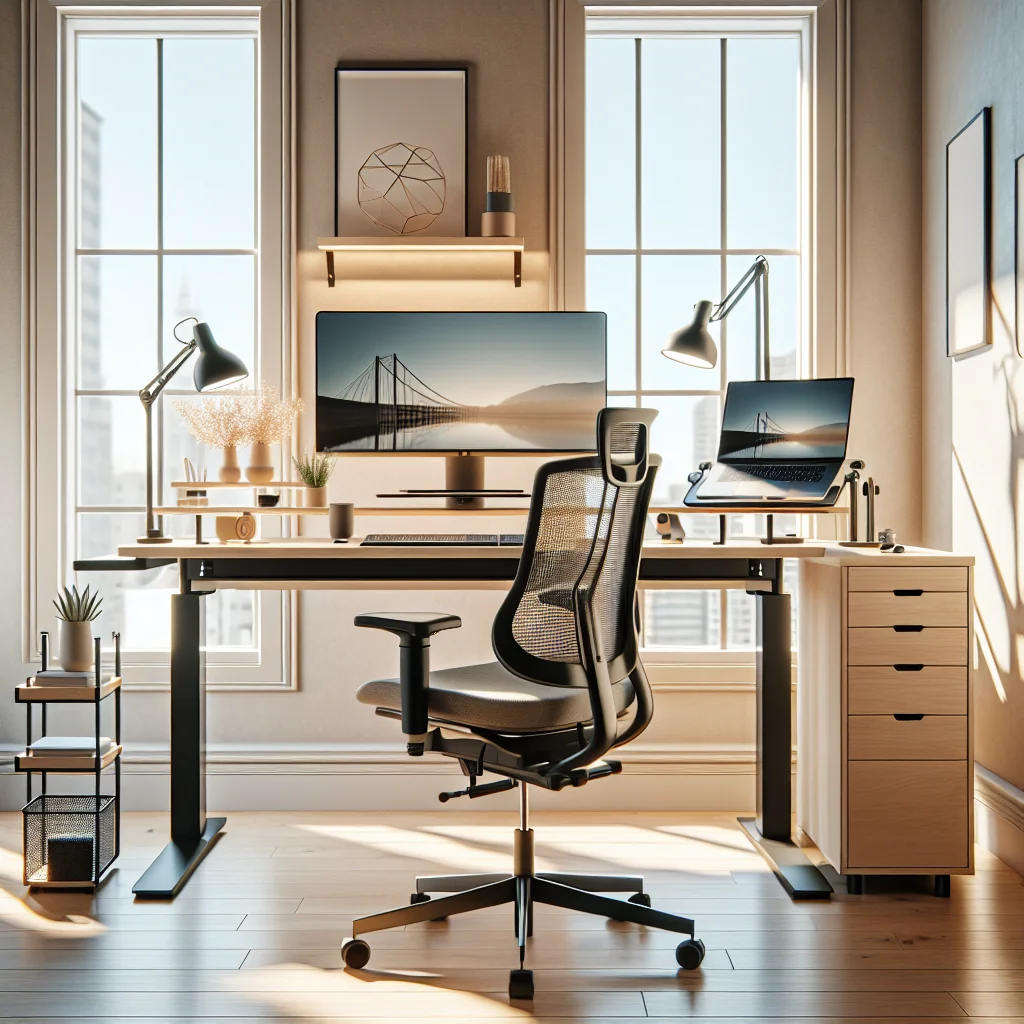
A good home office ergonomic setup is more than a chair and a screen. The way you arrange your desk, choose your tools, and manage your time shapes how your body feels and how well you focus. This guide walks through a practical, aesthetic-friendly approach that blends ergonomics with modern desk trends like minimalist desks, stacked monitor setups, mechanical keyboards, and Pomodoro timers.
Start With the Home Desk Setup Basics
Before you chase the perfect aesthetic desk setup, lock in the basics. A safe and comfortable home desk setup keeps your joints neutral, your eyes relaxed, and your mind clear. Once that is in place, you can layer in style and productivity tools.
Begin by deciding where the desk will sit. Aim to place your home office setup so that natural light comes from the side, not directly in front of or behind your monitor. This reduces glare and eye strain while keeping your screen readable throughout the day.
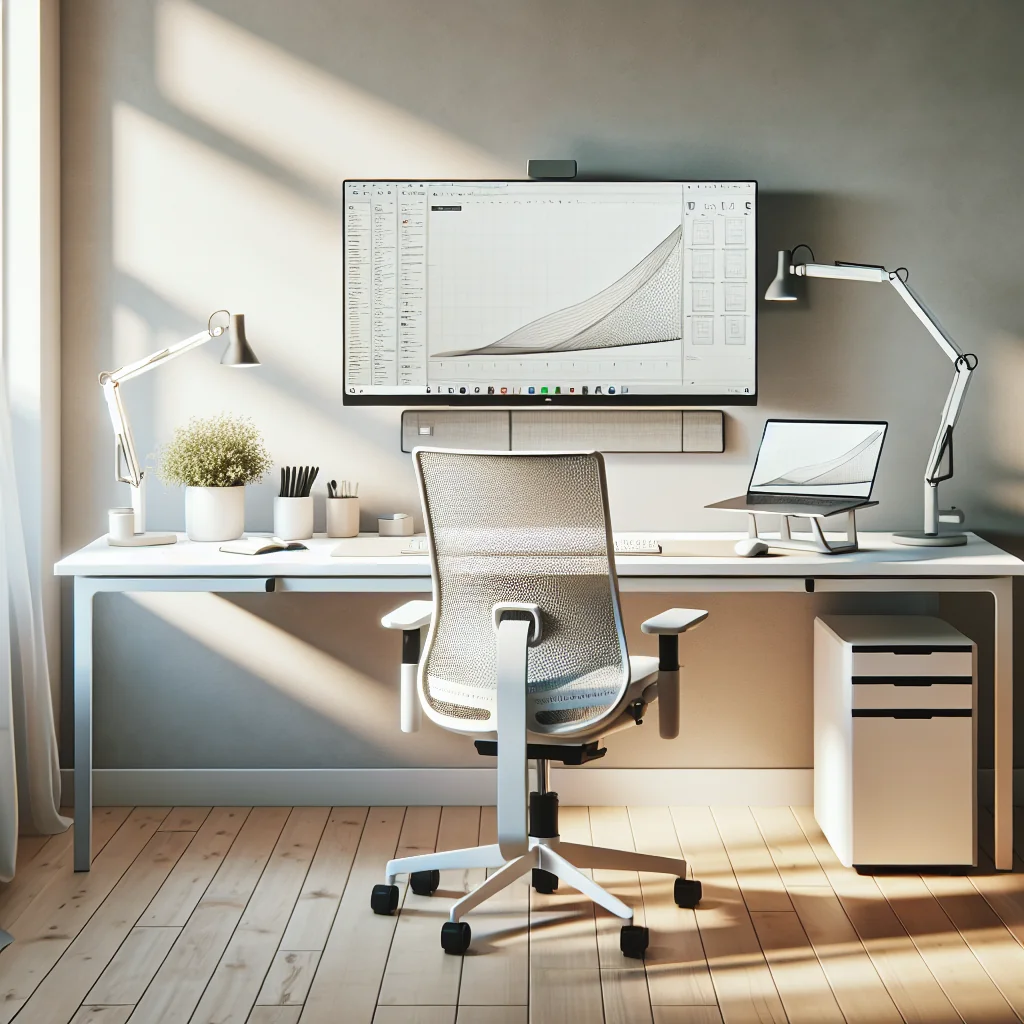
For a small desk setup, measure the space and note power outlets and windows. A simple desk setup against a wall works well, but leave enough room to push your chair back and stand up without twisting your body around furniture.
Choosing a Minimalist or IKEA Desk Setup
A minimalist desk can make an ergonomic setup easier. Less clutter means more space to place your keyboard, mouse, and monitor in healthy positions. Many people start with an IKEA desk setup because the pieces are modular and easy to adjust or upgrade.
Look for a desk deep enough so your monitor can sit at least an arm’s length away. Even a small desk setup should allow about 60–70 cm (24–28 inches) of depth so you are not craning your neck forward. If possible, choose a desk with a smooth, matte surface to reduce reflections from lights and screens.
For a minimalist desk, limit what lives on the surface: monitor, keyboard, mouse, a lamp or monitor light bar, and maybe one or two desk setup essentials like a notebook or pen tray. Everything else can move to drawers or wall shelves to keep your arms and wrists free.
How to Set Up a Desk for Neutral Posture
Ergonomics is about aligning your setup with your body, not forcing your body to fit the furniture. A simple desk setup can be highly ergonomic if you follow a few key principles.
- Set chair height so your feet rest flat and knees are near 90 degrees.
- Adjust desk height so your elbows are at about 90 degrees when typing.
- Place the keyboard so your shoulders stay relaxed and wrists stay straight.
- Position the mouse close to the keyboard to avoid reaching sideways.
- Place the monitor at arm’s length, with the top of the screen at eye level.
- Angle the monitor slightly up, so you look just a bit downward at the center.
- Keep frequently used items within easy reach to avoid twisting and stretching.
Recheck this setup after a week. Your body will tell you where the weak points are. If your shoulders feel tight, bring your input devices closer. If your eyes feel dry or strained, adjust monitor height or brightness and review your lighting.
Stacked Monitor Setup and Computer Desk Setup Ergonomics
A computer desk setup can include one screen, two side-by-side screens, or a stacked monitor setup. Each option has pros and cons for ergonomics and focus. Stacked monitors save horizontal space on a small desk setup but need careful height adjustment.
For a stacked monitor setup, use the lower monitor as your primary screen. Keep its top edge at or slightly below eye level. The upper monitor should sit high enough that you glance up with your eyes, not your whole neck. Use the top screen for reference material, chats, or dashboards you check less often.
If you use a laptop in your home office setup, raise it on a stand so the screen is at the right height and pair it with an external keyboard and mouse. This simple change removes a lot of neck strain that comes from looking down all day.
Mechanical Keyboards, Sage Green Keycaps, and Ergonomics
Many people building an inspired desk setup ask: what is a mechanical keyboard, and does it help ergonomically? A mechanical keyboard uses individual switches under each key, rather than a thin membrane. This often gives clearer feedback and can reduce the force needed to type.
An ergonomic-friendly mechanical keyboard should allow your wrists to stay straight, your shoulders relaxed, and your fingers to move with light pressure. Consider low-profile cases or a slight negative tilt (front edge higher than the back) with a wrist rest to keep your wrists neutral.
Aesthetic touches like sage green keycaps can make a home office ergonomic setup feel more personal and calming. Color has no direct ergonomic effect, but a desk you enjoy looking at can make you more likely to maintain good habits and spend a moment adjusting your posture instead of rushing back to work.
Mouse and Logitech MX Master 3 Review for Comfort
The mouse is a key part of any productivity setup. A cramped or flat mouse can strain your wrist and forearm over time. An ergonomic mouse supports your hand’s natural curve and reduces the pinch grip.
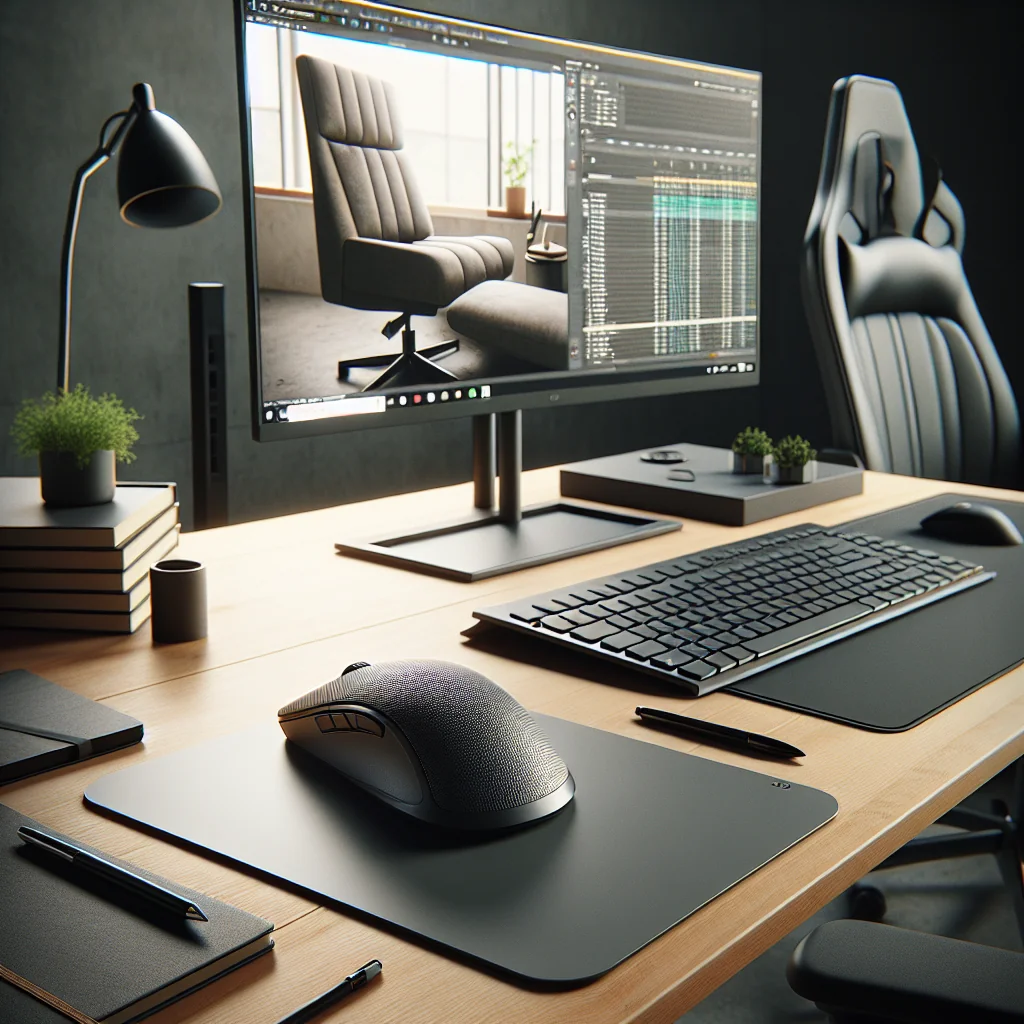
The Logitech MX Master 3 is a popular choice for a home desk setup. The mouse has a sculpted shape that supports the palm, which can help keep the wrist in a more neutral position than a tiny travel mouse. The thumb rest and side buttons reduce the need to move your hand to the keyboard for common actions.
Scroll wheels and customizable buttons also matter. The MX Master 3’s fast scroll wheel helps you move through long documents with less repetitive finger movement. Custom shortcuts can reduce small, repeated motions, which is helpful during long days in your home office setup.
Best Monitor Light Bar and How to Light an Office
Lighting is an overlooked part of a home office ergonomic setup. Poor lighting can cause eye strain, headaches, and a hunched posture as you lean forward to see the screen. A monitor light bar is one of the easiest upgrades for a computer desk setup.
The best monitor light bar for ergonomics does three things well. It lights the desk surface evenly, avoids shining directly into your eyes, and does not create glare on the screen. Many bars clip onto the monitor and angle light down and forward, leaving the screen surface clear.
Beyond a light bar, think about how to light an office as a whole. Use a mix of soft overhead light and task lighting. Avoid strong light directly behind your monitor or behind your head. If you have a window, use curtains or blinds to soften bright sunlight and keep your stacked monitor setup readable throughout the day.
Timers, Flow, and the Pomodoro Timer in a Productivity Setup
Ergonomics is also about how long you stay in one position. A solid productivity setup includes tools that remind you to move, stretch, and rest your eyes. A Pomodoro timer is a simple way to structure this.
The Pomodoro method usually means 25 minutes of focused work followed by a 5-minute break. A flow timer is a similar idea, but you might choose longer sessions if you enter deep focus more easily. The exact numbers matter less than the habit of regular breaks.
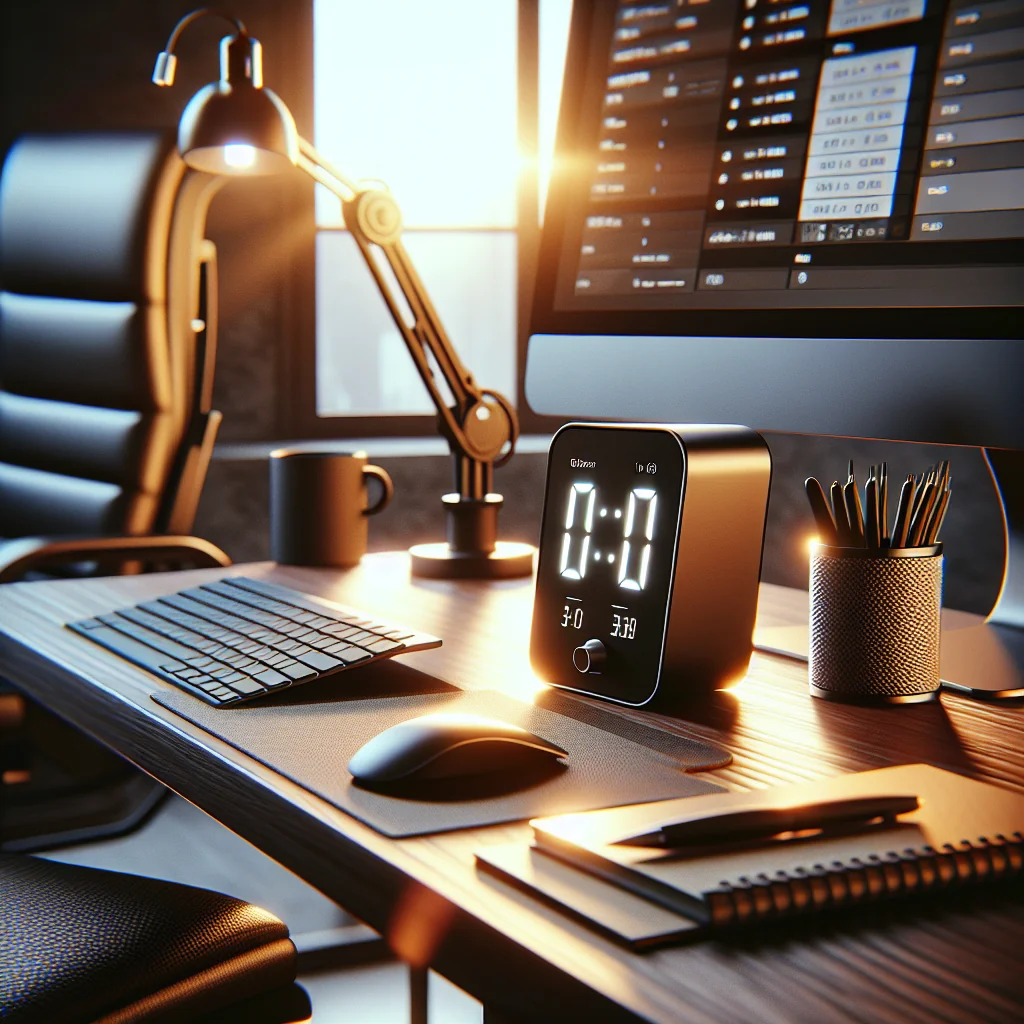
Keep your Pomodoro timer or flow timer in your line of sight but off to the side, so you are not constantly checking it. Use breaks to stand up, roll your shoulders, stretch your wrists, and look at something far away to relax your eye muscles. This rhythm helps your ergonomic home office setup work with your body instead of against it.
Desk Setup Essentials for an Inspired, Aesthetic Desk Setup
Once the ergonomic foundation is in place, you can shape an inspired desk setup that feels calm and focused. Aesthetic desk setup choices should support function, not fight it. Keep surfaces clear and choose a few items that matter.
Typical desk setup essentials include a comfortable chair, stable desk, monitor at the right height, mechanical keyboard and mouse, good lighting, and a timer for work sessions. Storage solutions, like a drawer unit or under-desk cable tray, keep clutter off your minimalist desk.
For an aesthetic desk setup, you might add a plant, a framed print, or a small tray for keys and headphones. Color themes, like sage green keycaps and matching desk accessories, can tie the home office setup together. The goal is a simple desk setup that feels intentional, not crowded.
Quick Reference: Ergonomic Priorities for Any Home Office Setup
This summary table highlights what to focus on first as you refine your home office ergonomic setup, whether you are building an IKEA desk setup, a compact small desk setup, or a full productivity-focused computer desk setup.
| Area | Main Goal | Key Actions |
|---|---|---|
| Desk and Chair | Neutral posture | Feet flat, knees and elbows near 90°, desk at elbow height |
| Monitor / Stacked Setup | Relaxed neck and eyes | Top of main screen at eye level, arm’s length distance, side or stacked screens as secondary |
| Keyboard & Mouse | Low strain hands | Mechanical keyboard with straight wrists, ergonomic mouse close to keyboard |
| Lighting | Reduced eye strain | Monitor light bar, side natural light, soft overhead and task lighting |
| Time & Breaks | Less static posture | Use a Pomodoro timer or flow timer, move and stretch every cycle |
| Aesthetic & Storage | Clear, calm workspace | Minimalist desk surface, hidden cables, a few inspiring items |
Review these areas one by one as you refine your home desk setup. Small changes add up: a better chair height, a brighter monitor light bar, or a simple timer can shift how your body feels at the end of the day. Over time, your home office ergonomic setup will support both your health and your best work.