IKEA Ergonomic Desk Ideas for a Simple, Productive Home Setup
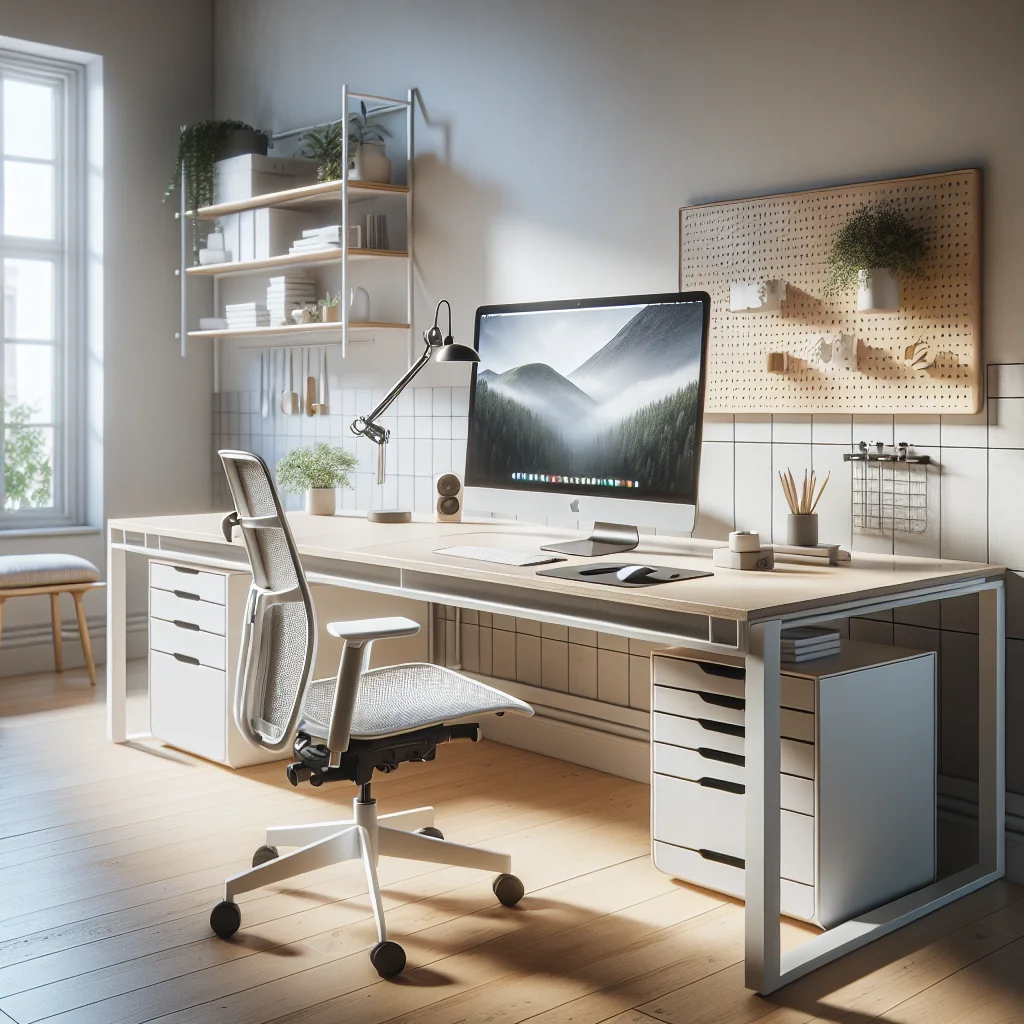
IKEA ergonomic desk ideas are ideal if you want a clean, affordable, and flexible workspace. With a few smart choices, you can build a minimalist desk, a small desk setup, or a full home office that looks good and supports your body. This guide walks through practical desk setup essentials, from timers to lighting and keyboards, using IKEA-style thinking: simple, modular, and efficient.
Choosing the Right IKEA Desk as Your Ergonomic Base
Before adding accessories, focus on the base of your IKEA desk setup. A stable desk at the right size and height is the core of any ergonomic computer desk, especially in a home office. The right base makes every later adjustment easier.
Desk size, depth, and height basics
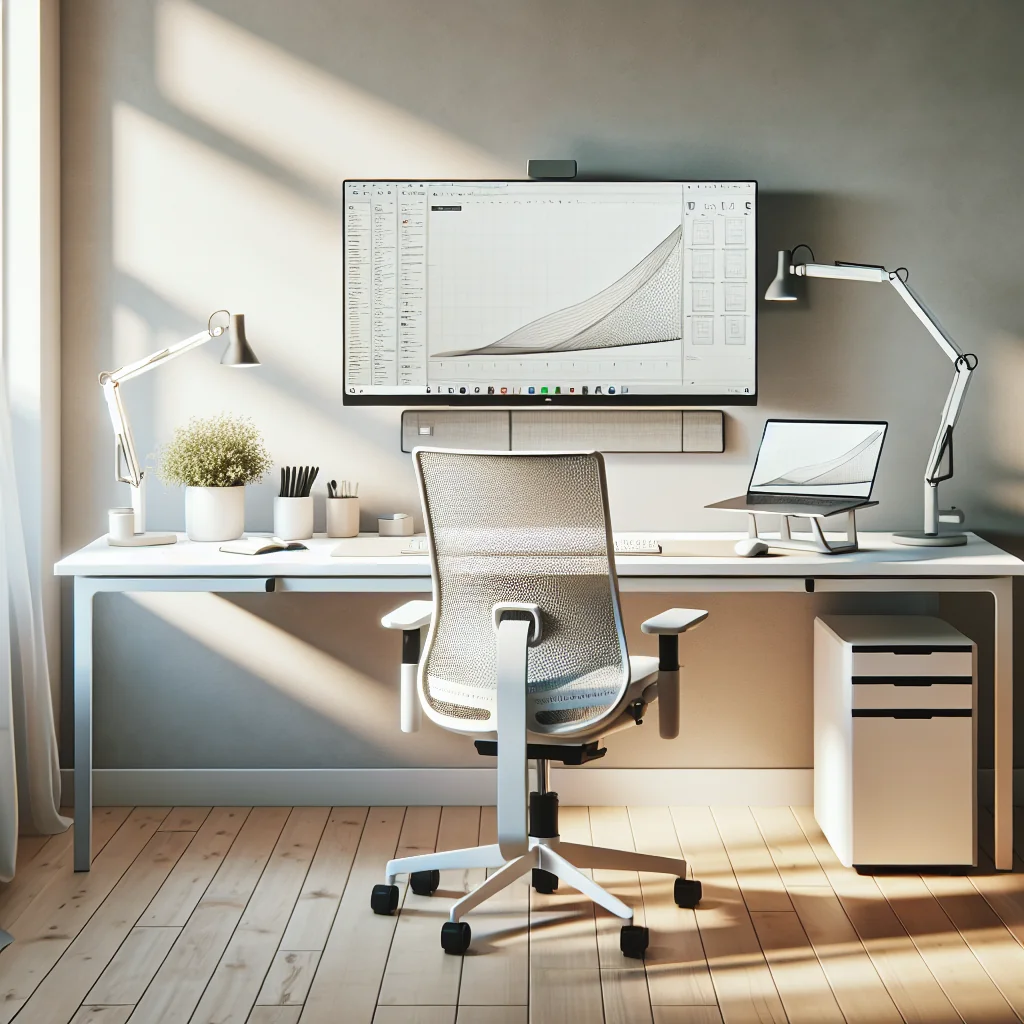
For a small desk setup, choose a narrow tabletop with simple legs or drawers. Keep depth around 60–80 cm so you can place a monitor at arm’s length without feeling cramped. If you have more room, a wider tabletop lets you try a stacked monitor setup or add a laptop stand beside your main screen.
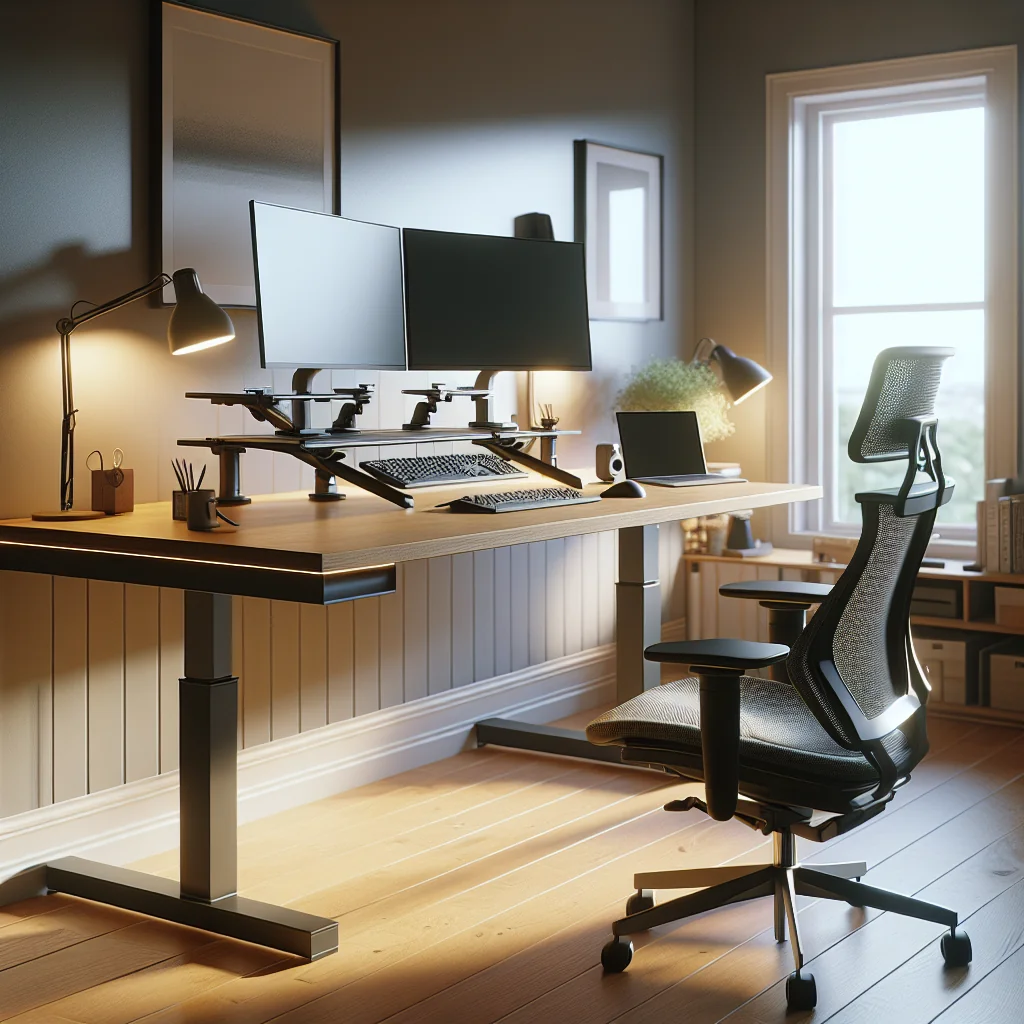
Check desk height so your elbows sit at about 90 degrees when typing. If possible, use a sit-stand frame or adjustable legs. Even if you stay seated, a height that matches your chair and armrests will reduce shoulder and neck strain during long days.
Comparing common IKEA-style desk options
The short table below shows how typical IKEA-style desk choices support different ergonomic needs. Use it as a quick guide before you buy or rearrange furniture.
Desk Style Comparison for Ergonomic IKEA Setups
| Desk Style | Best For | Ergonomic Advantages | Key Trade-Off |
|---|---|---|---|
| Fixed-height tabletop with basic legs | Simple, budget home office | Stable surface, easy to combine with drawers | Height may not match every body; chair must adjust |
| Sit-stand frame with tabletop | People who sit many hours | Switch between sitting and standing, more movement | Costs more and needs power if motorized |
| Corner or L-shaped desk | Dual screens or work and hobby split | More surface without extra reach distance | Needs more floor space and careful cable routing |
| Compact narrow desk | Very small rooms or shared spaces | Fits tight areas, encourages minimal clutter | Limited space for large keyboards and wide mice |
Once you choose the right base, you can fine-tune the layout with your chair, monitor, and accessories. A good desk frame and top will support upgrades for many years, even as your work changes.
Step-by-Step: How to Set Up an Ergonomic IKEA Desk
A good home desk setup supports your posture and keeps key items within easy reach. Use the following steps as a simple process when planning your IKEA ergonomic desk ideas. Adjust slowly and test each change for a day or two.
- Set your chair height so your feet rest flat and knees sit at or slightly below hip level.
- Adjust desk height so your forearms are parallel to the desk and wrists stay straight.
- Place the monitor directly in front of you, with the top edge at or just below eye level.
- Move the monitor so it sits about an arm’s length away from your face.
- Place the keyboard close to the desk edge and keep shoulders relaxed as you type.
- Keep the mouse next to the keyboard so your elbow stays near your body.
- Arrange lighting so the main light is behind or beside you, not shining on the screen.
- Route cables behind or under the desk to keep legroom free and reduce visual clutter.
Repeat this setup process every few months or after any furniture change. Small shifts in height or distance can make long work sessions far more comfortable and reduce eye strain, neck pain, and back pain.
Minimalist IKEA Desk Ideas for a Calm, Ergonomic Space
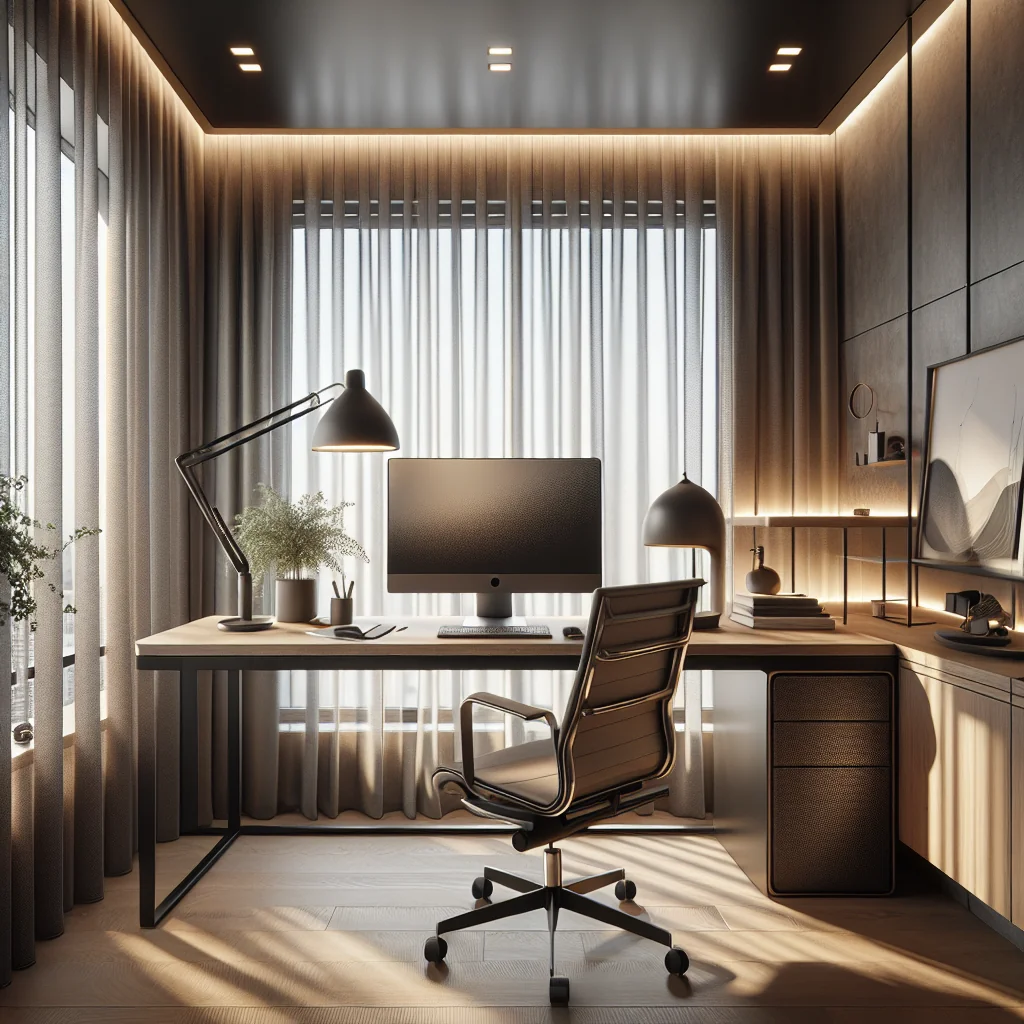
A minimalist desk is easier to keep ergonomic because there is less clutter stealing space from your arms and legs. With an IKEA-style simple desk, focus on clean surfaces and a few well-chosen items that you use every day.
Keeping the surface clear and functional
Keep only daily desk setup essentials on the surface: monitor, keyboard, mouse, a small lamp, and maybe a notebook. Store everything else in drawers, pegboards, or boxes. This gives your arms room to move and your eyes a calm space, which can improve focus and reduce stress.
Use cable trays or clips under the desk so wires do not pile up behind your monitor. A clean back edge allows you to move the screen freely while keeping the desk visually simple. This is especially helpful in small rooms where the desk is always in view.
Simple color schemes and aesthetic touches
For an aesthetic desk setup that still feels minimalist, pick two or three colors and repeat them. You might match the desk, chair, and accessories in white and light wood, then add one accent color through keycaps, a mouse pad, or a plant pot. Repeating colors keeps the space calm even if you add several items.
Soft textures also help. A felt desk mat, a fabric chair cushion, or a small plant can break up hard surfaces. These touches make the desk feel warm without adding visual noise or blocking arm movement.
Small Desk and Stacked Monitor IKEA Ergonomic Desk Ideas
A small desk setup demands smart vertical use of space. If you need more screen area but have limited width, a stacked monitor setup can help. This layout works well with many IKEA-style tabletops and clamp-on arms.
Vertical screen layouts in tight spaces
Place one monitor directly above the other, both centered with your body. Keep the primary monitor at eye level and the second one slightly higher, but not so high that you must tilt your head back. Use sturdy monitor arms or stands to free up desk space under the screens for a keyboard and mouse.
In a very tight area, consider one larger monitor instead of two. Combine this with a laptop on a stand to the side for secondary tasks. This keeps your main viewing area centered, which is better for your neck and shoulders than twisting toward a side screen all day.
Using shelves and wall storage to gain room
Wall shelves, pegboards, and small cabinets above or beside the desk can move many objects off the desktop. Store books, documents, and decorations at eye level on the wall rather than on the desk. This approach fits well with IKEA-style systems and leaves more room for your arms and keyboard.
If your desk is shallow, choose compact accessories. A tenkeyless or 75% keyboard and a medium mouse pad give you more forearm support. A clamp-on lamp frees space that a heavy lamp base would otherwise take.
Productivity Setup: Timers, Flow, and Movement Breaks
An ergonomic desk is not just about posture; it also supports how you work. A productivity setup can include a Pomodoro timer or flow timer to manage focus and breaks. These tools help you avoid sitting in one position for too long.
Using Pomodoro and flow timers at your desk
A Pomodoro timer usually breaks work into short, focused blocks with quick rests between them. A flow timer is similar but may use longer blocks to support deep work. Place the timer where you can see it without twisting your neck, such as near your monitor or on a small shelf.
During breaks, stand, stretch, or walk for a minute. Even brief movement reduces stiffness in your back, hips, and shoulders. Pair this habit with a sit-stand desk if you have one, and change position every few cycles.
Arranging tools for smooth workflow
Keep daily tools within arm’s reach and group them by task. For example, store notebooks, pens, and sticky notes in a small tray near your dominant hand. Place chargers, backup drives, and less-used items in drawers or cabinets.
This layout reduces constant reaching and twisting. It also keeps the desktop clear for typing and writing, which supports better posture and more focused work sessions.
Mechanical Keyboards, Sage Green Keycaps, and Comfort
If you type a lot, the keyboard is a major part of your comfort. Many people ask what a mechanical keyboard is and why it matters in a desk setup. A mechanical keyboard uses individual switches under each key instead of a soft membrane, which often gives clearer feedback.
Choosing a keyboard layout for your IKEA desk
Mechanical keyboards allow different layouts and switch types. On a small desk, a compact board can free space for mouse movement. On a larger desk, a full-size layout may feel more stable for data entry. Choose a layout that leaves enough room for your wrists to stay straight.
Keep the keyboard close to the desk edge and flat or with a slight negative tilt if possible. This helps your wrists stay neutral. Combine the keyboard with a soft wrist rest if your desk edge is sharp or high, so you do not press your wrists into the wood.
Adding color with sage green keycaps
Mechanical keyboards also allow custom keycaps. Sage green keycaps, for example, add a soft, calming color to an inspired desk setup without feeling loud or distracting. The muted tone pairs well with white, black, and light wood furniture.
Use accent keycaps on a few keys if you like a subtle look, or cover the full board for a stronger theme. Either way, color does not change ergonomics by itself, but a desk that looks pleasant can make you more likely to sit correctly and keep the space tidy.
Mouse Choice and a Brief Logitech MX Master 3 Look
The mouse is another key part of an ergonomic computer desk setup. Many users like advanced mice for comfort and control. A popular option is a sculpted mouse with a thumb rest and smooth scroll wheel, similar to the Logitech MX Master 3.
Finding a comfortable mouse shape and position
A sculpted mouse supports the hand in a more natural grip than a flat mouse. The extra buttons can be mapped to shortcuts, which may reduce repetitive movements across the screen. This can be helpful in a productivity setup with many windows or creative tools.
Place the mouse close to the keyboard so your elbow stays near your body. If your desk is narrow, consider a smaller mouse pad or a vertical mouse to keep your wrist in a neutral position. Adjust pointer speed so you do not need huge arm movements for normal tasks.
Lighting and Monitor Light Bars for Eye Comfort
Good lighting reduces eye strain and helps you stay alert. Many people now add a monitor light bar above the screen. The best light bars direct light onto the desk without shining into your eyes or onto the screen.
Balancing ambient and task lighting
Use a warm-to-neutral color temperature for long work sessions. Place other lamps so they do not cause glare on your monitor. If your desk faces a window, angle the screen slightly to avoid direct reflections and harsh contrast.
When planning how to light an office, combine three layers: general ceiling light, focused desk light, and optional accent lights. This mix keeps the room bright enough while still allowing a soft, comfortable glow around your desk. You can dim accent lights in the evening to signal that the workday is ending.
Building an Aesthetic Home Office With IKEA Elements
An aesthetic desk setup can still be highly ergonomic. For a home office that feels cohesive, think in zones: work zone, storage zone, and rest or reading zone if space allows. IKEA-style furniture makes it easy to repeat colors and materials across zones.
Organizing zones for less strain
Use matching shelves or cabinets near your desk so you do not need to twist or stretch far to reach files and supplies. Keep heavy items at waist height to protect your back. Lighter items can go higher or lower, where reaching is easier and safer.
Add a few personal pieces that still serve a function, such as a plant for visual rest or a framed print that marks the wall behind your monitor. These touches make an inspired desk setup feel like your own, which can improve motivation and help you enjoy sitting at the desk.
Core Desk Setup Essentials for Any IKEA Ergonomic Design
To bring all these IKEA ergonomic desk ideas together, focus on a small set of desk setup essentials. These items support both comfort and productivity in a home desk setup and work well in many room sizes.
Checklist of must-have ergonomic elements
Before you add extra decor, make sure you have these basics in place. They form the backbone of a healthy desk environment and are worth adjusting carefully.
- A stable desk at a suitable height, with enough depth for your monitor and arms.
- An adjustable chair that supports your lower back and allows feet to rest flat.
- A monitor placed at eye level and at a comfortable viewing distance.
- A keyboard and mouse that fit your hand size and desk width.
- Layered lighting that avoids glare and harsh shadows on the screen.
- Some form of timer or reminder to take regular standing and movement breaks.
- Basic cable management to keep the floor clear and the desk surface tidy.
Once these essentials are set, you can layer on style: sage green keycaps, a pleasant mouse pad, a monitor light bar, or a second screen in a stacked monitor setup. Start simple, adjust often, and let your workspace change as you learn what keeps you both comfortable and focused.