How to Light an Ergonomic Office for a Calm, Productive Desk Setup
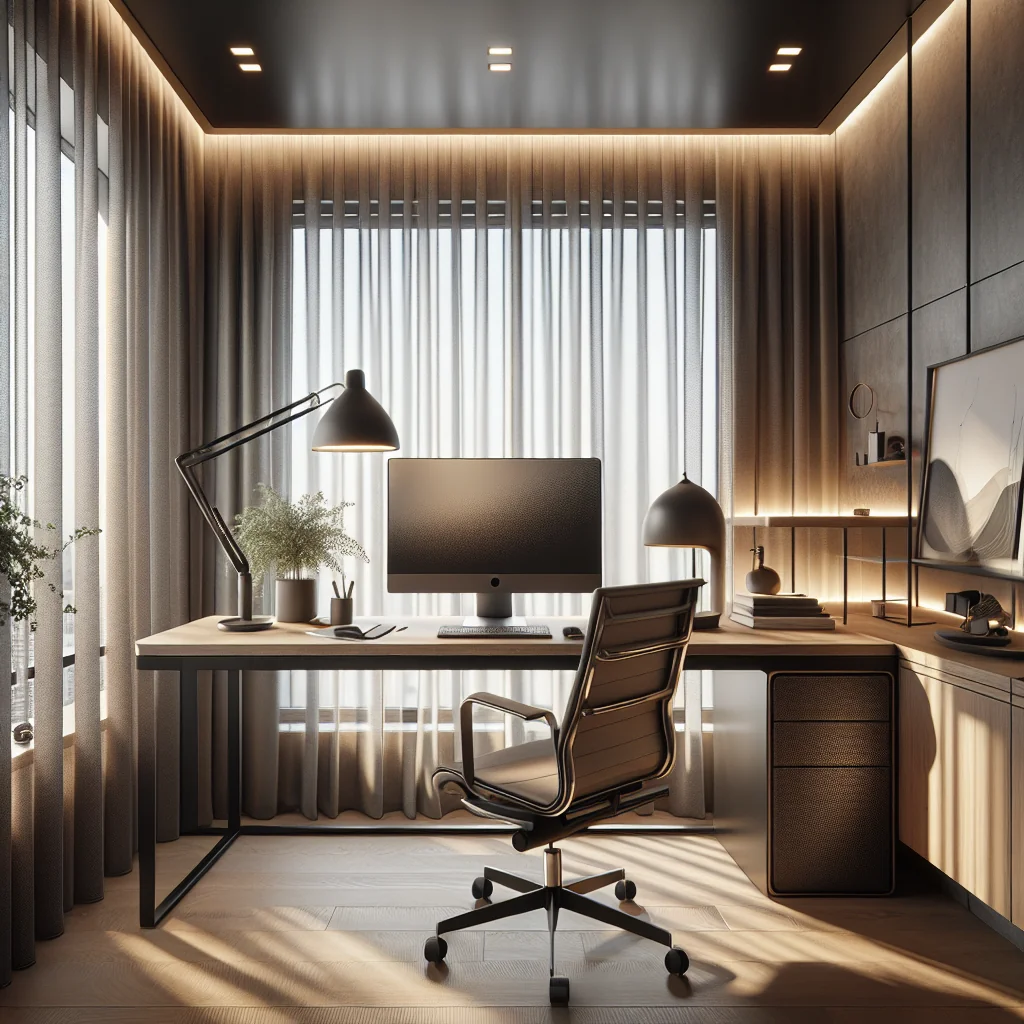
Good lighting is as important to ergonomic design as chair height or monitor distance. If you care about a minimalist desk, a small desk setup, or an aesthetic desk setup, learning how to light an ergonomic office will make every part of your workspace feel better and work better.
This guide walks through practical lighting ideas that fit real home office setups: from a stacked monitor setup to a simple laptop desk, from a cozy sage green keycaps theme to a clean IKEA desk setup. You will see how lighting supports focus, reduces eye strain, and ties together your productivity setup.
Start With Ergonomics: What Good Office Lighting Actually Does
An ergonomic office aims to reduce strain and support natural posture and focus. Lighting needs to do the same thing for your eyes and your brain. Instead of thinking only about brightness, think about comfort, contrast, and control.
In a home desk setup, lighting has three main jobs. It should let you see clearly without glare, support your daily rhythm so you stay alert but not wired, and match your desk setup style so the space feels calm, not cluttered.
This is true whether you use a mechanical keyboard, a compact laptop, or a full computer desk setup with multiple screens. The hardware changes, but the lighting goals stay the same: even light, low glare, and easy adjustment.
Plan the Space: How to Light an Office Before You Add Gear
Before buying a monitor light bar or another desk lamp, look at the room as a whole. The base lighting in the room will decide how much extra lighting your desk actually needs.
If you have a small desk setup, room layout matters even more. A single overhead light can create harsh shadows on a compact workspace. If your desk faces a wall, you may need extra lighting behind or above your monitor to soften contrast and reduce eye strain.
Try this quick check: sit at your desk at your usual working time, face your monitor, and look away from the screen. If the room feels much darker than your monitor, you need more ambient light. If the room feels brighter than the screen, reduce overhead glare or lower brightness on nearby lights.
Ambient, Task, and Accent: Three Layers of Ergonomic Lighting
A well-lit, ergonomic office uses three layers of light that work together. Even a simple desk setup can use these layers with just two or three light sources.
- Ambient lighting: The general light that fills the room. This can be a ceiling light, wall lamps, or a floor lamp that spreads light softly. Aim for even, indirect light that avoids bright hotspots.
- Task lighting: Focused light on where you work: your keyboard, notebook, or drawing area. A desk lamp or monitor light bar usually handles this. Task lighting should be bright enough to see details but not shine in your eyes.
- Accent lighting: Soft light that highlights decor, plants, or shelves. This layer shapes the mood and supports an aesthetic desk setup. LED strips behind a monitor or a small lamp on a nearby shelf work well here.
Once these three layers are in place, your home office setup feels balanced. You can then fine-tune color temperature and brightness to match your work style and desk theme.
Comparing Common Office Light Sources for Ergonomics
This quick comparison table shows how typical home office lights perform for ergonomic use. Use it to choose the best mix for your workspace.
| Light Type | Best Ergonomic Use | Main Advantages | Key Drawbacks |
|---|---|---|---|
| Ceiling fixture | General ambient light | Fills room, simple to use | Can cause glare and harsh shadows |
| Floor lamp | Ambient light near desk | Movable, can be indirect | Takes floor space, limited task focus |
| Desk lamp | Task light on keyboard and papers | Adjustable beam and position | Can clutter small desks if base is large |
| Monitor light bar | Task light for screens and keyboard | Saves space, reduces screen glare | Needs careful placement for dual monitors |
| LED strips | Accent light behind screens or furniture | Soft glow, improves contrast comfort | Usually weak as main light source |
Most ergonomic offices combine at least two of these light types. Start with a good ambient source, then add a focused task light and a soft accent source where needed.
Monitor Light Bars and Screen Glare in a Computer Desk Setup
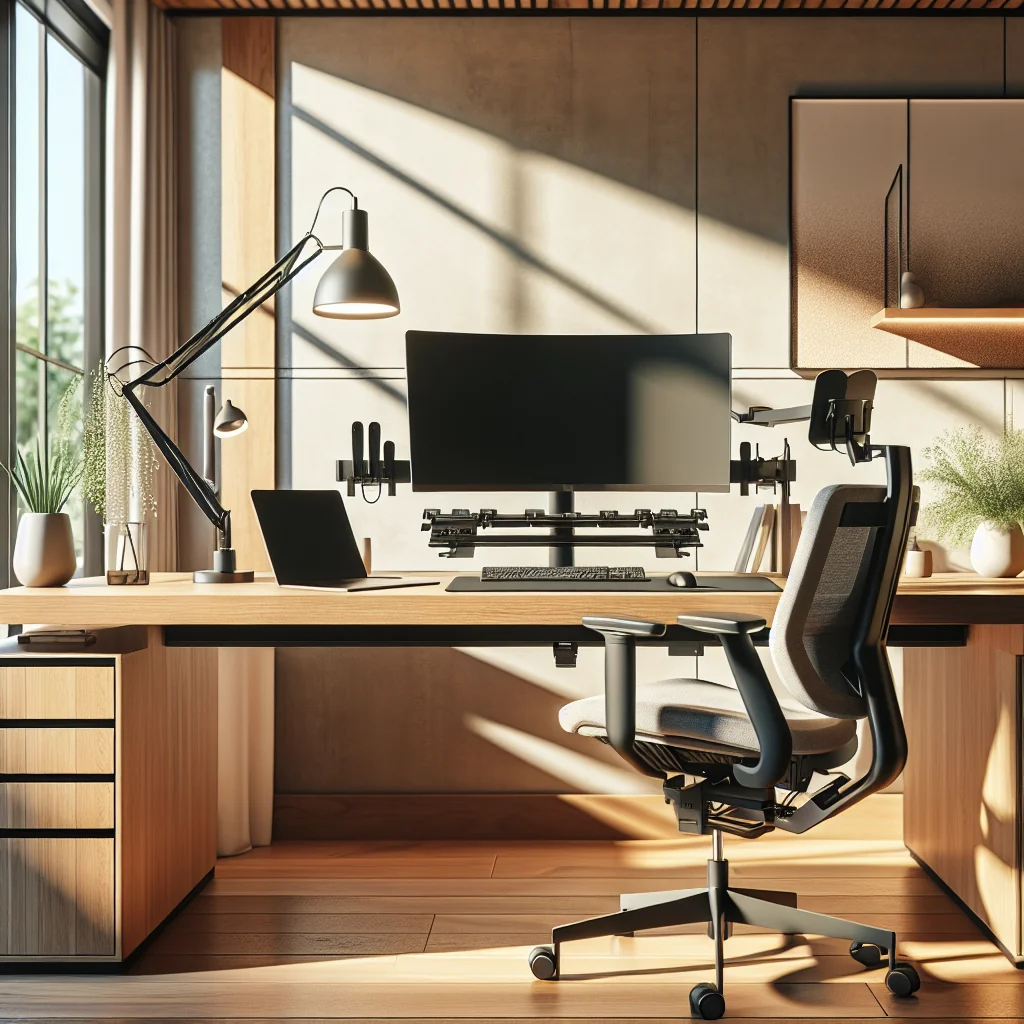
If you use a computer desk setup with one or more monitors, glare and contrast are big ergonomic issues. A monitor light bar can help by lighting your desk surface without shining on the screen.
A good monitor light bar for ergonomics does a few things well. It clips on without blocking the screen, throws light down on the desk, and lets you adjust brightness and color temperature. This keeps your keyboard and notes visible while your screen stays clear.
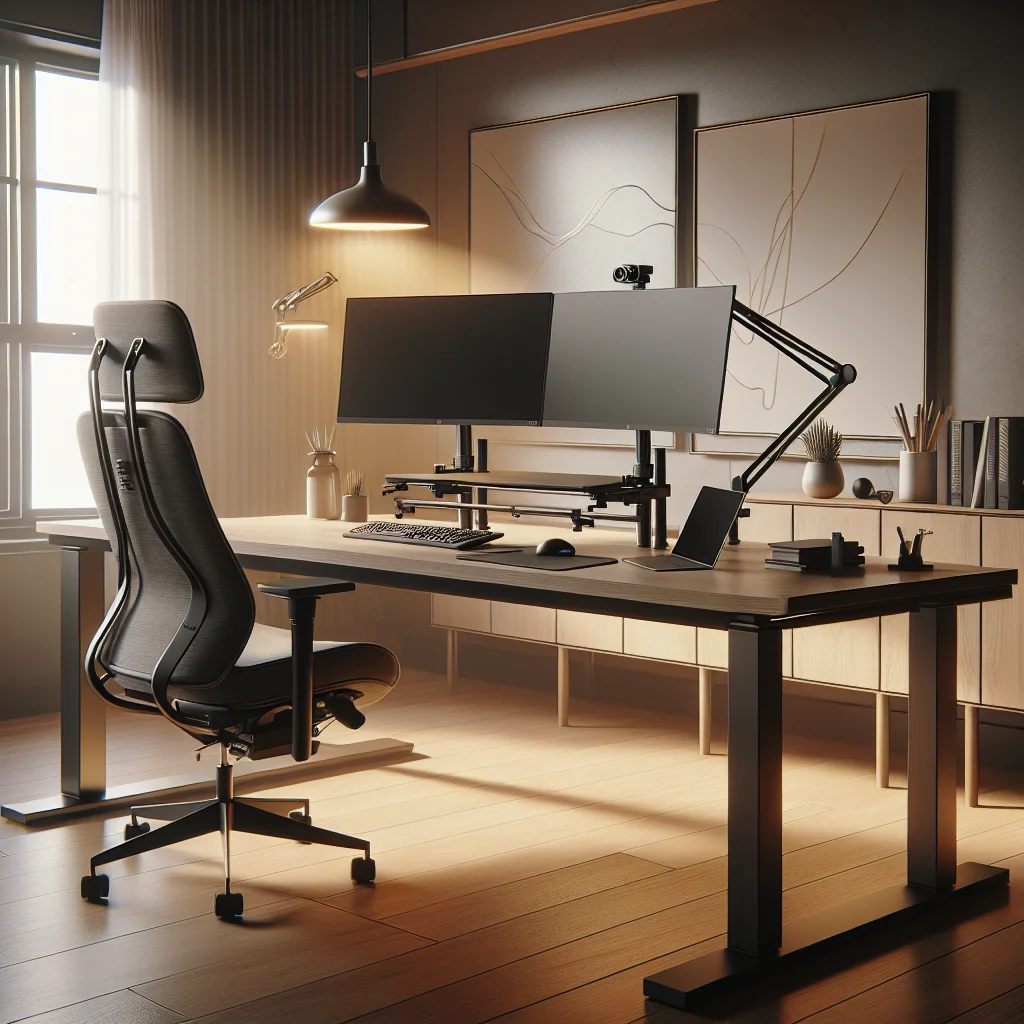
For a stacked monitor setup, you may need to experiment. Place the light bar on the primary monitor and check for reflections on the upper screen. Tilt both screens slightly and adjust the bar angle until you see no bright streaks on either display.
Desk Lamps and Minimalist or Small Desk Setups
A minimalist desk or small desk setup often has limited surface area. A large lamp base can quickly ruin a clean look and take up space you need for a mouse or notebook. Choose a slim lamp with an adjustable arm or clamp mount to keep the desktop open.
For a simple desk setup, aim the lamp so the light falls in front of your keyboard and writing area, not directly on the screen. If you are right-handed, place the lamp on the left so your hand does not cast shadows while you write; reverse this if you are left-handed.
This kind of focused task lighting pairs well with a mechanical keyboard and a wireless mouse. The lamp creates a clear working zone, while your input devices move freely on an uncluttered surface.
Color Temperature, Focus, and Your Productivity Setup
Light color affects how alert or relaxed you feel during work. Cooler light feels crisp and can help you stay focused during demanding tasks. Warmer light feels softer and supports winding down.
For a productivity setup, many people like cooler white light during deep work sessions. When you start a focused block, you work under a brighter, cooler setting; during breaks, you can dim or warm the light for a short reset.
If your lights are adjustable, try this pattern: cooler, brighter light in the morning and early afternoon; slightly warmer, dimmer light in the late afternoon and evening. This keeps your office ergonomic not just for your body, but for your daily energy cycle.
Lighting and Desk Aesthetics: From Sage Green Keycaps to IKEA Desks
Lighting is a big part of any inspired desk setup. The way light hits textures, colors, and shapes can make a home office setup feel either busy or calm. Think of lighting as part of your decor, not just a utility.
If you use a themed desk, such as sage green keycaps on a mechanical keyboard, choose light that supports that palette. Warm white or neutral white light often makes muted colors and wood tones look richer and more natural than harsh cool white.
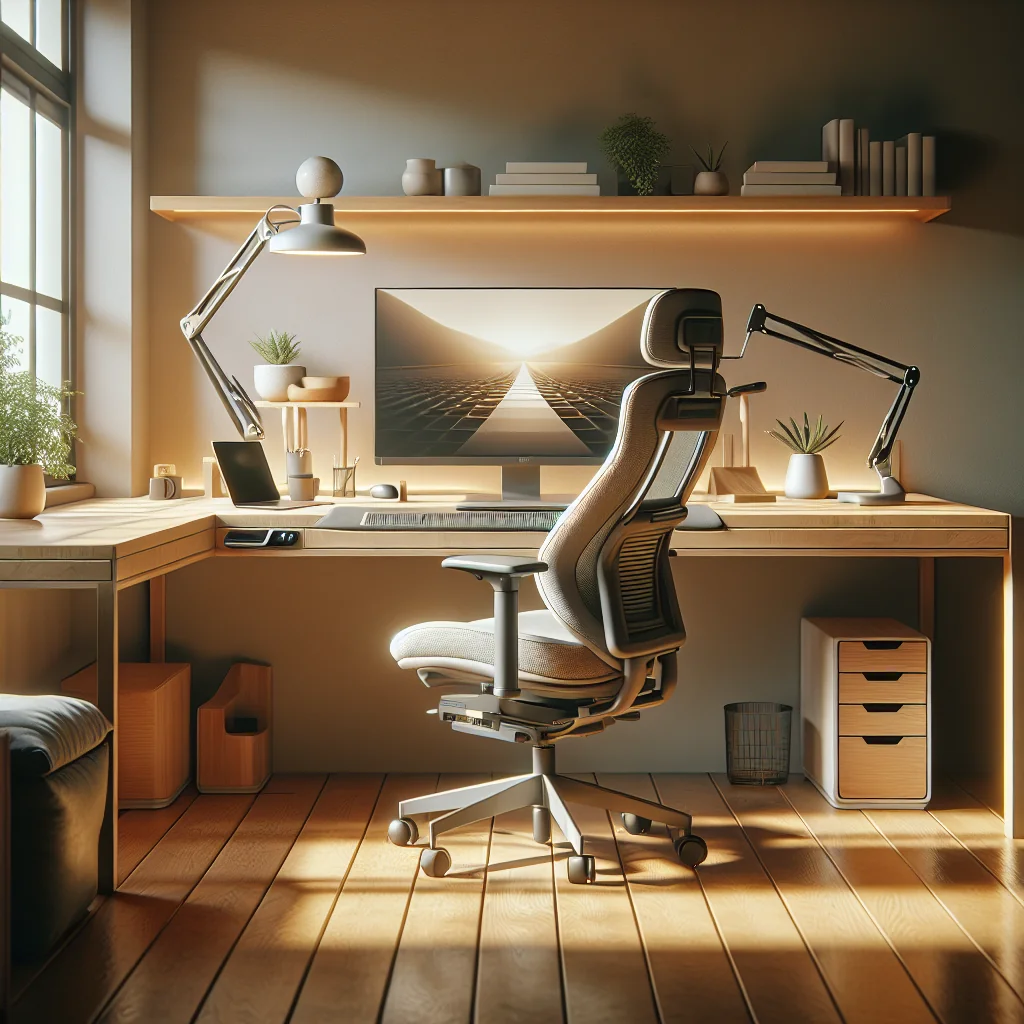
An IKEA desk setup with clean lines and light wood often looks best with soft, indirect accent lighting. LED strips under the desk edge, behind the monitor, or along a shelf can give a gentle glow that frames the workspace without adding visual noise.
How to Set Up a Desk: Step‑by‑Step Lighting Checklist
Use this simple process to light an ergonomic office around your desk, whether you have a basic laptop stand or a full computer desk setup.
- Place the desk relative to windows. Try to have natural light come from the side, not directly behind or in front of your monitor, to reduce glare.
- Balance the room light first. Turn on the main room light or add a floor lamp so the space is evenly lit and not much darker than your screen.
- Add task lighting at the desk. Use a monitor light bar or slim desk lamp to brighten the keyboard, mouse, and writing area without hitting the screen.
- Adjust monitor brightness. Match the monitor brightness to the surrounding light so the screen does not feel like a spotlight.
- Check for reflections and hotspots. Look at the screen from your normal sitting position and slightly off-center; move lights until you see no bright reflections.
- Layer in accent lighting. Add gentle LED strips or a small lamp behind the monitor or on a side shelf to soften contrast and support your aesthetic desk setup.
- Fine-tune color temperature. Set cooler light for focused work blocks and warmer light for breaks, planning sessions, or late-night tasks.
- Test with a work session. Use a timer and notice eye strain, mood, and focus; make small changes until the space feels natural.
Once this checklist is complete, you have a repeatable way to light any future home desk setup, even if you move rooms or change furniture.
Mechanical Keyboards, Mouse Use, and Local Lighting
If you spend long hours typing, local lighting around your input devices matters. A mechanical keyboard uses individual switches under each key, often with higher keycaps and sometimes with backlighting.
Taller keycaps, like sage green keycaps or other themed sets, can cast deeper shadows on the desk. A good task light or monitor light bar reduces those shadows so you can see your hand position clearly without leaning forward.
For mouse-heavy work, such as design or editing, make sure the light covers the full mouse range. Many users work across a wide area, so a slightly wider light beam helps keep the surface evenly lit and reduces wrist strain from awkward angles.
Lighting for Different Desk Layouts and Setups
Not every home office setup looks the same, but the lighting principles stay similar. You can adapt them to your exact layout and style without buying excessive gear.
A wall-facing simple desk setup might use a single desk lamp plus a small wall wash light to reduce the stark contrast between screen and wall. A corner computer desk setup with dual or stacked monitors may use a monitor light bar plus a floor lamp behind the screens to create a soft halo.
Even a very small desk setup can feel ergonomic with careful placement. Mount a light under a shelf above the desk or use a clamp lamp on the side to keep the surface open while still lighting your work area properly.
Using Timers and Routines to Protect Your Eyes
Good lighting reduces strain, but regular breaks still matter. A simple timer can help you remember to look away from the screen, blink more, and change focus distance.
Consider linking light changes to your breaks. During a pause, dim the task light slightly or switch to a warmer tone to signal your brain to rest. When the next work interval starts, return to your usual brightness and color temperature.
This small habit keeps your lighting dynamic instead of static. Over a full day in a home office setup, those small changes can make your eyes and mind feel less tired.
Bringing It All Together: An Ergonomic, Aesthetic Desk You Enjoy Using
Learning how to light an ergonomic office is about more than avoiding headaches. Thoughtful lighting supports your posture, your focus, and the feeling you get every time you sit down at your desk.
Whether you prefer a minimalist desk, an inspired desk setup with themed keycaps, or a practical IKEA desk setup with a stacked monitor arrangement, the same core ideas apply. Balance the room light, aim task lighting at your work area, soften contrast with accent light, and adjust color temperature to match your work rhythm.
With those elements in place, your home desk setup becomes a space where ergonomic comfort, productivity, and aesthetics work together instead of competing for attention.