Ergonomic Flow Timer: The Missing Piece in a Productive Desk Setup
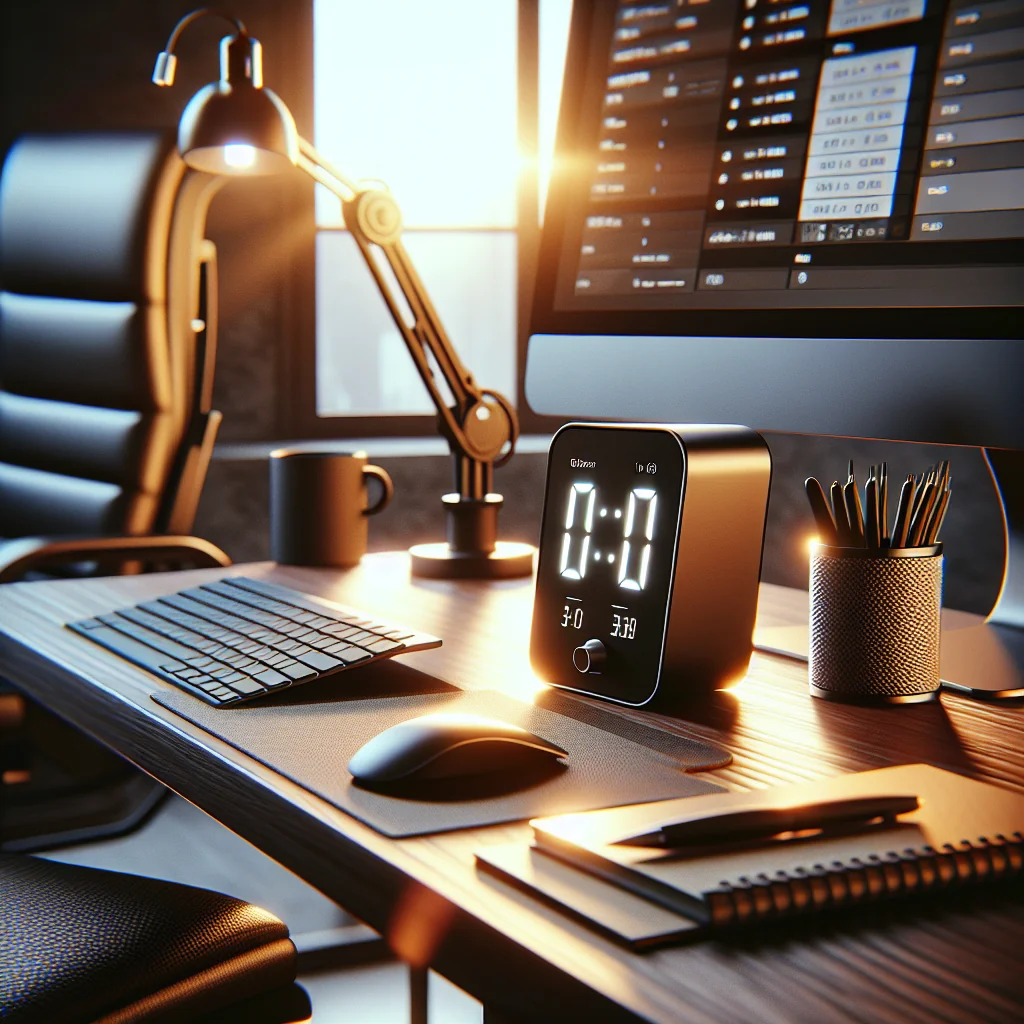
An ergonomic flow timer sits at the intersection of productivity tools and workspace ergonomics. Instead of just counting minutes like a basic pomodoro timer, it supports natural focus cycles, posture breaks, and a calm, minimalist desk. If you care about small desk setups, aesthetic desk layouts, and home office ergonomics, the ergonomic flow timer concept can quietly shape how your entire workspace feels and functions.
What Is an Ergonomic Flow Timer and Why It Matters
An ergonomic flow timer is any timing system or device that helps you work in focused blocks while also protecting your body. It blends ideas from the pomodoro method with ergonomic principles so you track time and reduce strain, visual clutter, and mental fatigue at your desk.
Core Features of an Ergonomic Flow Timer
An ergonomic flow timer focuses on both attention and comfort. Rather than push constant hustle, the timer encourages cycles of deep focus, micro-breaks, posture resets, and visual rest that fit your workday.
Typical ergonomic flow timers share several helpful traits:
- Flexible work and break lengths: You can adjust focus and rest blocks to match your energy and physical comfort.
- Gentle alerts: Soft sounds or subtle visuals reduce startle and stress while still catching your attention.
- Ergonomic prompts: Break labels remind you to stand, stretch, or rest your eyes instead of just “pause.”
- Low visual noise: Simple displays or compact devices keep your desk clean and reduce distraction.
- Easy access controls: Buttons, taps, or shortcuts let you start or pause without awkward reaching.
For small desk setups and home desk setups, this ergonomic angle matters. Space is limited, so any tool that stays on your desk must earn its place by improving comfort and focus instead of adding distraction.
Choosing the Right Ergonomic Flow Timer for Your Desk Setup
The best ergonomic flow timer for you depends on your space, tools, and preferences. Some people like a physical device they can twist or tap. Others prefer a clean on-screen timer integrated with their task manager or keyboard shortcuts.
Physical vs Digital Ergonomic Flow Timers
Both physical devices and digital apps can support a healthy work rhythm. The right choice depends on how much space you have and how you interact with your tools during the day.
The table below compares common ergonomic flow timer options for different desk setups.
Comparison of ergonomic flow timer options for desk setups
| Timer type | Best for | Ergonomic benefits | Potential drawbacks |
|---|---|---|---|
| Desktop or mobile app | Very small desks or minimalist setups | Requires no extra reaching; can use keyboard shortcuts | Screen clutter; easy to ignore or hide |
| Keyboard shortcut or mouse macro | Users of devices with extra buttons | Reduces hand movement; quick start/stop without breaking posture | Needs setup time; may trigger by accident |
| Small physical desk timer | People who like tactile controls and visual cues | Clear at-a-glance progress; gentle reminder to pause and move | Takes desk space; may tempt extra reaching if placed too far |
In a very small desk or simple desk setup, an app or keyboard shortcut may be ideal. For a more tactile experience, a small desk timer with a soft display fits well beside your keyboard and keeps your posture steady while you check the time.
Building a Consistent Ergonomic Flow Routine
Whatever you choose, keep the timer pattern consistent. Use the same basic cycle each day, then adjust slowly as you learn how long you can focus comfortably without strain.
Over time, the timer, your desk setup essentials, and your body form a steady rhythm that supports both comfort and deep work. This makes your ergonomic flow timer feel like part of your environment instead of a random gadget.
Using an Ergonomic Flow Timer to Support a Productivity Setup
A productivity setup is not just about gear; it is about systems. An ergonomic flow timer gives structure to your day without feeling harsh. You can align tasks with different types of cycles and use the timer as a cue for posture, vision, and movement checks.
Pairing Flow Cycles with Task Types
Use longer blocks for deep work like coding, writing, or design, and shorter cycles for admin tasks and email. During each short break, stand or stretch, adjust your chair, or check that your wrists and shoulders feel relaxed.
The table below shows simple ways to match flow timer cycles with both work and ergonomic actions.
Example ergonomic flow timer schedule
| Cycle type | Typical duration | Best for | Ergonomic micro-actions |
|---|---|---|---|
| Deep work block | 40–60 minutes | Writing, coding, design, analysis | Check chair height, foot position, and screen distance before starting |
| Admin block | 20–30 minutes | Email, messaging, light planning | Relax shoulders, soften grip on mouse, adjust keyboard angle |
| Micro-break | 3–5 minutes | Between any two blocks | Stand up, stretch spine and wrists, look at a distant point to rest eyes |
| Recovery break | 10–15 minutes | Every 2–3 deep work cycles | Walk, drink water, and breathe deeply away from the screen |
Over time, this habit can reduce the small aches that often appear with computer desk setups. You train yourself to move, blink, and breathe more deeply instead of freezing in place for hours.
Integrating an Ergonomic Flow Timer Into Different Desk Styles
Whether you have an IKEA desk setup, a custom home office, or a compact corner table, an ergonomic flow timer can adapt. The key is matching the device and method to your style, layout, and space limits.
Minimal IKEA Desk and Compact Workspaces
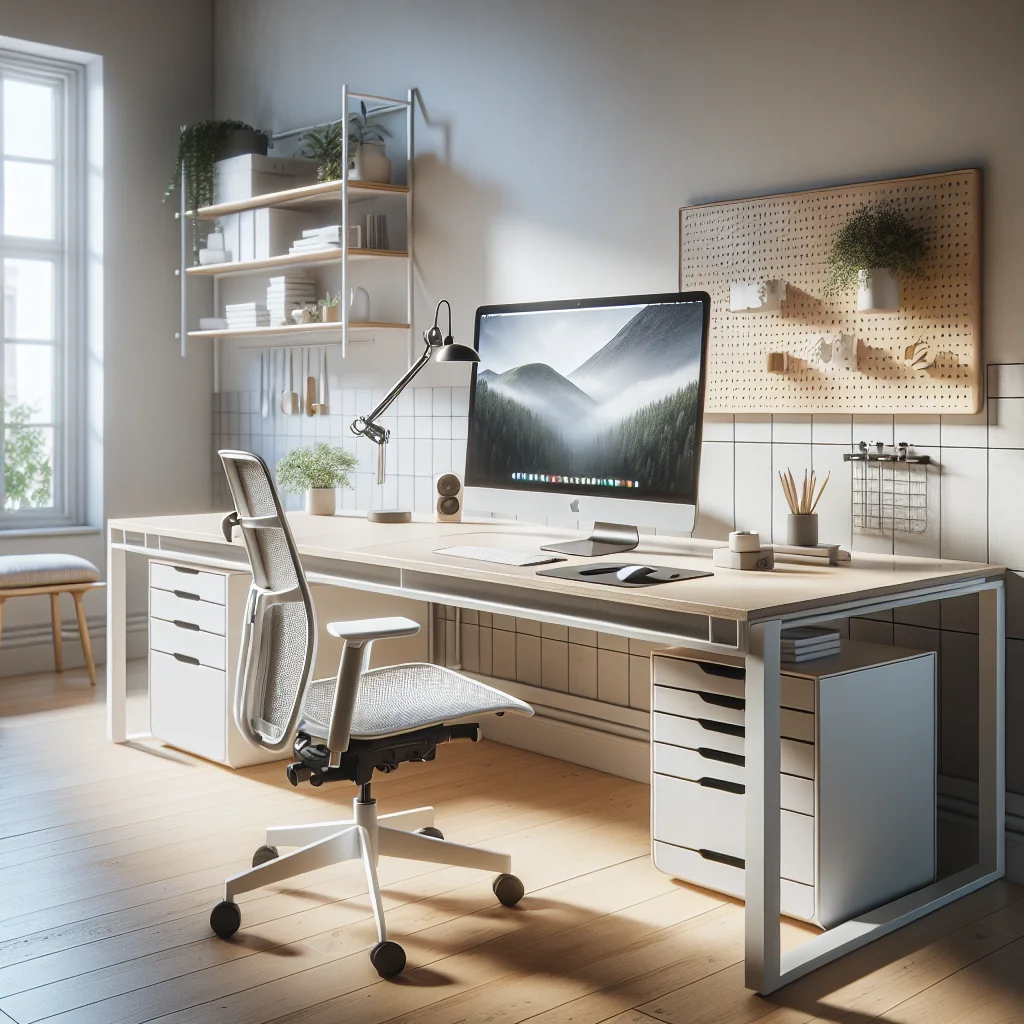
An IKEA desk setup often starts as a blank canvas. You can keep the surface clean with just a monitor, mechanical keyboard, mouse, and a small timer placed within easy reach. Cable trays and simple shelves keep the rest of your gear out of sight, leaving room to stand, stretch, and move during breaks.
In very tight spaces, a clip-on or under-monitor timer works well. This keeps your line of sight clear while still giving you a clear cue to switch between focus and rest blocks.
Styled Home Offices and Shared Living Spaces
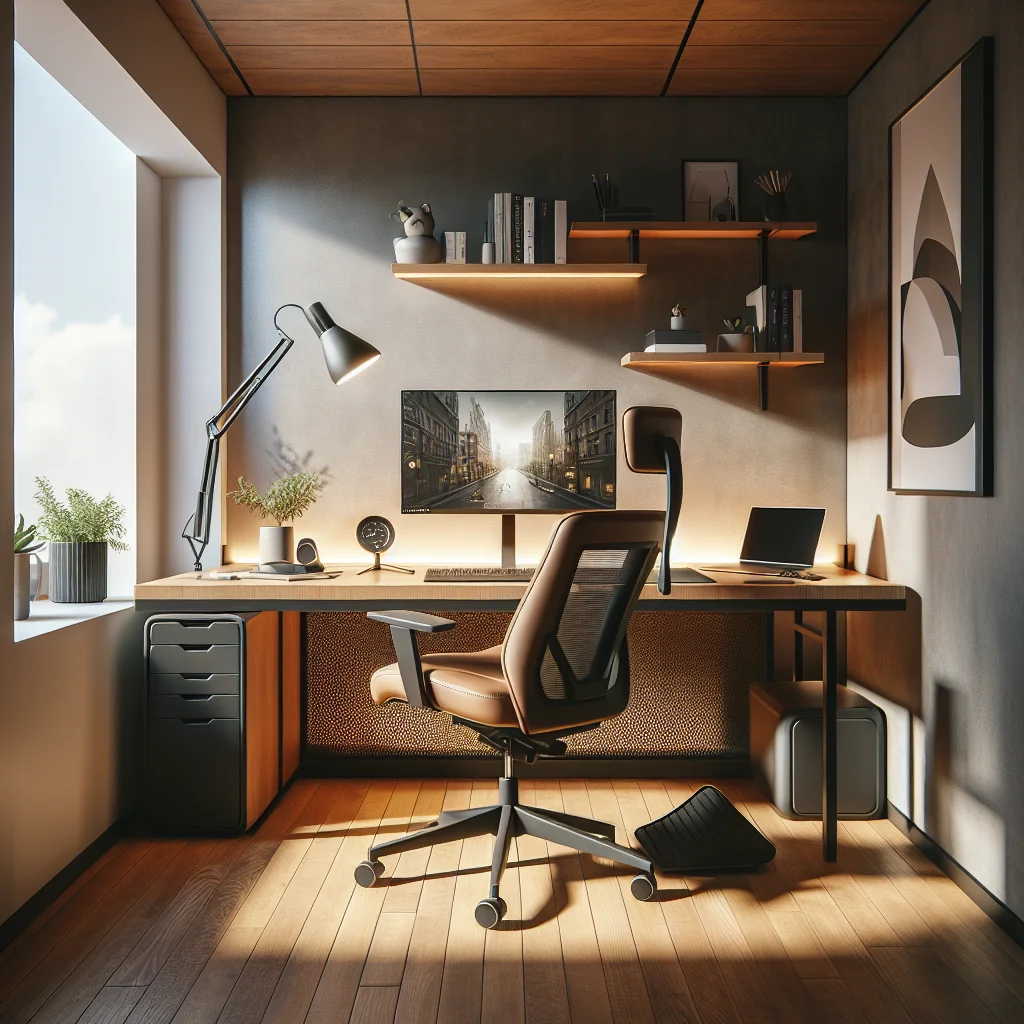
For a more styled, inspired desk setup, color and texture play a bigger role. Sage green keycaps, a soft desk mat, and a neutral timer can create a calm theme that supports focus. The timer becomes part of the look, not a random gadget dropped on the desk.
In a home desk setup that doubles as a living space, a subtle timer also helps you mentally “enter” and “exit” work mode with each cycle. This visual cue is especially useful if you cannot leave your work gear out all day.
Where to Place an Ergonomic Flow Timer on Different Desks
Thoughtful placement keeps the ergonomic flow timer useful without pulling your attention away from real work. The goal is quick glances and small movements, not big twists or reaches.
Desk Style, Timer Placement, and Ergonomic Focus
The table below shows how an ergonomic flow timer fits different desk styles and what each layout prioritizes.
Example placements for ergonomic flow timers across desk styles
| Desk Style | Timer Placement | Ergonomic Focus |
|---|---|---|
| Minimal IKEA desk | Beside monitor or under it | Clear surface, easy reach, quick posture checks |
| Compact corner table | Clip-on edge or wall-mounted | Protecting neck angle and keeping space uncluttered |
| Styled home office | On desk mat or shelf in view | Visual theme, calm focus, smooth work–rest rhythm |
| Shared living space | Small, portable timer stored after use | Clear start/stop to work, less visual noise when off-duty |
By matching the timer’s size, color, and placement to your desk style, you keep your setup ergonomic and visually calm while still getting clear reminders to move, rest your eyes, and reset your focus.
Lighting, Monitor Layout, and How They Affect Flow Cycles
Light and screen layout have a strong effect on how long you can stay in flow without strain. An ergonomic flow timer can remind you to adjust your gaze and posture, but the setup itself needs to support those reminders.
Lighting That Supports Longer Flow Sessions
To light an office well, aim for even, soft light. A monitor light bar or overhead lighting that avoids harsh contrast reduces eye fatigue, especially during early morning or late evening work.
During each break cycle, use a few seconds to look away from the screen at a distant object. This simple habit lets your eyes relax and pairs well with timed micro-breaks.
Key lighting and layout targets for ergonomic flow work are summarized below.
| Element | Recommended Setup | How to Use Breaks |
|---|---|---|
| Ambient lighting | Soft, even light that avoids glare on your screen | Glance around the room to adjust to different light levels |
| Monitor brightness | Match screen brightness roughly to the room brightness | Use a break to tweak brightness if your eyes feel strained |
| Primary monitor height | Top of the screen near eye level, directly in front of you | Check head tilt and reset to a neutral, upright position |
| Secondary monitor | Used for reference, placed slightly higher or to the side | Limit time staring up; scan it briefly, then return to main screen |
| Viewing distance | Roughly an arm’s length away from your eyes | During breaks, focus on something further away for a few seconds |
Your ergonomic flow timer can cue these small checks, so you treat each break as a quick reset for lighting comfort and visual strain rather than just a pause from typing.
Monitor Layout and Micro-Movements During Breaks
If you use a stacked monitor setup, be careful with neck angle. Your main work screen should sit directly in front of you, while the upper monitor shows reference material or communication tools.
During breaks triggered by your flow timer, gently roll your neck and shift your gaze to different distances. These micro-movements help prevent stiffness and keep your posture neutral for the next focus block.
Step-by-Step: Setting Up a Desk Around an Ergonomic Flow Timer
The following ordered list walks you through arranging your desk and integrating an ergonomic flow timer in a clear sequence. Follow each step in order so your posture and tools support timer-based work from the start.
Core Ergonomic Layout Before Adding the Timer
Begin by shaping a neutral, comfortable posture so your body can handle repeated focus cycles. Then arrange your main tools to match that posture before you worry about timing.
- Start with the desk and chair height. Adjust your chair so your feet rest flat and knees are near a right angle. Set desk height so your elbows rest at about a right angle when typing. This forms the base for long focus sessions.
- Place the monitor and choose lighting. Position the monitor so the top is near eye level, at arm’s length. Add a monitor light bar or a desk lamp that shines down without glare. This supports eye comfort during each timed block.
- Position keyboard and mouse. Place your keyboard straight in front of you, with the mouse close by to avoid reaching. If you use a mouse with extra buttons, map one to pause or reset your timer or focus app.
Once these basics are in place, your body stays more stable during each cycle, so the flow timer can guide your work without adding strain.
Placing the Ergonomic Flow Timer and Planning Cycles
Next, decide how you will see the timer and how it will shape your focus and breaks. This is where the ergonomic flow timer moves from a simple clock to a pacing tool that fits your habits.
Example ergonomic flow timer placement and use options are shown below.
| Timer Setup | Best Placement | Ergonomic Benefit |
|---|---|---|
| Physical desktop timer | Non-dominant side, within easy glance | Reduces neck twisting and shoulder reach |
| On-screen timer widget | Top corner near eye line, not over content | Lets you check time with small eye shifts only |
| Keyboard or mouse shortcut to timer | Mapped to an easy, low-force button | Cuts repeated reaching and awkward hand moves |
Choose the option that feels most natural and least distracting; the goal is to see the timer with tiny posture changes, not big head turns.
Using the Flow Timer to Shape Breaks and Clear Space
Now connect your timer to your work rhythm and physical space so each cycle reinforces good posture instead of breaking it down. Continue the numbered process from the earlier steps to build a full routine.
- Decide where the flow timer lives. Put a physical timer on the non-dominant side, or reserve a small spot on your screen for a timer widget. Make sure you can glance at it without twisting your neck.
- Define your focus and break pattern. Choose a starting pattern, such as 30 minutes focus, 3 minutes posture and eye break, then a longer 10 minute rest after three cycles. Let the timer guide these intervals and adjust if you feel strain.
- Clear clutter to keep the desk ergonomic. Remove items you do not use in most cycles. Keep only essentials like the timer, keyboard, mouse, notebook, and maybe a plant or small decor. A clear surface makes it easier to move, stretch, and keep good posture.
Once this layout is in place, your ergonomic flow timer does more than mark time. It shapes how your body and tools interact during the day, helping you maintain alignment and avoid building tension.
Desk Setup Essentials That Work Well With an Ergonomic Flow Timer
A good ergonomic flow timer does its best work inside a supportive workspace. Certain desk setup essentials pair especially well with this way of working and resting, because they reduce strain during each timed block.
Key Gear That Supports Ergonomic Flow Cycles
These items help your body stay comfortable while your ergonomic flow timer structures deep work and breaks.
- Mechanical keyboard: A mechanical keyboard can improve typing feel and reduce fatigue when matched with the right switch type. Each key has its own switch, offering clear feedback and durability.
- Ergonomic mouse: Many people like a sculpted mouse with a thumb rest, smooth scroll wheel, and customizable buttons. In a flow timer cycle, you can map buttons to start or stop your timer with minimal movement.
- Monitor light bar: A good monitor light bar reduces eye strain by lighting your desk without glare on the screen. This pairs well with timed eye breaks in your flow cycles.
- Supportive chair and desk height: A proper chair and desk height keep your spine neutral during long focus blocks. The timer reminds you to stand, shift, or stretch before discomfort builds.
- Calm color accents: Items like sage green keycaps or muted desk mats add a soft visual anchor. Combined with a simple timer display, they keep the desk soothing instead of overstimulating.
When these essentials work together, the timer becomes one part of a balanced system. Each flow cycle feels physically sustainable, not like a sprint you pay for later with aches and eye strain.
How Each Desk Essential Interacts With an Ergonomic Flow Timer
The table below summarizes how each item supports both comfort and timer-based work rhythms.
| Desk Item | Ergonomic Benefit | Flow Timer Synergy |
|---|---|---|
| Mechanical keyboard | Clear feedback and reduced finger strain | Comfortable for long focus blocks without harsh impact on joints |
| Ergonomic mouse | More natural hand and wrist position | Shortcut buttons can start, pause, or reset the flow timer |
| Monitor light bar | Lower eye strain and fewer harsh shadows | Pairs with scheduled eye-rest breaks in each timing cycle |
| Supportive chair and desk height | Neutral spine and reduced back and neck stress | Timer prompts you to stand, move, or stretch at regular intervals |
| Calm color accents | Less visual noise and mental fatigue | Helps you re-center quickly when the timer signals a new block |
By aligning these physical tools with your ergonomic flow timer, you create a workspace that supports both focus and recovery. The result is steady, repeatable performance instead of energy spikes followed by pain or burnout.
Pomodoro vs Ergonomic Flow Timer in a Modern Desk Setup
The classic pomodoro method uses fixed blocks, often 25 minutes of work and 5 minutes of break. This is simple and popular, but not always ergonomic for people who need different pacing or more body-focused breaks.
An ergonomic flow timer keeps the idea of structured sessions but adjusts the details. Work blocks can be longer or shorter, and breaks can be split into quick posture checks and slightly longer rest periods. Instead of a rigid rule, the timer supports how your body feels that day.
This approach also respects visual ergonomics. The display can be dim, off to the side, or integrated into an existing device, so you do not constantly glance at a bright countdown. The result is less stress while still keeping time boundaries around your tasks.
Designing a Small or Aesthetic Desk Setup Around Flow
Many people want a clean, simple desk setup that looks calm but still supports serious work. An ergonomic flow timer helps set the rhythm of that space as a quiet “conductor” for your work sessions and breaks.
On a minimalist or aesthetic desk setup, visual noise matters. A huge, flashing timer can ruin the mood. A small, neutral device or a subtle on-screen indicator works better, and the timer becomes part of the design language of the desk.
In a home office setup, especially if you share space with other activities, the timer also signals “focus mode” to you and sometimes to others. When the timer runs, you are in a working block; when it rings, you can step away, stretch, or handle quick home tasks without feeling guilty.