Stacked Ergonomic Monitor Setup for a Small, Aesthetic, and Productive Desk
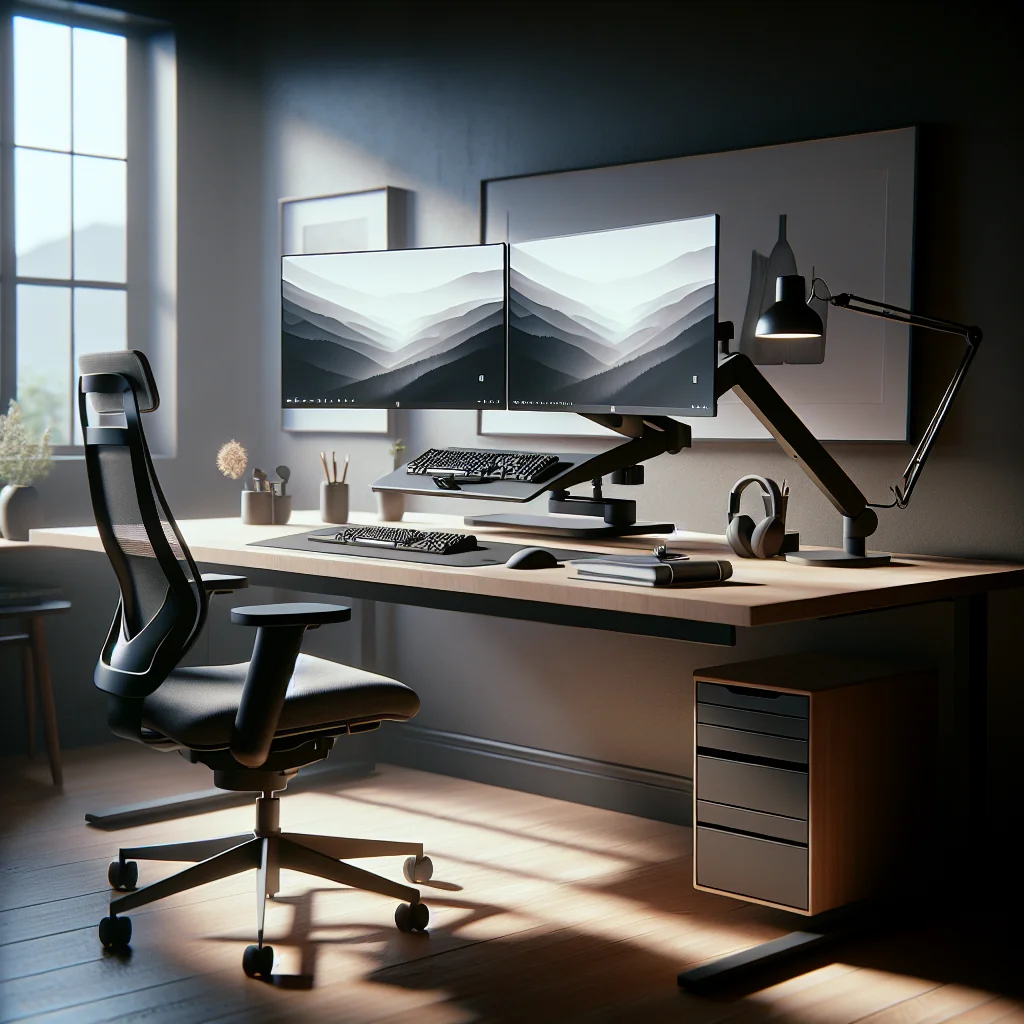
A stacked ergonomic monitor setup places one screen above the other instead of side by side. This layout can save space on a small desk, keep your posture healthier, and support a clean, minimalist desk style. Done well, it works with a home office setup, gaming station, or focused productivity setup built around tools like a Pomodoro timer or flow timer.
This guide walks through how to set up stacked monitors, keep the desk simple and aesthetic, choose lighting and accessories, and understand key gear like mechanical keyboards and ergonomic mice.
Why Choose a Stacked Ergonomic Monitor Setup?
A vertical or stacked monitor setup is helpful when desk width is limited but you still want two screens. Instead of spreading monitors across the desk, you build upward and free space for a minimalist desk layout, plants, speakers, or writing space.
Stacked monitors also help center your main screen directly in front of you. The second monitor sits above, which can reduce neck twisting compared with a wide dual setup, as long as heights are adjusted correctly.
For a home desk setup that needs to feel both compact and calm, this layout can support an aesthetic desk setup without losing screen real estate.
Ergonomic Basics for a Healthy Stacked Monitor Layout
Good ergonomics matter more with stacked monitors, because your eyes and neck move vertically as well as horizontally. A few simple rules can keep your posture safe and comfortable during long focus sessions or Pomodoro timer cycles.
- Keep the primary monitor directly in front of you, about an arm’s length away.
- Set the top of the primary screen at or slightly below eye level.
- Place the secondary (top) monitor so you only look up with your eyes, not your neck.
- Use a chair that lets your feet rest flat and your elbows stay near 90 degrees.
- Position the keyboard and mouse so your shoulders stay relaxed and close to your body.
These basics help your stacked ergonomic monitor setup work with your body rather than against it, which is key for a productive setup you can use all day.
Step‑by‑Step: How to Set Up a Stacked Monitor Desk
Building a stacked monitor setup is easier if you follow a clear order. This process works for a small desk setup, an IKEA desk setup, or a custom home office setup.
- Measure your desk depth, width, and wall clearance to confirm there is space for two monitors stacked.
- Choose a dual vertical monitor arm or stand that supports the size and weight of both monitors.
- Mount the bottom monitor first, centering it in front of your chair and setting the top line at eye level.
- Add the top monitor, leaving a small gap between the two screens so you do not need to tilt your head back.
- Connect cables and route them behind the arm or along the desk edge to keep the minimalist desk look.
- Place your keyboard, mouse, and desk mat so your forearms are parallel to the floor and shoulders relaxed.
- Test the setup for 15–20 minutes of work, then fine‑tune heights and angles based on any strain you feel.
Once the structure feels right, you can layer in desk setup essentials like lighting, a monitor light bar, and a timer for managing deep work sessions.
Making a Stacked Monitor Setup Work on a Small or Minimalist Desk
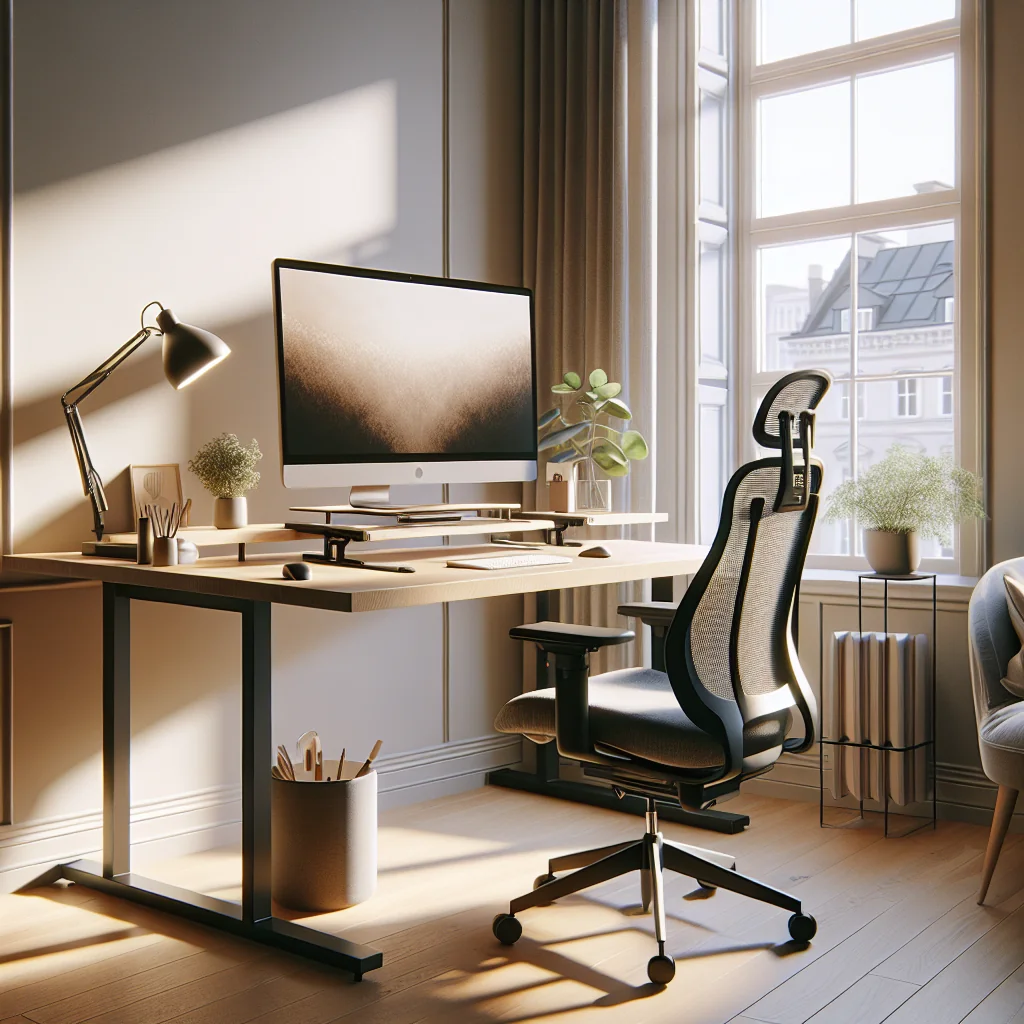
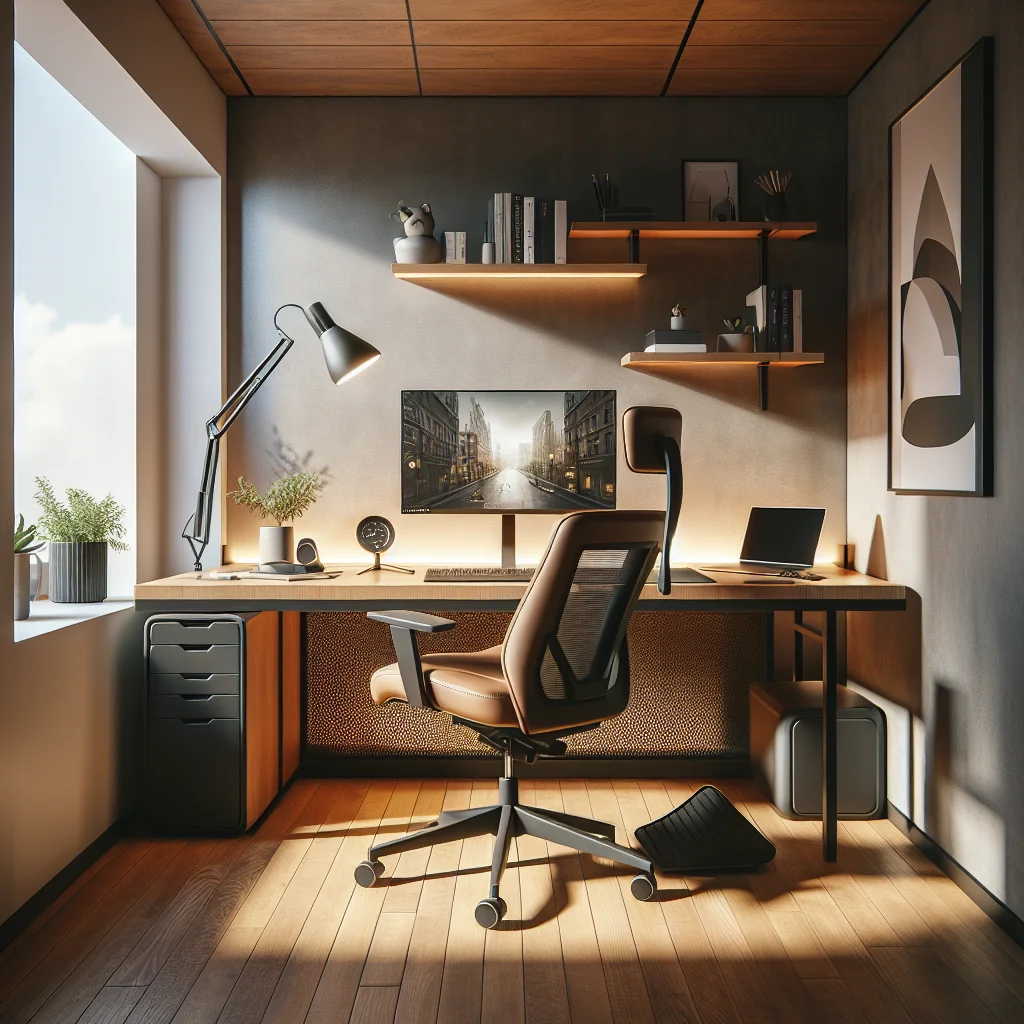
A small desk setup benefits most from going vertical. Stacking screens leaves more open surface area and supports a simple desk setup that does not feel cramped. This is especially useful for an IKEA desk setup or compact home office setup in a bedroom or shared space.
Keep only essentials on the desk: keyboard, mouse, a notebook, and maybe one plant or small speaker. Store extra items in drawers or a pegboard on the wall so the workspace stays visually calm and supports focus.
A minimalist desk is less about owning fewer things and more about reducing visual noise. A clean surface under a stacked ergonomic monitor setup makes the whole computer desk setup feel more intentional and less stressful.
Desk Setup Essentials for a Productive Stacked Layout
The right essentials can turn a basic stacked monitor setup into a productivity setup that feels smooth and inspiring. Focus on a few high‑impact items that support comfort, focus, and aesthetics.
Core essentials for a stacked, ergonomic, and aesthetic desk setup include:
- A stable desk and chair with adjustable height
- Dual monitor arm or stand rated for your monitors
- Mechanical keyboard and ergonomic mouse
- Monitor light bar and soft room lighting
- Desk mat, cable management, and a simple storage solution
- Timer app or physical Pomodoro timer / flow timer
These pieces work together: ergonomics reduce strain, lighting reduces eye fatigue, and timers help you use the extra screen space for deep, focused work instead of distraction.
Mechanical Keyboards, Sage Green Keycaps, and the Aesthetic Side
Mechanical keyboards are a popular part of an inspired desk setup, especially next to a stacked monitor layout. But what is a mechanical keyboard, exactly? It is a keyboard where each key uses its own physical switch under the cap, instead of a rubber dome. This gives clearer feedback, longer life, and a more satisfying feel while typing.
Many people customize their boards with colored keycaps. Sage green keycaps are a common choice for a calm, plant‑inspired theme that pairs well with wood desks and neutral walls. They add personality without making the desk visually loud.
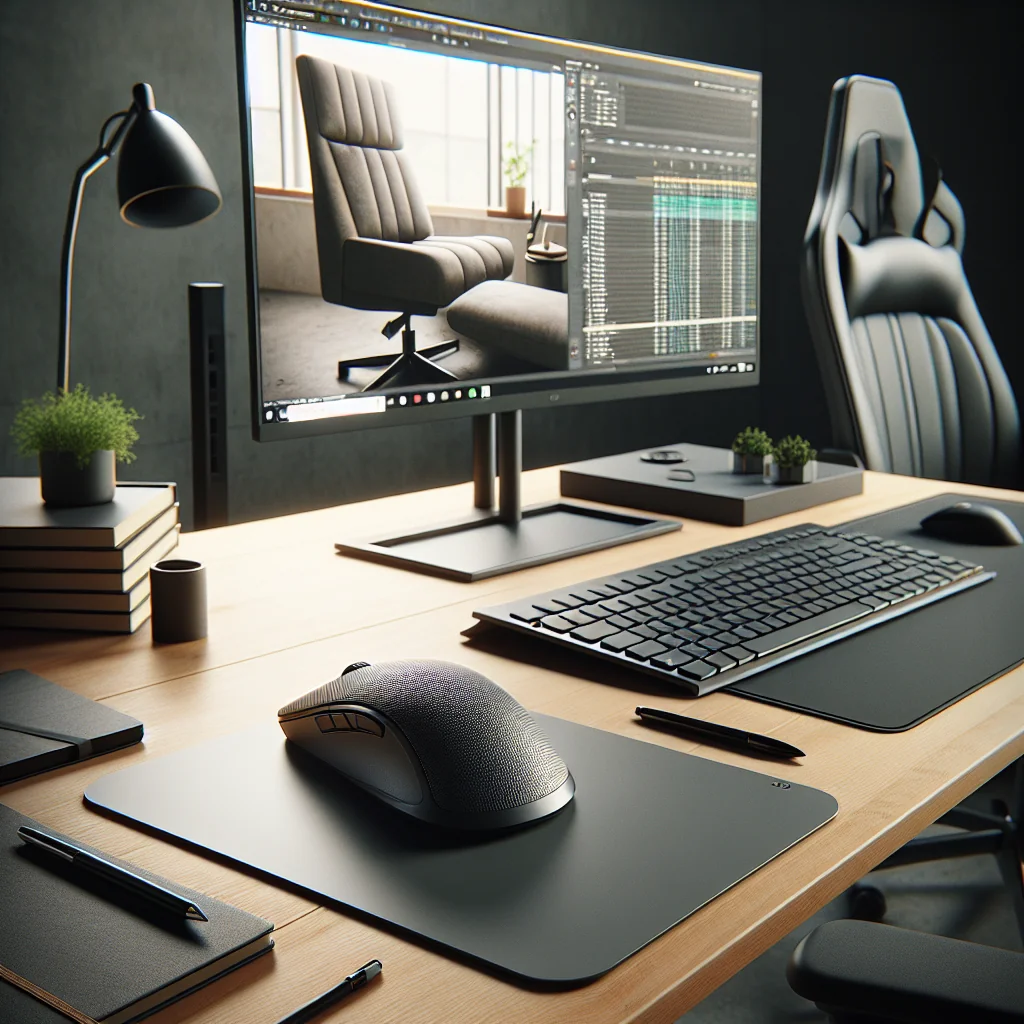
A mechanical keyboard with sage green keycaps, a simple mouse, and a clean desk mat can anchor your aesthetic desk setup under the stacked screens while still staying ergonomic and practical.
Logitech MX Master 3 Review in the Context of a Stacked Desk
The Logitech MX Master 3 is a popular mouse for home office and productivity setups. For a stacked ergonomic monitor setup, this mouse has several benefits. The sculpted shape supports the hand well, which helps reduce strain during long sessions.
The side scroll wheel makes vertical work smoother. You can map the wheels and buttons for tasks like switching virtual desktops, scrolling timelines, or zooming on the top monitor. The high‑quality sensor tracks well on most desk mats, which is useful on a minimalist desk with limited space for a mouse pad.
For many users, the MX Master 3 fits naturally into a simple desk setup: one main mouse, one mechanical keyboard, and two stacked monitors, all tuned for comfort and speed.
Lighting a Home Office with Stacked Monitors
Good lighting can make or break a stacked monitor setup. You want enough light to avoid eye strain, but not so much that you get glare on the screens. This is especially important in a home office setup that doubles as a bedroom or living space.
A monitor light bar is often the best first upgrade. The best monitor light bar for stacked setups will shine down on the desk without hitting the screen directly. That reduces reflections and brightens the keyboard and notebook space. Many bars offer warm and cool color options so you can adjust based on time of day.
For the rest of the room, use soft side lighting or a floor lamp instead of a harsh overhead light. Learning how to light an office gently makes the whole computer desk setup feel more relaxing and helps you stay in flow longer.
Timers, Flow, and Using Extra Screen Space Wisely
A stacked ergonomic monitor setup gives you more screen area, but that does not guarantee better focus. Timers like a Pomodoro timer or flow timer help you structure your work so the extra monitor supports deep work instead of distraction.
Many people keep a timer app on the top monitor, along with reference material, notes, or a calendar. The bottom monitor stays dedicated to the main task. This simple rule can keep context clear and reduce task‑switching.
Over time, your productivity setup becomes a system: stacked monitors for space and clarity, a timer for rhythm, and a clean, minimalist desk for focus.
Example Layouts for Different Desk Styles
The best stacked monitor setup depends on your space and style. The table below compares three common approaches for a home desk setup.
Example stacked monitor layout options:
| Desk Style | Main Goal | Monitor Use | Key Accessories |
|---|---|---|---|
| Small minimalist desk | Save space and reduce clutter | Bottom: main work, Top: reference | Monitor light bar, cable clips, compact mechanical keyboard |
| Inspired aesthetic desk setup | Blend productivity with style | Bottom: creative apps, Top: music, mood boards | Sage green keycaps, desk plant, framed art, soft lamp |
| Focused productivity setup | Deep work and time‑boxed tasks | Bottom: main task, Top: Pomodoro or flow timer | MX Master 3 mouse, desk mat, physical timer, notebook |
Use these examples as starting points. Adjust based on your habits, preferred tools, and how you like your home office setup to feel during long days.
Bringing Your Stacked Ergonomic Monitor Setup Together
A good stacked ergonomic monitor setup is more than two screens on top of each other. It is a small system: healthy posture, smart lighting, simple desk setup, and a few well‑chosen tools like a mechanical keyboard, MX Master 3, and a Pomodoro or flow timer.
Whether your space is a tiny IKEA desk setup in a corner or a full home office, focus on three things: comfort, clarity, and calm. If the desk feels good to sit at, the layout is easy to understand, and the look stays clean and inspiring, your stacked monitors will support your work instead of getting in the way.