Ergonomic Home Desk Ideas for a Comfortable, Productive Workspace
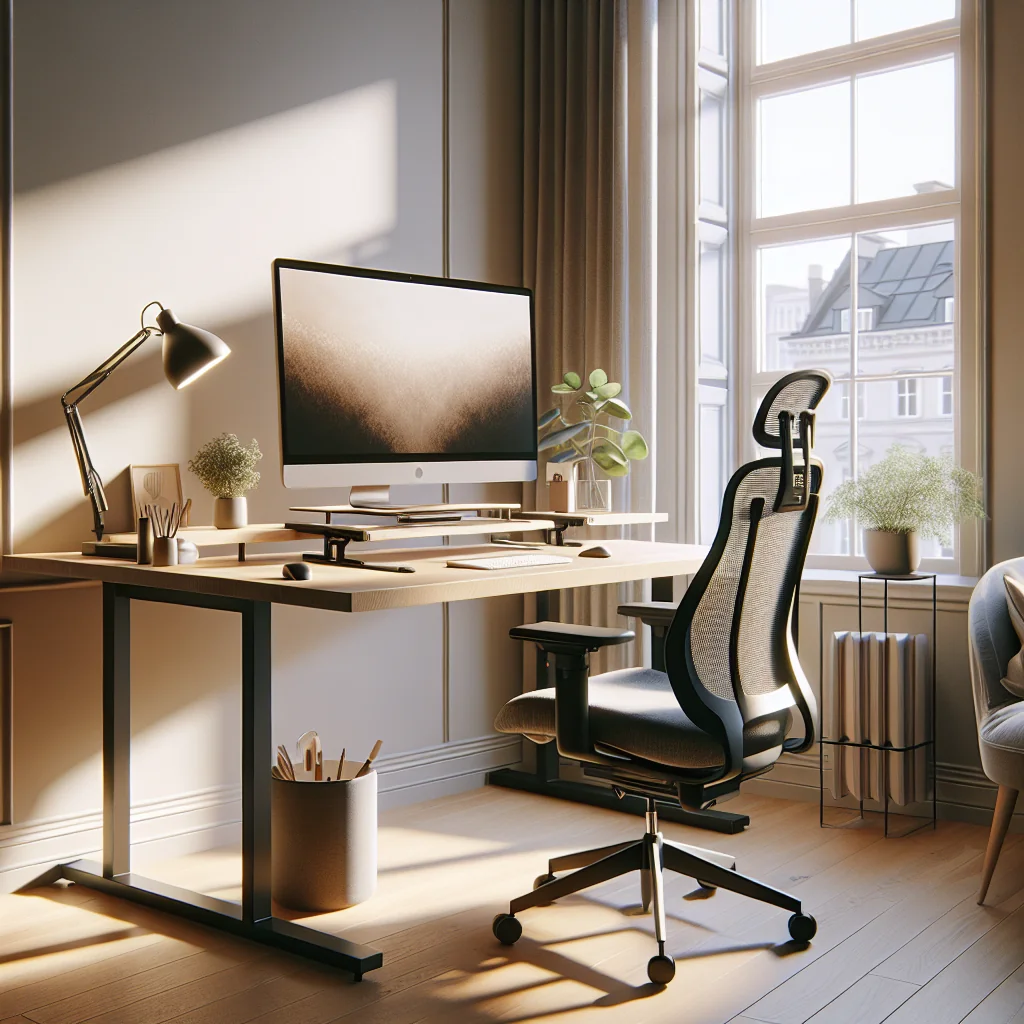
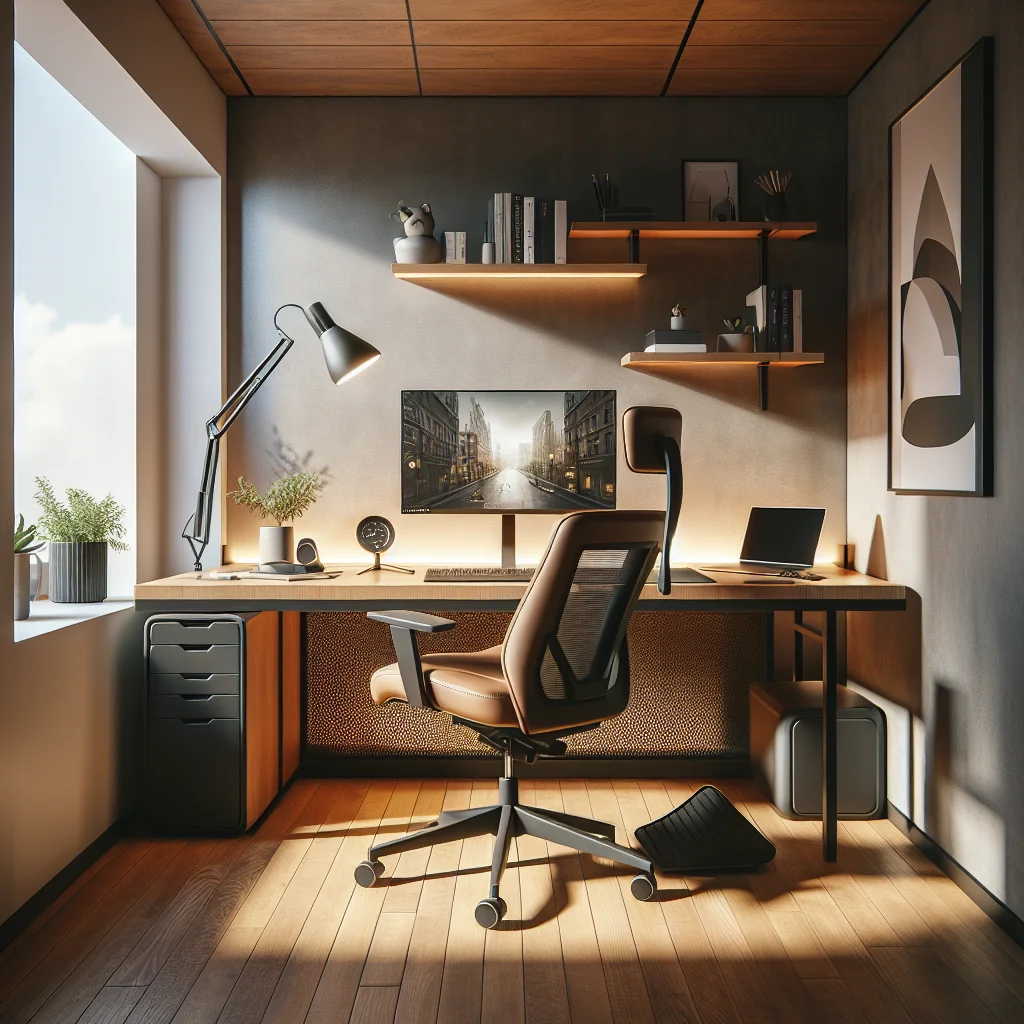
An ergonomic home desk setup does more than protect your back and neck. With a smart layout, the right tools, and a few steady habits, you can turn a basic home desk into a calm, productive workspace. This guide walks through practical ergonomic home desk ideas that blend comfort, style, and simple routines you can use in any home office.
Start With a Simple, Ergonomic Home Desk Setup
A good ergonomic desk begins with basic alignment. Even a small desk setup can feel comfortable if your chair, desk height, and monitor position match your body. Aim for a setup where your shoulders stay relaxed and your wrists stay straight while typing.
For a simple desk setup, keep the main work zone within easy reach. Place your keyboard and mouse close to the edge, and keep your monitor at arm’s length with the top of the screen near eye level. This reduces neck strain and helps you sit upright without effort.
Imagine you share a dining table with your partner as a temporary office. If you add a separate keyboard, a laptop stand, and a cushion under your feet so they rest flat, that shared space can still become a quick ergonomic home desk that feels far better than hunching over the bare table.
Dialing in Desk and Chair Height
If you are planning a new home office setup, measure your seated elbow height and choose a desk close to that height. For shared spaces, an adjustable desk frame lets each person fine-tune posture. As a micro-example, a teenager doing homework might lower the desk slightly, while an adult working on a laptop might raise it and add an external keyboard.
Minimalist Desk Ideas for Small and Aesthetic Setups
A minimalist desk helps ergonomics by cutting clutter that competes for your attention. Fewer objects on the surface mean more space to move your mouse, adjust your keyboard, and position your arms correctly. This matters even more in a small desk setup.
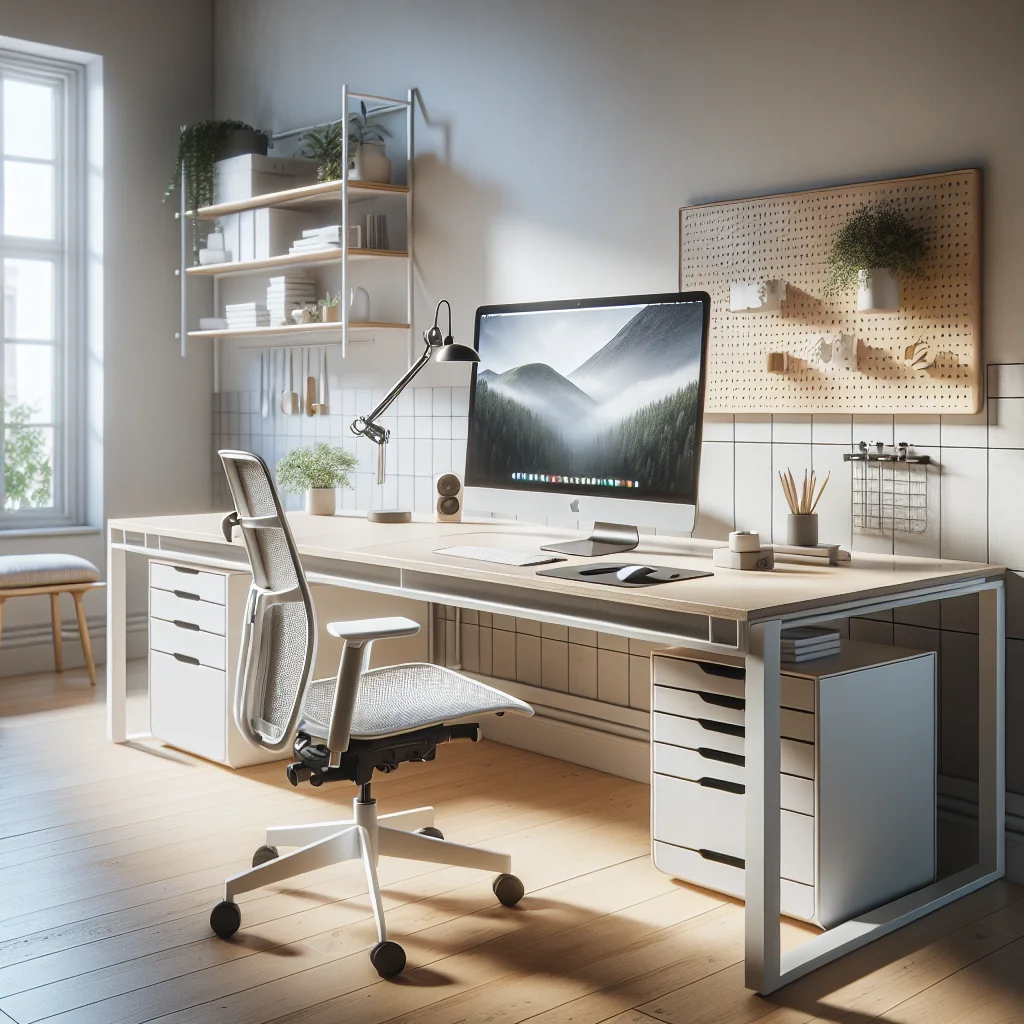
For an aesthetic desk setup that stays practical, limit your daily-use items to a short list: laptop or monitor, keyboard, mouse, a small notepad, and one or two personal items. Store everything else in drawers, wall shelves, or a pegboard above the desk to keep it off the work surface.
Picture a narrow console table in a hallway that doubles as your desk. A slim monitor arm, a clamp-on lamp, and a hook under the top for headphones keep the surface clear. With these small choices, that tiny spot becomes a minimalist, ergonomic home desk instead of a cluttered catch-all shelf.
Using Vertical Space in Compact Work Areas
If you have a compact setup or narrow computer desk, use vertical space. A slim monitor stand, small drawers under the desk, or a clamp-on headphone hook keep the surface clear while still looking tidy. One simple scenario: a small floating shelf above the monitor holds a plant and a timer, leaving the main desk open for your arms and keyboard.
How to Set Up a Desk: An Ergonomic Checklist
Use this simple checklist to guide how to set up a desk that supports posture and focus. Adjust each item in small steps and test how your body feels after an hour of work.
- Chair height: Feet flat on the floor, knees at about 90 degrees.
- Desk height: Forearms level with the desk, shoulders relaxed.
- Monitor position: Top of screen near eye level, at arm’s length.
- Keyboard placement: Directly in front of you, elbows close to your body.
- Mouse placement: Next to the keyboard, no reaching or twisting.
- Lighting: No harsh glare on the screen; light source slightly to the side.
- Cable management: Cables routed away from your legs and arms.
- Break routine: Use a simple timer to stand and stretch often.
Revisit this checklist every few months. As you change chairs, monitors, or even flooring, small shifts in height and distance can affect comfort. For example, a thicker rug can raise your feet and change knee angle, so a quick chair adjustment keeps your ergonomic home desk setup feeling right.
Keyboards and Keycaps: Ergonomic Typing Ideas
Many ergonomic home desk ideas focus on chairs and monitors, but your keyboard matters just as much. A mechanical keyboard uses individual switches under each key, which gives clear feedback and a consistent feel. This can reduce the force you use when typing and help your fingers stay relaxed.
Mechanical keyboards support comfort because they offer different layouts and switch types. You can choose lower-profile switches, split layouts, or slightly tented boards to reduce wrist strain. Pair a mechanical keyboard with a soft wrist rest and a slight negative tilt, where the front edge is a bit higher than the back, to keep your wrists neutral.
Keycaps can add personality without harming ergonomics. Sage green keycaps, for example, add a calm color that works well in a minimalist or aesthetic desk setup. A quick scenario: a writer who spends hours typing might choose a simple, quiet mechanical board with soft green keycaps and a fabric wrist rest, turning long sessions into a more pleasant daily habit.
Small Adjustments for Better Typing Posture
Try sliding the keyboard a few centimeters closer so your elbows stay near your sides. In a short test, type for five minutes with the keyboard far away, then five minutes with it closer. Most people feel less shoulder tension with the closer position, which is a fast ergonomic win at any home desk.
Mouse Comfort and Hand Support
A good mouse supports your hand shape and reduces small repetitive strain. Many people choose advanced mice that allow a relaxed, slightly tilted hand position, which can reduce wrist twisting compared with a flat mouse. This style works well in a productivity-focused computer desk setup.
These mice often include a thumb rest and extra buttons. Features like smooth scrolling and side scroll help you move through documents and timelines faster. The weight and size feel best on a stable surface with enough room for a full range of motion.
As a micro-example, a video editor might map side buttons to play and cut commands. This reduces keyboard reaches and keeps hands in a neutral zone. In a cramped space, raising pointer speed slightly lets you move across the screen with smaller wrist movements.
Positioning Your Mouse to Protect Shoulders
Place the mouse close to your body, in line with your shoulder, to prevent overreaching. If you notice your elbow drifting away from your ribs while you work, slide the mouse and keyboard a little closer. Even a two-centimeter shift can ease shoulder tension during a long day at your ergonomic home desk.
Stacked Monitor Setup and Screen Ergonomics
A stacked monitor setup can save width on a narrow desk while giving more screen area. However, vertical layouts need extra care to stay ergonomic. Constantly looking up or down can strain your neck.
For a healthy stacked layout, use the primary monitor at eye level and the secondary screen slightly below. Reserve the upper monitor for reference material, chats, or dashboards you glance at, not for constant reading. Keep font sizes large enough so you can sit back in your chair while viewing both screens.
Consider a developer who codes on the main screen and keeps documentation on the lower screen. By glancing down rather than up for reference, neck strain stays lower. This small change shows how layout choices at your home desk can shift comfort through the whole day.
Ensuring Stability on Lightweight Desks
Make sure your monitor stand or arm is stable, especially on lighter tabletops. A wobbling screen encourages you to tense your neck and shoulders. Check the weight rating of your desk and tighten all clamps so your stacked setup feels solid during typing and mouse use.
Lighting Ideas: From Room Glow to Monitor Light Bars
Good lighting is a core part of ergonomic home desk ideas. Poor light leads to eye strain, headaches, and a hunched posture as you lean in to see. The goal is even, indirect light with enough brightness for reading without glare on the screen.
A monitor light bar can help balance light on your desk without taking extra space. The best options attach securely to the top of the monitor, shine down on the desk surface instead of into your eyes, and avoid casting light directly on the screen. Adjustable color and brightness are also helpful for long workdays.
Imagine a small bedroom office with only one bright ceiling light. By adding a warm desk lamp to the side and a low-brightness light bar on the monitor, you even out the contrast. Your eyes no longer jump between a bright screen and a dark desk, which makes reading and writing more comfortable.
How to Light an Office Corner at Home
Use a mix of ambient ceiling light and one or two desk or floor lamps placed to the side of your monitor. Aim to match the brightness of the screen and the room so your eyes are not constantly adapting between bright and dark areas. A simple test: if a printed page on your desk looks as easy to read as text on your monitor, your lighting level is close to ideal.
Timers, Micro-Breaks, and Movement at Your Desk
Ergonomics is also about how long you stay in one position. A simple timer helps you alternate focused work with short breaks, which gives your eyes, hands, and back a chance to recover. These breaks matter as much as your chair and desk height.
The classic Pomodoro structure is 25 minutes of focused work followed by a 5-minute break, repeated several times, then a longer break. You can adjust the session length to match your concentration span. Use the work interval for single-task focus, then stand, stretch, or walk during breaks.
Picture a designer who sets a 30-minute timer while working on a layout. When the alert sounds, they stand, roll their shoulders, and look out a window for one minute. This tiny routine, repeated through the day, reduces stiffness and keeps the ergonomic home desk setup paying off in real comfort.
Sample Work Session Routine (Step-by-Step)
Use this simple sequence to build movement into your day without breaking focus.
- Set a 25-minute timer and choose one clear task.
- Sit back in your chair with feet flat and shoulders relaxed.
- Work with full focus until the timer rings.
- Stand up, stretch your arms and neck for one minute.
- Walk a few steps or fill a glass of water.
- Return to your desk, adjust posture, and start the next round.
Repeat this pattern for three or four rounds, then take a longer break. Over a week, this simple process trains you to check posture often and keeps your ergonomic home desk from turning into a static, stiff workspace.
Comparing Common Ergonomic Home Desk Layouts
Different homes support different desk layouts. A small corner, a shared dining table, or a full office room each call for slightly different ergonomic choices. The table below gives a quick comparison of common setups and their pros and cons.
Overview of typical ergonomic home desk layout options:
| Desk Layout | Best For | Main Advantages | Key Ergonomic Watch-outs |
|---|---|---|---|
| Single monitor, fixed-height desk | Simple home offices and students | Low cost, easy to set up, small footprint | May need chair or risers to match elbow and eye height |
| Sit-stand desk with one monitor | People who work long hours at a desk | Allows posture changes, reduces long sitting time | Monitor and keyboard height must be adjusted for both positions |
| Stacked dual monitors | Developers, analysts, traders | More screen space without extra desk width | Neck strain if upper screen used for constant reading |
| Corner L-shaped desk | Multitaskers with devices or paperwork | Separate zones for computer and writing tasks | Risk of twisting the spine if you swivel instead of moving the chair |
| Foldable or wall-mounted desk | Very small apartments and shared rooms | Saves space, hides work area when folded | Often narrow; careful monitor and chair placement is needed |
Use this table as a quick guide when planning your own layout. For example, if you work from a corner of the living room, an L-shaped desk might give you space for a laptop on one side and a notebook on the other, while still letting you keep your main monitor straight in front of you for healthy posture.
Desk Setup Essentials for an Inspired Home Office
Once you have the basics of ergonomics in place, a few desk setup essentials can turn a plain surface into an inspired desk setup that you enjoy using every day. The key is to balance function and style so your space stays both comfortable and motivating.
Essentials for an ergonomic, aesthetic desk setup often include a supportive chair, a stable desk, a keyboard that suits your typing style, a comfortable mouse, a well-placed monitor or stacked monitor setup, a light bar or desk lamp, and at least one plant or art piece that makes the space feel personal. Add a cable tray or clips to keep wires under control.
Color and materials also matter. Soft tones like sage green keycaps, light wood, and neutral textiles can create a calm mood. One simple example: a small potted plant next to your monitor and a framed photo on the wall above your desk can make a basic ergonomic home desk feel like a space you look forward to using.
Putting Ergonomic Home Desk Ideas into Action
An ergonomic home desk does not require a large room or expensive gear. Start with posture and monitor height, then refine lighting, keyboard, and mouse. After that, shape your environment with a minimalist style, a clean aesthetic, and a break routine that keeps your body moving. Over time, these small choices add up to a home desk setup that feels good to use and supports your best work.