Ergonomic Computer Desk Setup for a Comfortable, Aesthetic Workspace
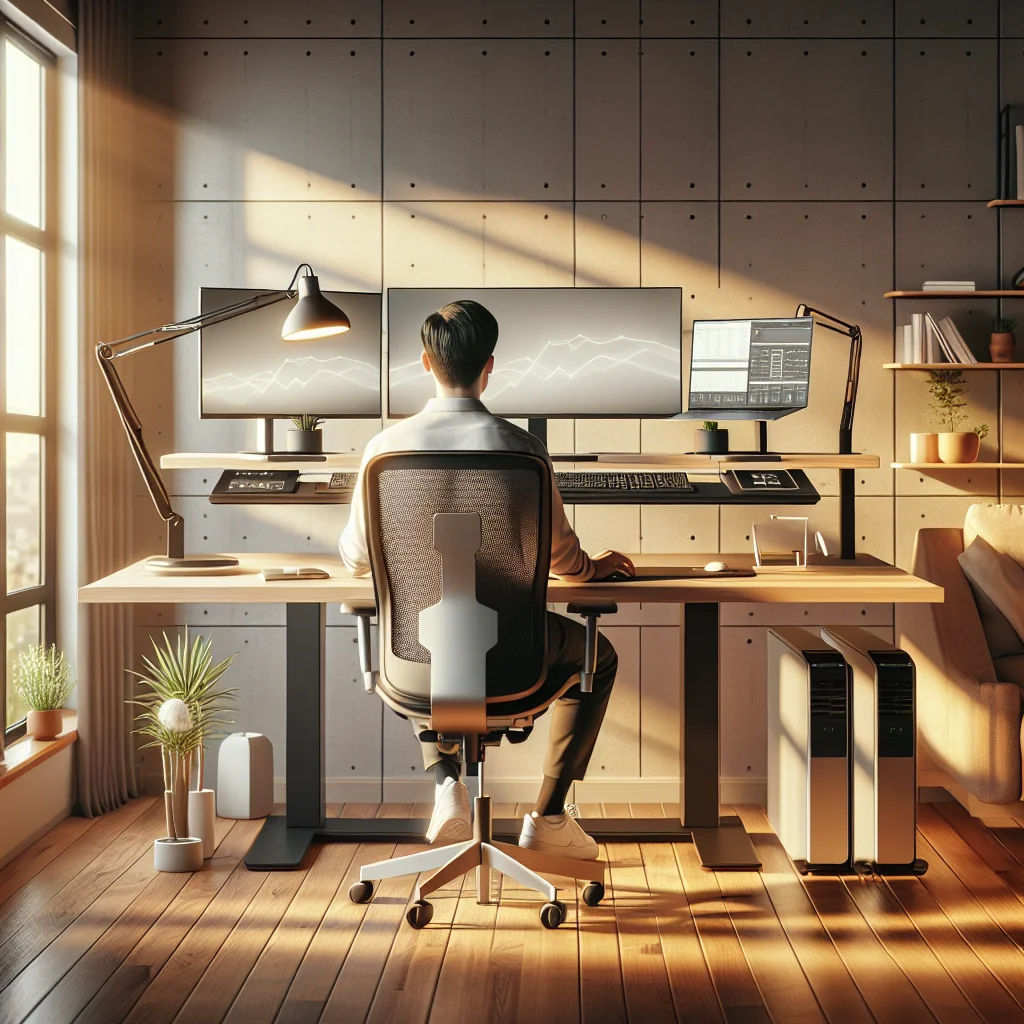
An ergonomic computer desk setup does more than prevent back and neck pain. A good setup also supports focus, helps you use tools like a Pomodoro timer, and keeps a minimalist desk layout that looks clean and feels calm. You can build this in a home office setup, a small desk setup, or even a simple desk in your bedroom.
This guide walks through how to set up a desk step by step. You will learn about monitor height, chair position, lighting, mechanical keyboards, and desk setup essentials that support both comfort and productivity.
Start With the Right Desk and Layout
The foundation of an ergonomic computer desk setup is the desk itself. You can create a healthy posture with an IKEA desk setup, a custom table, or a compact table for a small desk setup. The key is matching the desk height and depth to your body and your gear.
For a minimalist desk, aim for a surface that fits only what you use daily: monitor, keyboard, mouse, and maybe a small notebook. This keeps your hands and arms free and reduces visual clutter, which helps focus.
How to Set Desk Height and Position
Desk height affects your shoulders, wrists, and back. Your goal is to keep your elbows near 90 degrees, shoulders relaxed, and wrists straight while typing. That applies whether you use a standard keyboard or a mechanical keyboard.
- Sit in your chair with your feet flat and knees at about 90 degrees.
- Relax your shoulders and bend your elbows at your sides to 90 degrees.
- Raise or lower the desk so the keyboard surface matches your relaxed elbow height.
- Place the keyboard close enough so your upper arms hang straight, not reaching forward.
- Check that your wrists stay flat, not bent upward, as you type and move the mouse.
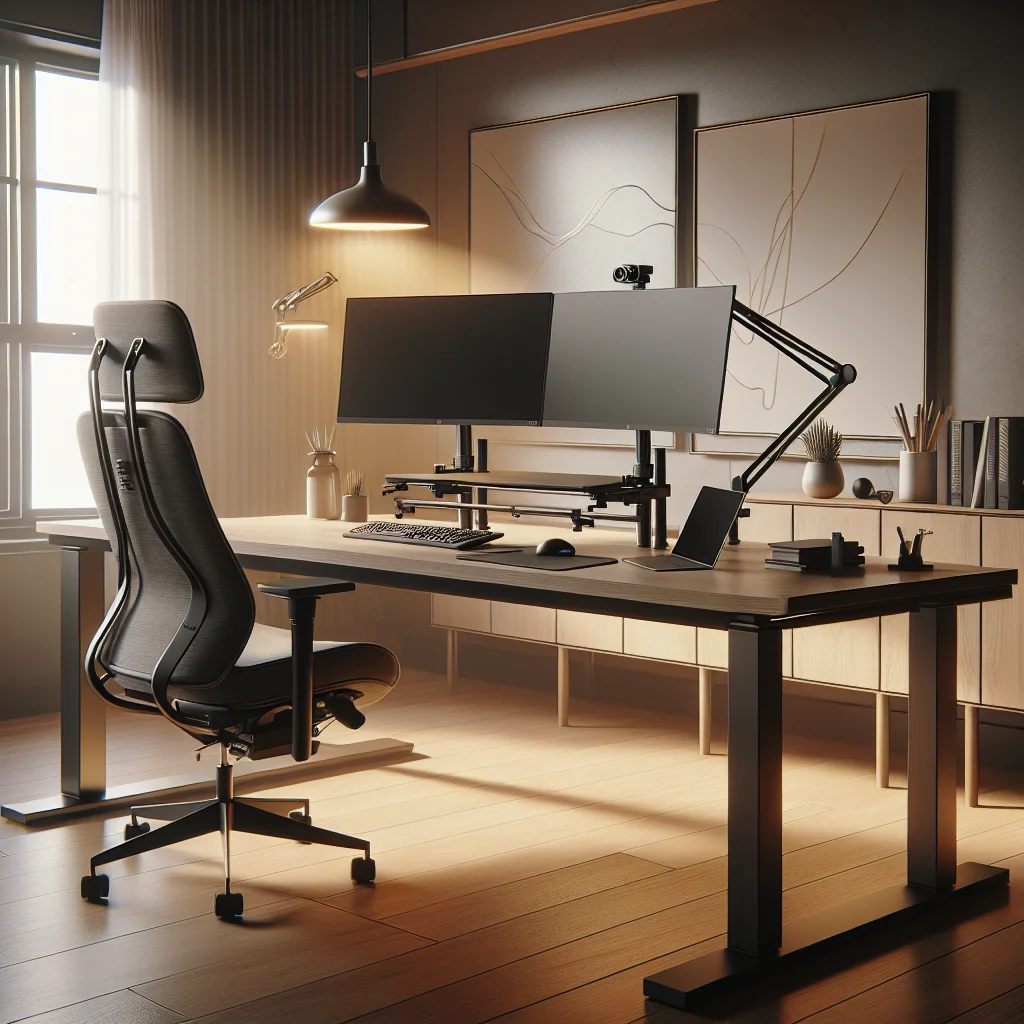
Once the height feels right, center your computer desk setup around your main screen. The middle of the screen should sit roughly at eye level, so your neck stays neutral instead of bending down or craning up.
Chair, Posture, and Foot Support
Even the best desk setup fails if your chair and posture are off. A good home desk setup supports the natural curve of your lower back and lets you sit back into the chair, not perch on the edge.
Adjust the chair so your thighs are roughly level and your feet rest flat. If your feet do not reach the floor, use a footrest or a stable box. This simple change can reduce pressure on your lower back and behind your knees.
Lean back slightly rather than sitting bolt upright. A small recline often feels more natural and reduces strain on your spine over a long workday.
Monitor Placement and Stacked Monitor Setup
Screen position is a major part of ergonomic design. A poor monitor setup can lead to neck pain, eye strain, and headaches. Whether you use a single screen or a stacked monitor setup, keep your main display straight in front of you.
For a single monitor, place the top of the screen at or slightly below eye level. Sit at arm’s length from the screen, then adjust until text looks clear without leaning forward.
Ergonomic Tips for a Stacked Monitor Setup
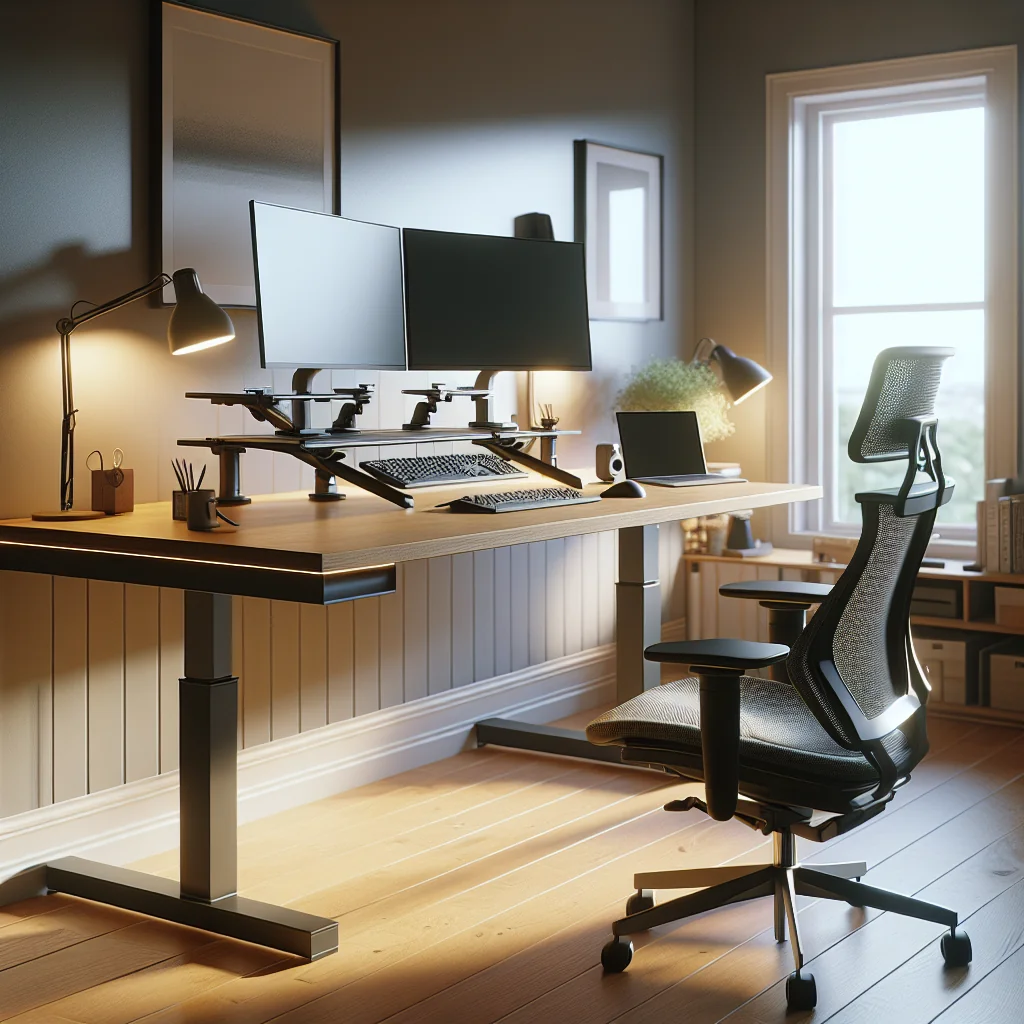
A stacked monitor setup can save desk space and help with a small desk setup, but the top screen can pull your neck up. Use the lower monitor as your main screen and the upper one for reference content.
Angle the upper screen slightly down toward your eyes. Try to keep your chin level and avoid tilting your head back for long periods. If you notice strain, move key tasks back to the lower screen.
Keyboard, Mouse, and Desk Setup Essentials
Your input devices shape how your hands, wrists, and shoulders feel throughout the day. Desk setup essentials include a comfortable keyboard, a supportive mouse, and enough clear space for natural arm movement.
Position the keyboard and mouse on the same level and as close together as possible. This reduces reaching and twisting at the shoulder. Keep both directly in front of you, not off to the side.
What Is a Mechanical Keyboard?
A mechanical keyboard uses individual mechanical switches under each key instead of a flat membrane. Each keypress has a clear actuation point and often a stronger sound and feel. Many people like mechanical keyboards for comfort, accuracy, and long life.
For ergonomics, choose a mechanical keyboard with a low profile or a slight negative tilt, where the front edge is higher than the back. This helps keep your wrists straight. Soft, light switches can reduce finger strain during long typing sessions.
Logitech MX Master 3 Review: Ergonomic Highlights
The Logitech MX Master 3 is a popular mouse for productivity setups. From an ergonomic view, its sculpted shape supports the hand in a more natural, slightly tilted position instead of flat on the desk.
The thumb rest and side buttons reduce extra finger movement for common shortcuts like back, forward, or switching apps. The scroll wheel is smooth and fast, which can ease strain during long scrolling sessions. For best comfort, keep the mouse close to the keyboard and use your whole arm to move it, not just your wrist.
Lighting, Monitor Light Bars, and Aesthetic Desk Setup
Good lighting is part of ergonomics because it affects eye strain and energy levels. Aesthetic desk setup choices like warm lamps, a monitor light bar, and soft wall lighting can look great and feel comfortable at the same time.
When you plan how to light an office or home office setup, aim for even light across the room. Avoid a bright lamp behind your monitor or a strong light directly in your eyes.
Best Monitor Light Bar Features for Ergonomics
A monitor light bar sits on top of your screen and shines light down onto your desk. The best monitor light bar options share a few helpful traits for comfort and focus.
Look for adjustable brightness and color temperature, so you can switch from cooler light for daytime to warmer light at night. A design that does not shine directly into your eyes reduces glare. This type of light also helps a minimalist desk by removing the need for a large desk lamp.
Time Management Tools: Pomodoro Timer and Flow Timer
An ergonomic computer desk setup also supports how you use your time and attention. A Pomodoro timer or flow timer helps break work into focused blocks with short breaks, which can remind you to move and stretch.
Place a small physical timer or a simple digital timer on your desk where you can see it without leaning forward. For a minimalist desk, choose a clean, unobtrusive design that matches your aesthetic desk setup.
Set the timer for a focus block, then stand up or change posture during each break. These micro-movements can reduce stiffness and keep your energy steady.
Color, Style, and Inspired Desk Setup Ideas
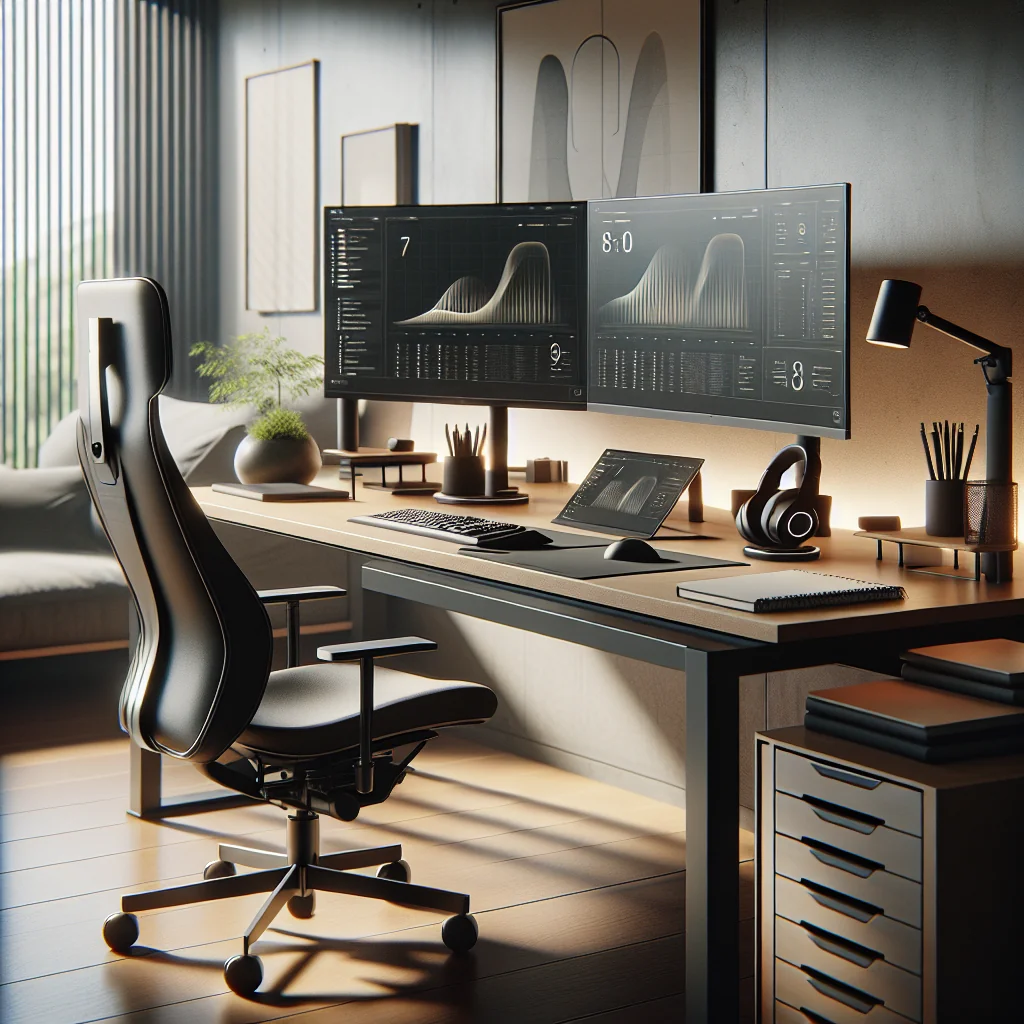
Ergonomics and style can work together. An inspired desk setup often feels more inviting, which makes you more likely to sit correctly and keep the area tidy. Color choices, desk accessories, and keycaps all shape how your workspace feels.
Sage green keycaps, for example, add a soft, calming color without being loud. Pair them with neutral desk mats and a simple plant to keep a clean, focused look. This type of aesthetic desk setup can reduce visual noise and support deep work.
Use cable clips or a cable tray in an IKEA desk setup or small desk setup to hide wires. A clear surface makes it easier to keep ergonomic positions and reduces the urge to hunch over clutter.
Simple Desk Setup vs. Full Productivity Setup
You can build a healthy workspace with a simple desk setup or a more advanced productivity setup. The key is to match your tools to your needs while keeping ergonomics first. The table below compares both styles.
Simple vs. Productivity-Focused Ergonomic Desk Setups
| Setup Type | Main Features | Best For | Ergonomic Focus |
|---|---|---|---|
| Simple Desk Setup | Single monitor, basic keyboard and mouse, small lamp, minimal decor | Small desk setup, students, shared spaces | Correct desk and chair height, neutral wrist posture, basic lighting |
| Productivity Setup | Stacked monitor setup or dual screens, mechanical keyboard, ergonomic mouse, monitor light bar, Pomodoro timer | Full home office setup, remote workers, creative professionals | Optimized screen layout, reduced hand strain, timed breaks, controlled lighting |
| Aesthetic Desk Setup | Coordinated colors, sage green keycaps, plants, framed art, neat cable routing | Home desk setup with design focus, content creators | Visual calm, reduced clutter, better focus, more pleasant work hours |
You can mix elements from each style. For example, a small desk setup can still use a mechanical keyboard, a monitor light bar, and a Pomodoro timer as long as you keep the surface clear and organized.
How to Set Up a Desk: Quick Checklist
Once you understand the key ideas, setting up a computer desk setup is mostly about checking each element in order. Use this as a quick reference when you adjust your own workspace.
- Desk height: Elbows at 90 degrees, shoulders relaxed, wrists straight.
- Chair: Feet flat or on a footrest, lower back supported, slight recline.
- Monitor: Top of screen at or just below eye level, about arm’s length away.
- Stacked monitors: Lower screen as main, upper tilted down, neck neutral.
- Keyboard: Centered, close to your body, low or neutral tilt, comfortable switches.
- Mouse: Near the keyboard, full-hand grip, move with your arm, not only the wrist.
- Lighting: Even room light, minimal glare, consider a monitor light bar.
- Timers: Use a Pomodoro timer or flow timer to cue posture breaks.
- Style: Keep a minimalist desk, use colors like sage green keycaps, and manage cables.
Review this list every few weeks, since habits and gear can drift over time. Small corrections keep your ergonomic computer desk setup healthy, productive, and pleasing to use.
Bringing Your Ergonomic Home Desk Setup Together
A good ergonomic computer desk setup blends posture, tools, lighting, and style. You do not need an expensive office to start. Even an IKEA desk setup with a single monitor, a comfortable chair, and a few chosen desk setup essentials can feel great to work at.
Focus first on comfort and neutral body positions. Then add touches like a mechanical keyboard, a Logitech MX Master 3, a monitor light bar, and a Pomodoro timer to support focus and ease. Over time, refine your inspired desk setup so it fits both your body and your taste.