Sage Green Keycaps and Ergonomic Desk Setups: A Practical Guide
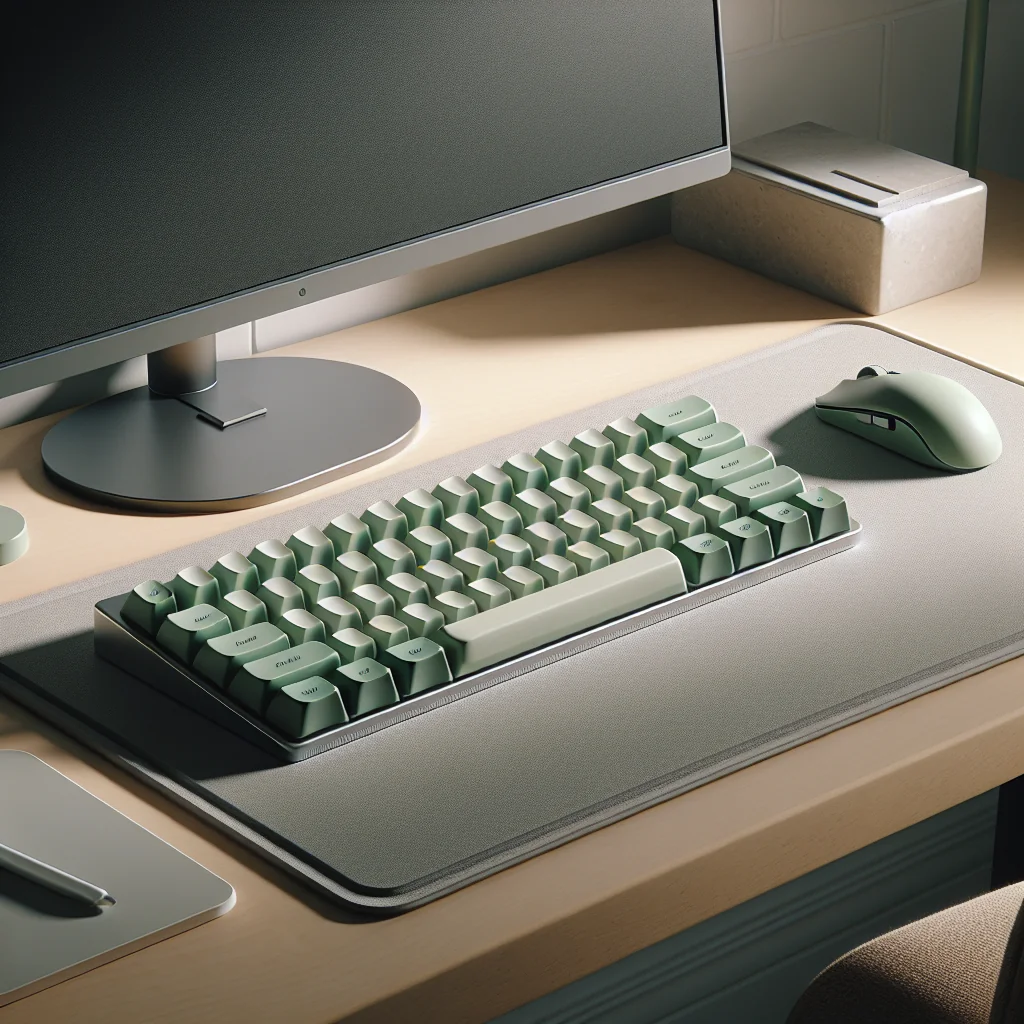
Sage green keycaps ergonomic setups are popular with people who want a calm, focused desk that also supports healthy posture. Color, layout, lighting, and tools like a Pomodoro timer all work together to shape how long you can work comfortably and stay in flow.
This guide explains how to weave sage green keycaps into a minimalist desk, small desk setup, or full home office setup, while keeping ergonomics and productivity at the center.
Why Sage Green Works So Well in an Ergonomic Desk Setup
Sage green sits in a soft, low-key part of the color spectrum. Many people find this color less harsh than bright primary shades and less flat than plain grey. That makes sage green keycaps a strong choice for an aesthetic desk setup that still feels calm and professional.
Color, Focus, and Visual Comfort
From an ergonomic point of view, color can reduce visual stress. High contrast, very bright keys can tire your eyes during long sessions. Sage green keycaps, especially with clear legends, give enough contrast to stay readable without feeling loud. This helps you stay focused on the screen and your work instead of being distracted by the keyboard.
Example Desk Setup Essentials with Sage Green Keycaps
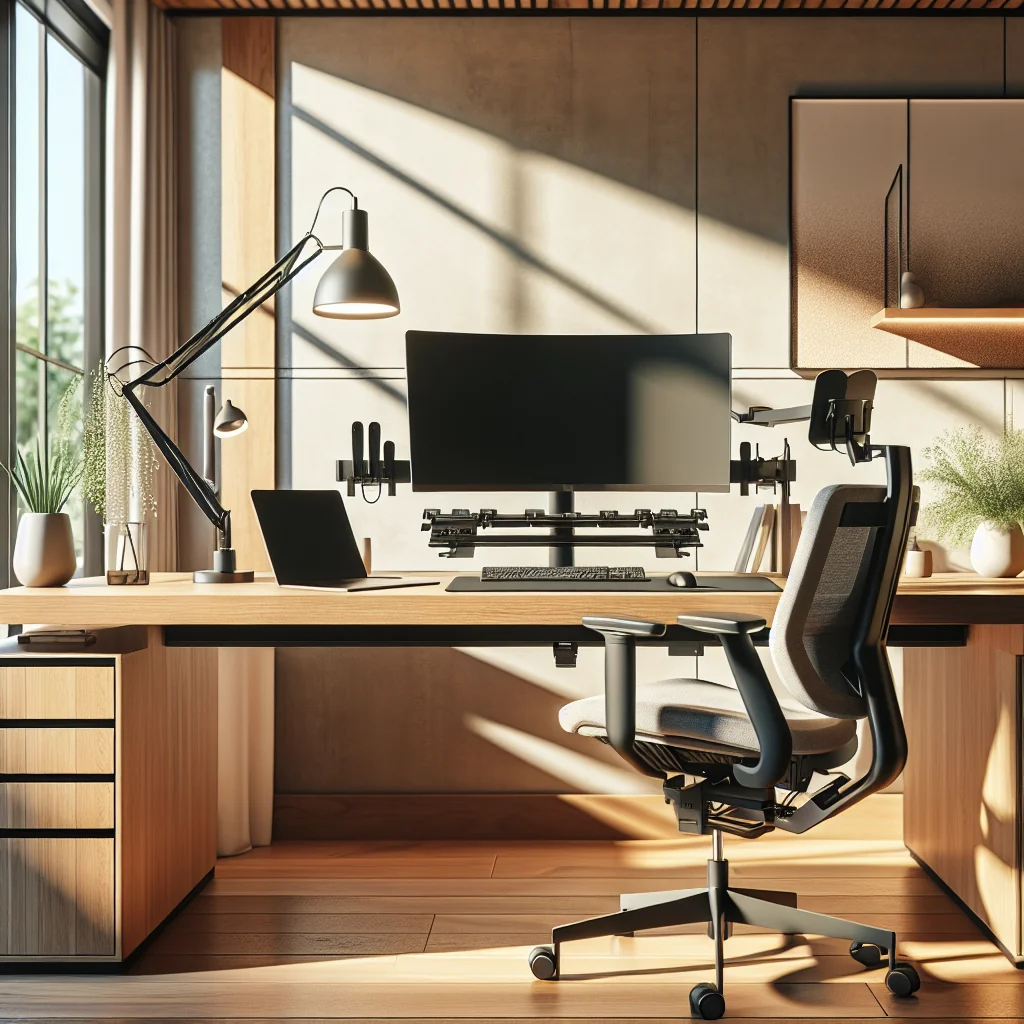
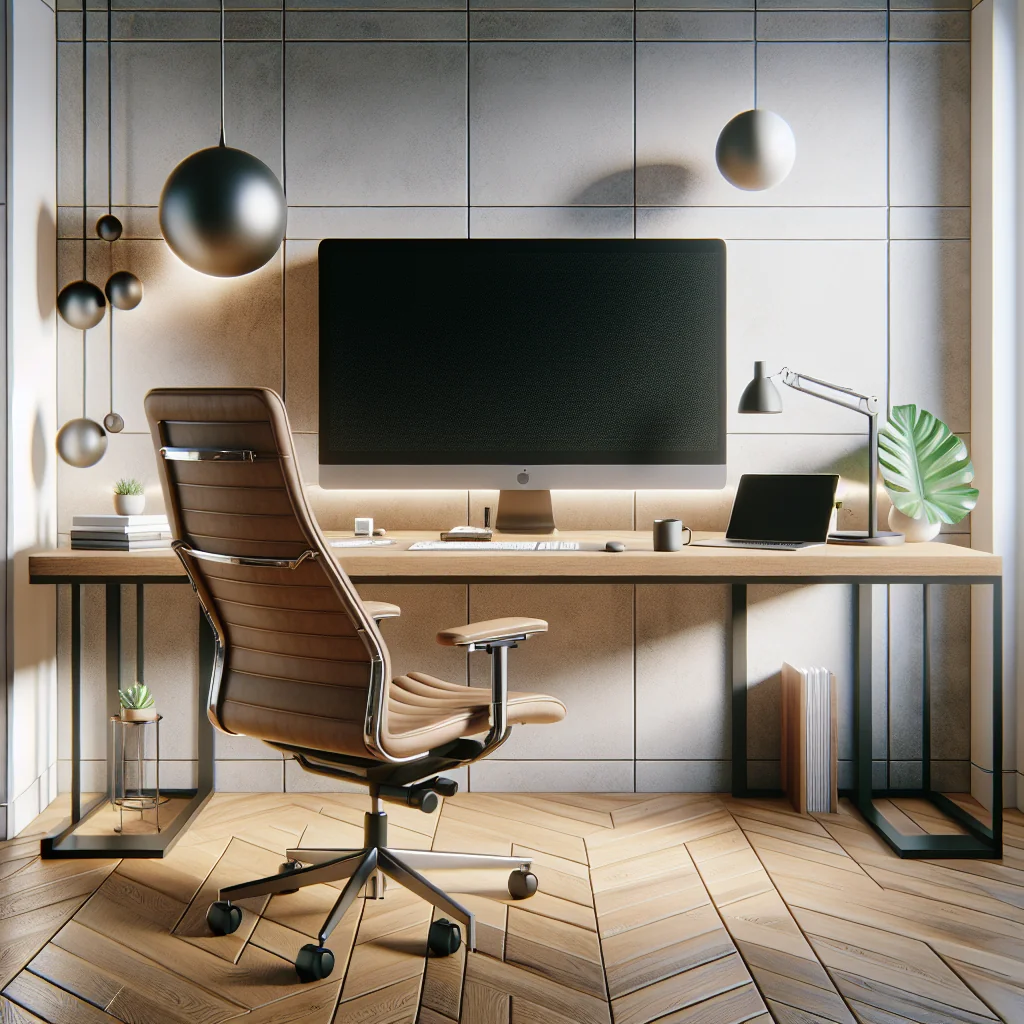
The table below shows a simple way to combine ergonomic essentials with sage green keycaps in a clean, aesthetic desk setup.
Sample ergonomic desk layout with sage green accents
| Item | Role in Ergonomics | Style Notes |
|---|---|---|
| Mechanical keyboard with sage green keycaps | Comfortable typing, reduced finger strain | Soft accent color, focal point of desk |
| Ergonomic chair | Supports back and hips for long sessions | Neutral color to keep focus on desk surface |
| Monitor on adjustable arm | Sets correct eye level and distance | Clean, floating look above desk |
| Monitor light bar | Reduces eye strain and glare | Even light on keyboard and work area |
| Wireless ergonomic mouse | Natural wrist angle, less strain | Matches keyboard for a unified look |
| Desk mat | Stable surface for keyboard and mouse | Frames sage green keycaps and accessories |
| Pomodoro or flow timer | Encourages breaks and movement | Small, minimal design on desk corner |
| Small plant or decor | Mental refresh, softens visual field | Echoes sage green tones |
You can expand or shrink this list based on space and budget, but these items cover the main ergonomic and visual needs for a modern home office setup.
What Is a Mechanical Keyboard, and Why It Matters for Comfort
Before talking layouts and keycaps, you need to know what a mechanical keyboard is. A mechanical keyboard uses individual mechanical switches under each key instead of a single rubber dome sheet found in many cheap office keyboards. Each switch has its own spring and moving parts.
This design changes how typing feels and sounds. Mechanical switches can be light or heavy, clicky or quiet, and short or long travel. Because you can pick a switch that matches your hand strength and typing style, a mechanical keyboard can reduce finger strain compared with a stiff, mushy board.
Switch Feel, Key Travel, and Hand Health
When you add ergonomic ideas like a slight negative tilt, a compact layout, and sculpted keycap profiles, a mechanical keyboard becomes more than an aesthetic object. It becomes a core part of a productivity setup that supports longer, more comfortable sessions.
Choosing Sage Green Keycaps for Ergonomic Typing
Sage green keycaps come in many profiles and materials. Some are better for ergonomics than others. The goal is to match how your hands move with how the keys are shaped and placed.
Here are key points to consider when picking ergonomic sage green keycaps:
- Profile height and shape: Lower profiles, such as Cherry or OEM, keep finger travel shorter and can help reduce strain. Sculpted rows guide your fingers to the right keys.
- Texture and grip: A light matte texture helps prevent slipping, so you do not need to press harder than needed.
- Legend clarity: Good contrast between sage green and the legends keeps your eyes relaxed, especially in low light.
- Layout support: Make sure your keycap set supports your keyboard layout, especially if you use a compact or ergonomic split board.
If you already own a mechanical keyboard, changing to sage green keycaps is a simple upgrade that can make your home desk setup feel fresh while improving typing comfort with the right profile.
Micro-Example: A 65% Sage Green Ergonomic Build
This short example shows how one compact layout can balance ergonomics and style with sage green keycaps.
From Stock Office Board to Sage Green Daily Driver
Imagine you start with a basic full-size office keyboard that feels stiff and forces your mouse far to the right. You switch to a 65% mechanical keyboard with light linear switches and a Cherry profile sage green keycap set. The smaller width pulls the mouse closer, which reduces sideways reach at your shoulder. The sculpted rows help your fingers find keys without looking down, and the soft green color makes the keyboard stand out without feeling loud on a small desk.
Designing a Minimalist Desk Around Sage Green
A minimalist desk helps ergonomics by reducing clutter and distractions, which lowers mental load and gives more physical space for healthy posture. Sage green keycaps can act as the main accent color in a simple desk setup.
Start with a neutral base: a white, black, or light wood desk, a plain desk mat, and a chair that supports your back. Then add small sage green touches: the keycaps, a pen cup, or a small plant. This creates a visual theme without crowding the surface.
Keeping Only Ergonomic Essentials in Reach
Keep desk setup essentials in easy reach only: keyboard, mouse, monitor, and maybe a notebook. Store everything else in drawers or shelves. The fewer items you need to reach over or around, the less you twist or lean during the day.
Small Desk Setup: Making Ergonomics Work in Tight Spaces
A small desk setup can still be ergonomic and beautiful. The key is to use vertical space and compact tools. Sage green keycaps help keep the visual field soft, which matters more when everything is close to you.
Use a compact mechanical keyboard, such as a 65% or 75% layout, so you have room for a mouse without overreaching your shoulder. Pair it with a wireless mouse placed close to the keyboard. This reduces sideways arm movement, which can strain your shoulder over time.
Vertical Storage and Centered Posture
For storage, use shelves, pegboards, or monitor risers instead of deep desk surfaces. That keeps your computer desk setup efficient and your posture centered, even on a narrow budget desk or other smaller tables.
How to Set Up a Desk: Step-by-Step Ergonomic Layout
Use this simple process to build an ergonomic home office setup that highlights your sage green keycaps and supports long, focused sessions.
- Place your desk so that natural light comes from the side, not directly behind or in front of your monitor.
- Adjust chair height so your feet rest flat on the floor and your knees are near 90 degrees.
- Set monitor height so the top of the screen is roughly at eye level, and distance is about an arm’s length.
- Position your mechanical keyboard so your elbows stay close to your body and bent around 90 degrees.
- Place the mouse close beside the keyboard, keeping your wrist straight and your shoulder relaxed.
- Angle the keyboard flat or slightly negative; avoid using tall rear feet that force your wrists to bend upward.
- Arrange desk setup essentials, like notebook, pen, and phone, within easy reach to avoid leaning or twisting.
- Use a Pomodoro or flow timer to break work into focused blocks with short movement breaks.
Repeat this quick check each time you change something in your computer desk setup. Small adjustments over a week can make a big difference in comfort.
Lighting, Monitor Setups, and Staying in Flow
Good lighting supports both ergonomics and the look of your inspired desk setup. Poor lighting makes you lean forward, squint, and tense your neck. A well-lit space lets you sit back in your chair and keep a relaxed posture.
To light an office, use a mix of indirect room lighting and focused task lighting. A monitor light bar can light your desk and keyboard without causing screen glare. This is especially helpful if your sage green keycaps are darker or if you work at night.
Single and Dual Monitor Positioning
A stacked monitor setup can be ergonomic if you spend more time on the main, lower monitor and only glance up at the top one. Keep the primary screen at eye level and the secondary slightly above. If you find yourself tilting your head up for long periods, adjust heights or consider a side-by-side layout instead.
Timers, Flow, and Productivity Setup
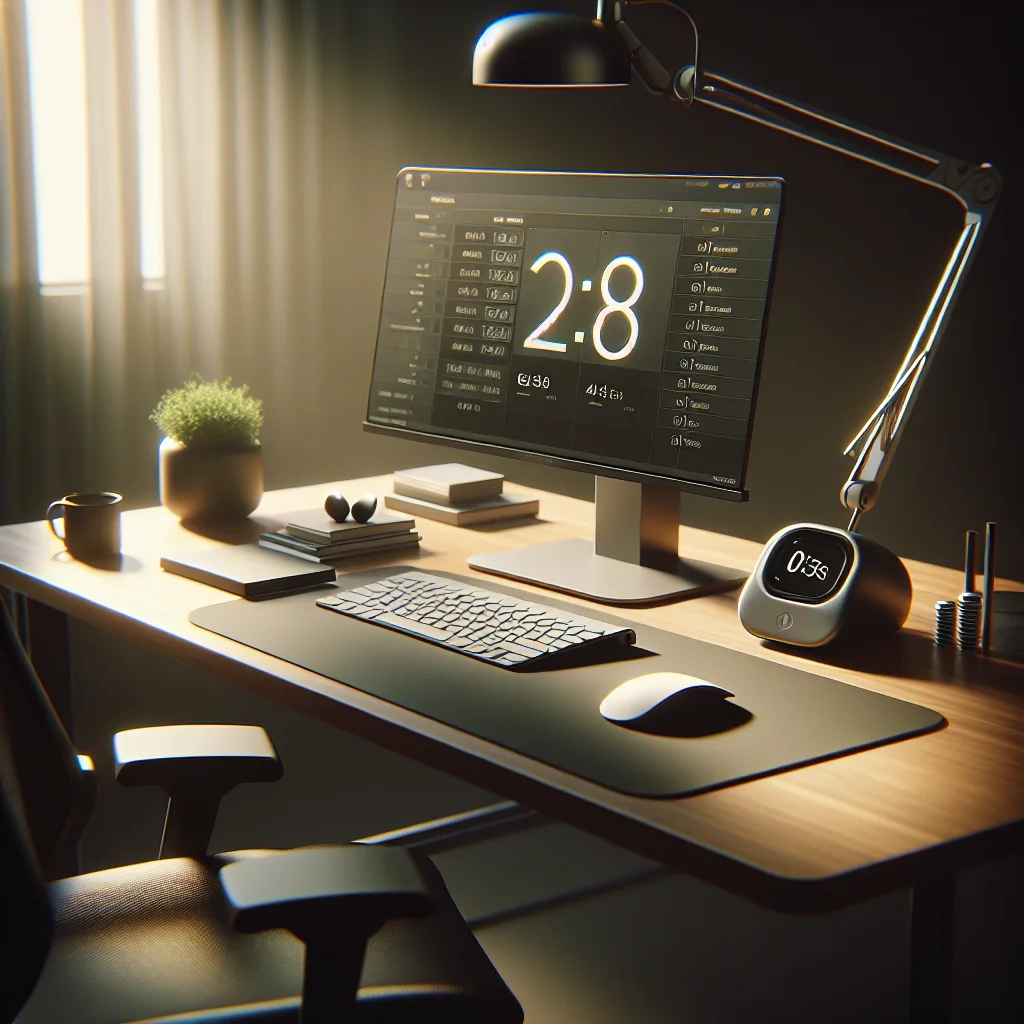
Ergonomics is not just about furniture. Work rhythm matters too. A Pomodoro timer or flow timer helps you avoid long, static sessions that strain your back, neck, and hands. Short breaks give your body a chance to reset.
Many people use 25 minutes of focused work followed by a 5-minute break, but you can adjust the ratio. During breaks, stand, roll your shoulders, and stretch your fingers. Keep your breaks active rather than scrolling on your phone at the same desk.
Placing Timers Without Breaking Posture
Place your timer where you can see it at a glance without twisting. This small change keeps your head aligned and helps you stay in a gentle state of flow rather than constantly checking your phone or another screen.
Mouse, Accessories, and the Logitech MX Master 3
The keyboard is only half of an ergonomic input setup. A good mouse can reduce strain on your wrist and forearm. Many people like the Logitech MX Master 3 for its sculpted shape, thumb rest, and smooth scrolling.
In a home desk setup, the MX Master 3 pairs well with a compact keyboard and sage green keycaps, especially if you keep the mouse close and your arm relaxed. The extra buttons can reduce repeated keyboard shortcuts, which helps if your fingers get tired.
Matching Mouse Size to Your Hand
Whatever mouse you pick, match its size to your hand and grip style. A mouse that is too small or too large can force awkward angles, which undermines the ergonomic gains from your keyboard and desk layout.
Bringing Sage Green Keycaps into a Complete Home Office Setup
A well-planned home office or compact desk setup does not need to be complex. Start with posture and reach: chair, monitor, keyboard, and mouse. Then layer in lighting, timers, and a few decor pieces. Sage green keycaps can tie the whole scene together without overwhelming the space.
Whether you work at a small desk setup in a bedroom corner or a full office with a dual monitor setup, the same ideas apply. Keep what you use often close, keep your body aligned, and use calm colors and light to support focus. The result is a simple desk setup that looks good, feels good, and helps you stay productive.